

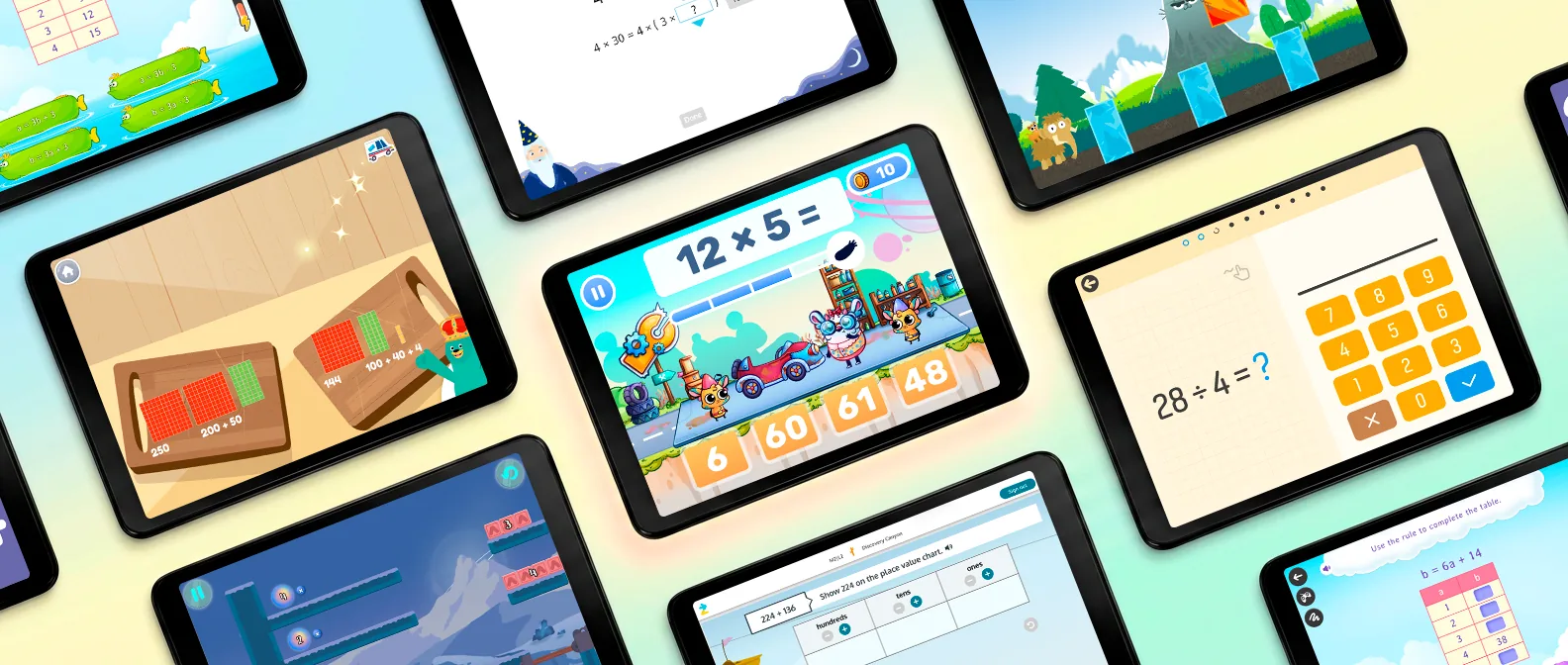
The long division problem has been sitting on the kitchen table for twenty minutes. 3,248 ÷ 7. Your fourth grader knows the steps. You watched them draw the bracket, circle the 32, get ready to bring down the next digit. The steps aren't what's stuck. It is a little question hiding inside the first step: what times 7 gets close to 32 without going over? The pencil taps. Under their breath comes a whispered 7, 14, 21, 28.
That's 4th grade math in one problem. Common Core expects kids to know from memory all products of two one-digit numbers by the end of grade 3, and fourth grade builds directly on that with multi-digit multiplication, dividing bigger numbers, fraction equivalence and the properties of shapes. Long division problems run through a handful of math facts. When one of them is slow, the whole problem stalls. So this list of math apps asks three things of each one: Does it fix the facts? Does it cover new work? Will your nine-year-old still open it in November?
Short answer
There's no single best math app for fourth grade, because the year asks for two different things: facts that come instantly and a lot of new material built on them. So here is the short answer by job.
- Best for math facts fluency: MathHero. A story-driven math game where every move runs on multiplication and division facts and on adding and subtracting within 1000, the fact base under every multi-digit problem this year. Free to play at five levels a day.
- Best free full course: Khan Academy, the whole fourth grade curriculum with videos.
- Best for practice matched to school standards: IXL.
- Best for fractions: Math Makers.
- Best for a kid who wants a big fantasy world: Prodigy Math.
- Best free visual models: the Math Learning Center apps.
Most fourth graders do best with two: one app for the facts and one for the new work.
Full disclosure: I work with MathHero as a math curriculum consultant. That's why the selection rules are written out below, why MathHero's entry ends with a limitation like every other app, and why a good part of this guide points you somewhere else.
Best math apps for 4th graders at a glance
| # | App | Best for | Ages or grades | Pricing model |
|---|---|---|---|---|
| 1 | MathHero | Math facts fluency: multiplication and division facts, inside a story kids want to play | Ages 5 to 10 | Free at 5 levels a day; subscription removes the cap |
| 2 | Prodigy Math | A kid who wants a role-playing world | Grades 1 to 8 | Free to play; optional membership adds pets, gear and perks |
| 3 | Khan Academy | A free full 4th grade course with videos | Kindergarten and up | Free (nonprofit) |
| 4 | IXL Math | Standard-by-standard practice alongside school | Pre-K to Grade 12 | Subscription; free mode is 10 questions a day |
| 5 | Reflex | Fact fluency in a classroom | Grades 2 to 6 | School license; home version through Time4MathFacts |
| 6 | Math Makers | Fractions you can see and cut | Ages 5 to 10 | Subscription after a 7-day trial; no free mode |
| 7 | SplashLearn | A big library of short mini-games across many topics | Pre-K to Grade 5 | Family subscription after a 7-day free trial |
| 8 | Kahoot! DragonBox apps | A kid who's ready for algebra and geometry | Ages 5+ to 9+, by app | Kahoot! Kids subscription |
| 9 | Math Learning Center apps | Free visual models for fractions, arrays and angles | Elementary grades | Free (nonprofit) |
Pricing models for all 9 math apps were checked on the developers' own pages and store listings in September 2026. They change, so confirm before you pay for anything.
How I chose them
Four questions, asked in this order, decided which apps made the list.
- Will a nine-year-old come back on day 20? A fourth grader has opinions, a tablet full of alternatives and no particular wish to learn math after school. I looked for what keeps pulling a kid back after the first week: a story to finish, a character to dress up, a world that keeps opening, or quiet satisfaction of getting faster.
- Does it hit 4th grade math? Either the fact fluency that multi-digit work runs on, or the new material: long division, fractions, angles. Curriculum-aligned content counts, but only if a kid will sit through it.
- What does free get you? Specifically, whether a free version limits what your child can play or only how much of it per day.
- How much can you steer, and how much can you see? Topic choice, difficulty, speed, progress reports, and whether the app sets skill levels on its own or lets you set them.
There's no overall winner here: each app is on the list for one job. MathHero is the pick for the facts. The new fourth grade material (fractions, long division methods, angles) belongs to Khan Academy, IXL, Math Makers and the Math Learning Center apps, and the entries below say which does what.
What math do 4th graders learn?
Mostly bigger multiplying and dividing, first serious fraction work, and angles. Common Core names three critical areas for grade 4: fluency with multi-digit products and dividing multi-digit numbers, fraction equivalence, adding and subtracting fractions with like denominators and multiplying a fraction by a whole number, and classifying shapes by properties such as parallel sides and angle measures. Place value now runs to 1,000,000. Over the year, students are asked to:
- multiply a number of up to four digits by a one-digit number, and multiply two two-digit numbers, using place value, arrays and area models;
- find quotients and remainders with up to four-digit dividends and one-digit divisors;
- add and subtract multi-digit whole numbers fluently with the standard algorithm;
- draw points, lines, line segments, rays, angles, and parallel and perpendicular lines, and find them in shapes.
Notice what isn't on that list: learning the single-digit facts. Those basic math skills were due at the end of third grade. Fourth grade assumes them and leans on them. A kid who's still skip-counting to find 6 × 8 can understand long division perfectly well and still get buried by it because every step waits on a fact. Quick recall of math facts is a strong foundation this year stands on, and it's the gap MathHero is built to close.
For context, 39 percent of fourth-grade students scored at or above NAEP Proficient in math in 2024. NAEP itself notes that its Proficient level isn't the same as grade-level proficiency on state tests. So read that as a sign that plenty of students find this year hard, not as a verdict on yours.
The 9 best math apps for 4th graders
1. MathHero, best for math facts fluency
MathHero drops your kid into a world overrun by slimes. There are animals to rescue, things to build, races to run and battles to win, and every one of them runs on answers. A correct 7 × 8 lands the hit. A correct 54 ÷ 6 keeps the race cart rolling. A wrong answer costs little, and play goes on. The math isn't a toll booth in front of the fun. It's the controller.
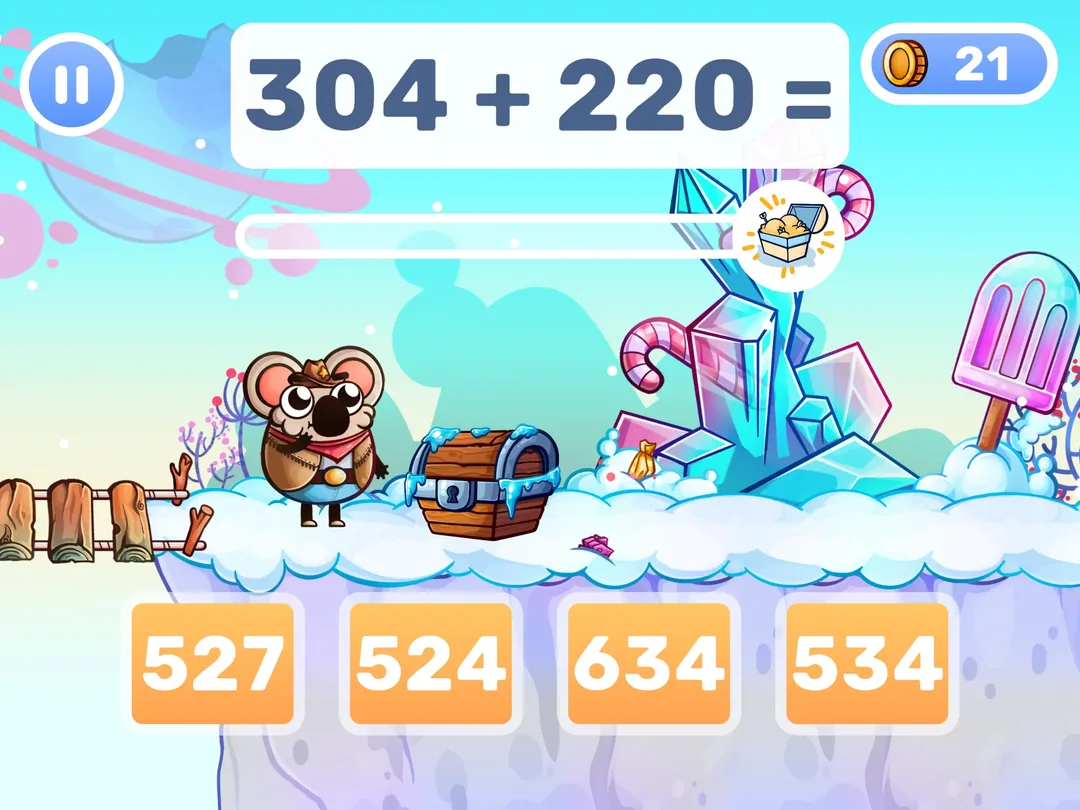
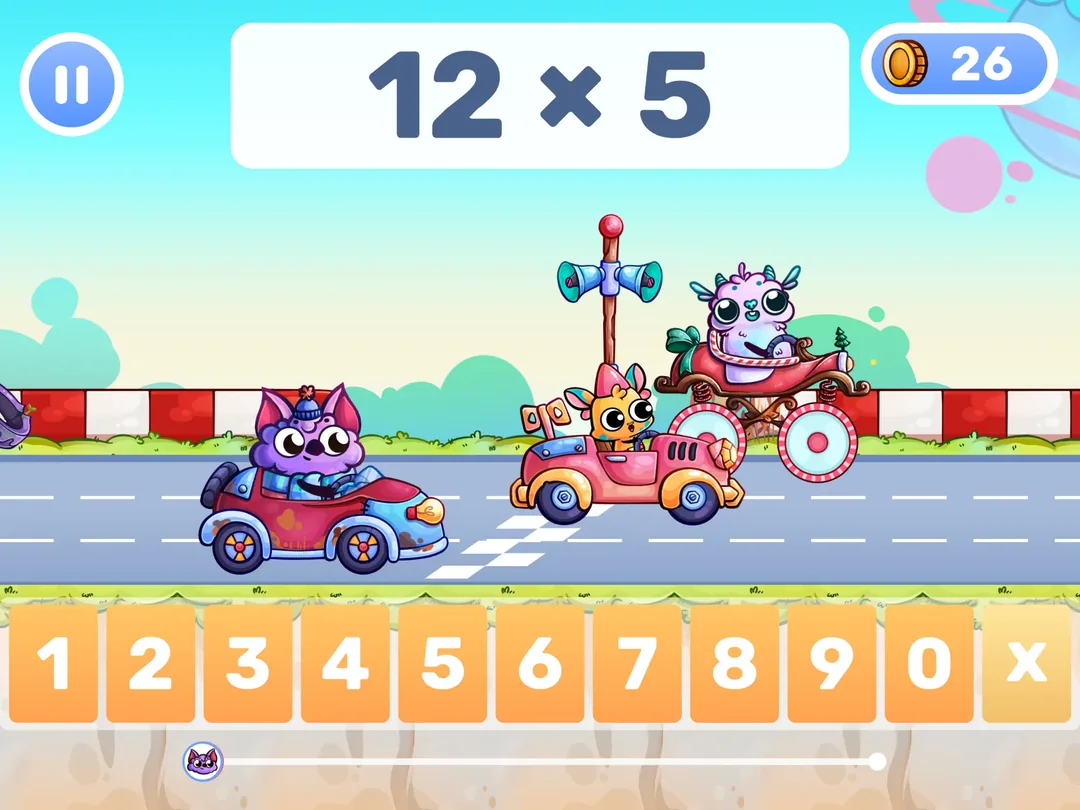
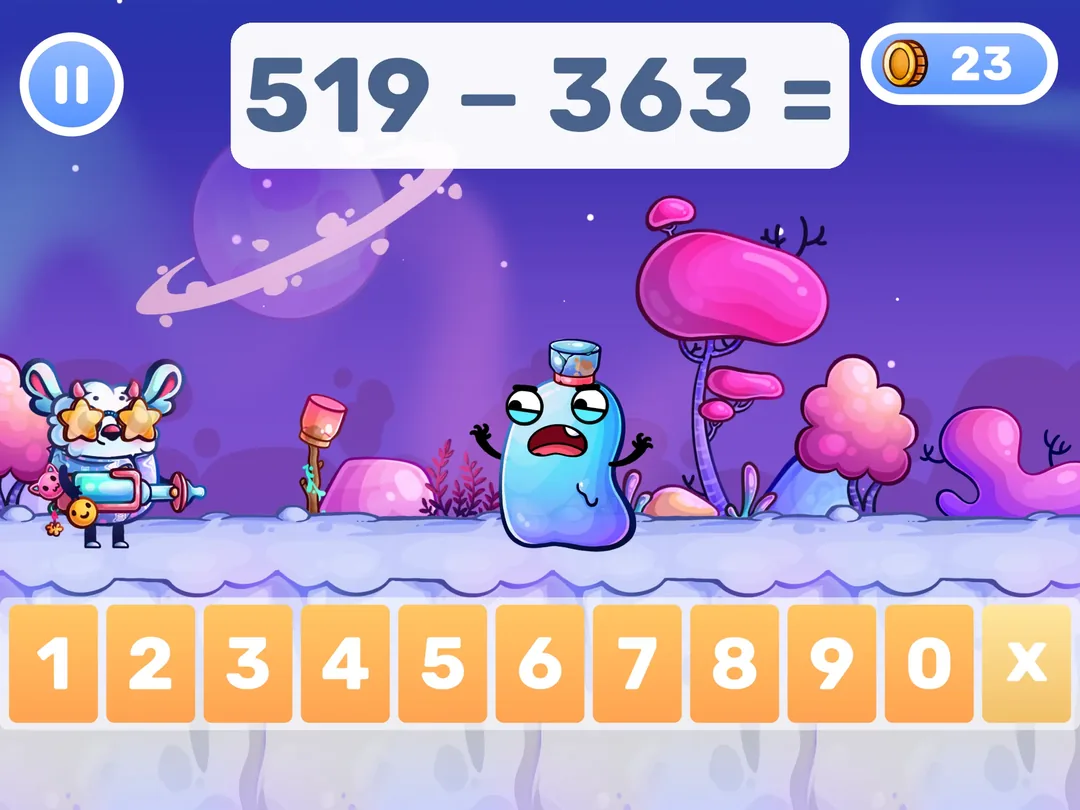
For a fourth grader, the range covers the part of the year that trips a lot of kids up: the tables, the division facts that mirror them, and adding and subtracting within 1000. That's the layer every multi-digit problem sits on. Fourth grade is also the top of MathHero's age range (5 to 10), so early levels will feel easy. Set the topic yourself instead of starting from the beginning.
You set it up once. Pick the topic: just the ×7 and ×9 tables if those are the sticky ones, or division facts on their own. Then choose a guided step-by-step path or open practice at a difficulty of your choice. Slow the monsters down for a kid who freezes under a clock and speed them up as answers get automatic. Switch from multiple choice to typed answers when guessing creeps in. Each child gets a profile with separate settings and progress, so a first grader on addition within 20 and a fourth grader on ×8 can share one tablet.
Parents describe the pull in plain terms. One wrote: "He even prefers it over Roblox." For a nine-year-old who'd rather do anything than practice math, that's the whole contest. US store ratings: Google Play 4.7 (48k) / Apple App Store 4.6 (12k).
Free here means the whole game. Your kid can finish it without paying, with no locked worlds and no ads. The limit is pace: five levels a day per profile, which is a real daily session of math practice, not a sample. A subscription, with a free trial first, removes the daily cap.
Strengths: math is the gameplay; a hero of their own to dress up; you choose the exact facts, speed, and answer format; per-child profiles; works offline; the whole game free at five levels a day, with no ads.
Limitation: facts and whole-number addition, subtraction, multiplication and division only. No fractions, decimals, angles, measurement or word problems, and no multi-digit written methods like long division, which together make up most of the new fourth grade content. There are no instructional videos either, so a new method still needs a teacher or you to introduce it; MathHero makes the facts underneath automatic. And at the top of its age range, a keen fourth grader can finish the main story before new levels arrive.
Try MathHero free, five levels a day or read the full MathHero review.
2. Prodigy Math, best for a kid who wants a role-playing world
Your kid builds a wizard, explores an open world and fights monsters, and every spell costs a correct answer. It's one of the few role-playing games built around school math: players answer math questions to win battles and complete quests, and the questions shift as students complete battles. By Prodigy's own count, the game covers more than 1,500 skills for grades 1 to 8, aligned to curriculum standards, which puts a fourth grader right in the middle of its range. Of everything here, it's a math game with the biggest world, and the in-game characters, pets and gear do a lot of the pulling.
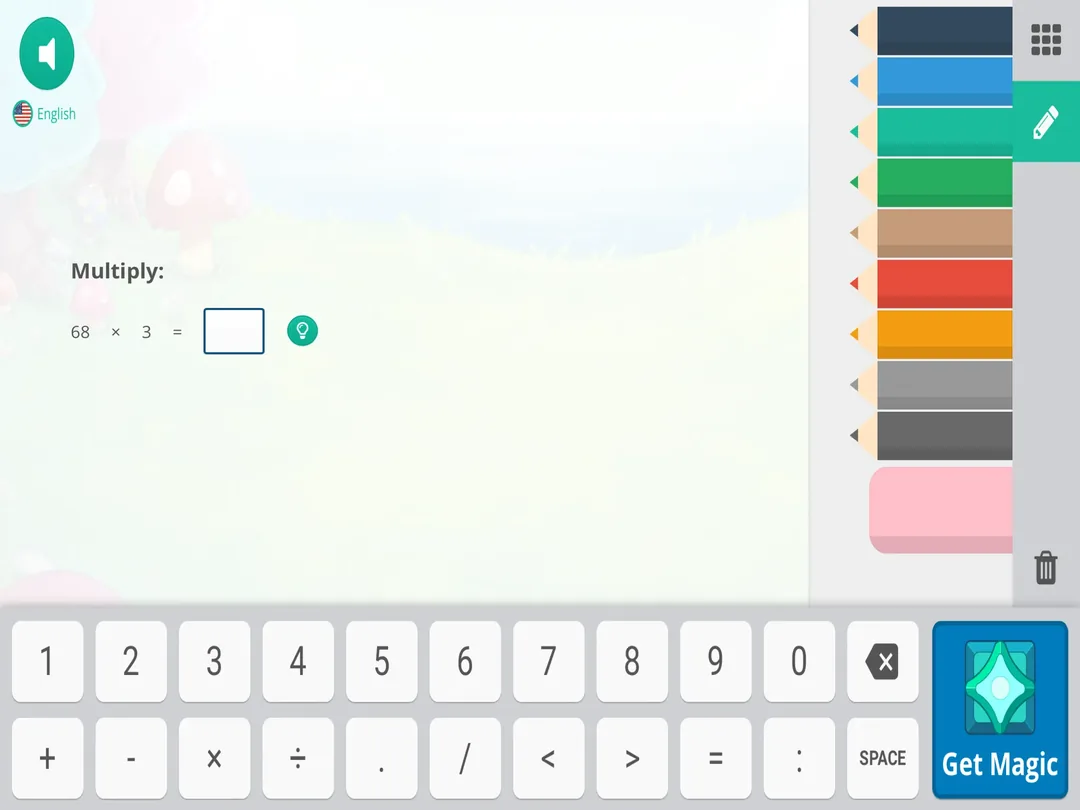
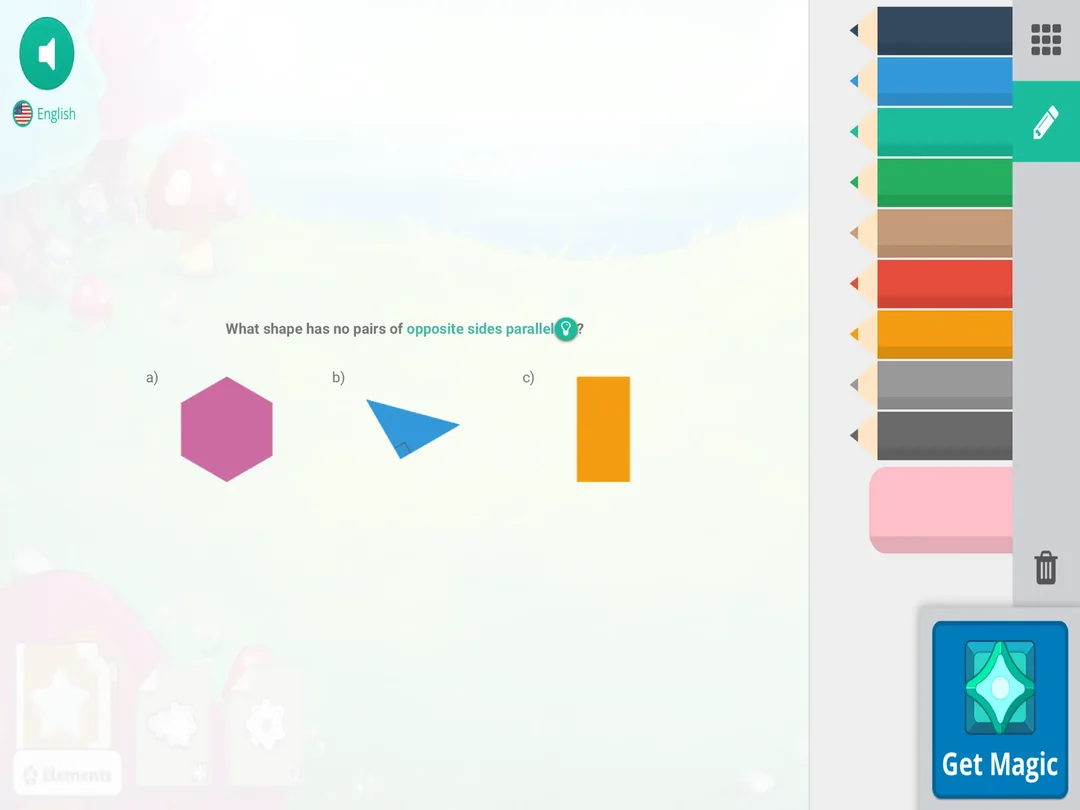
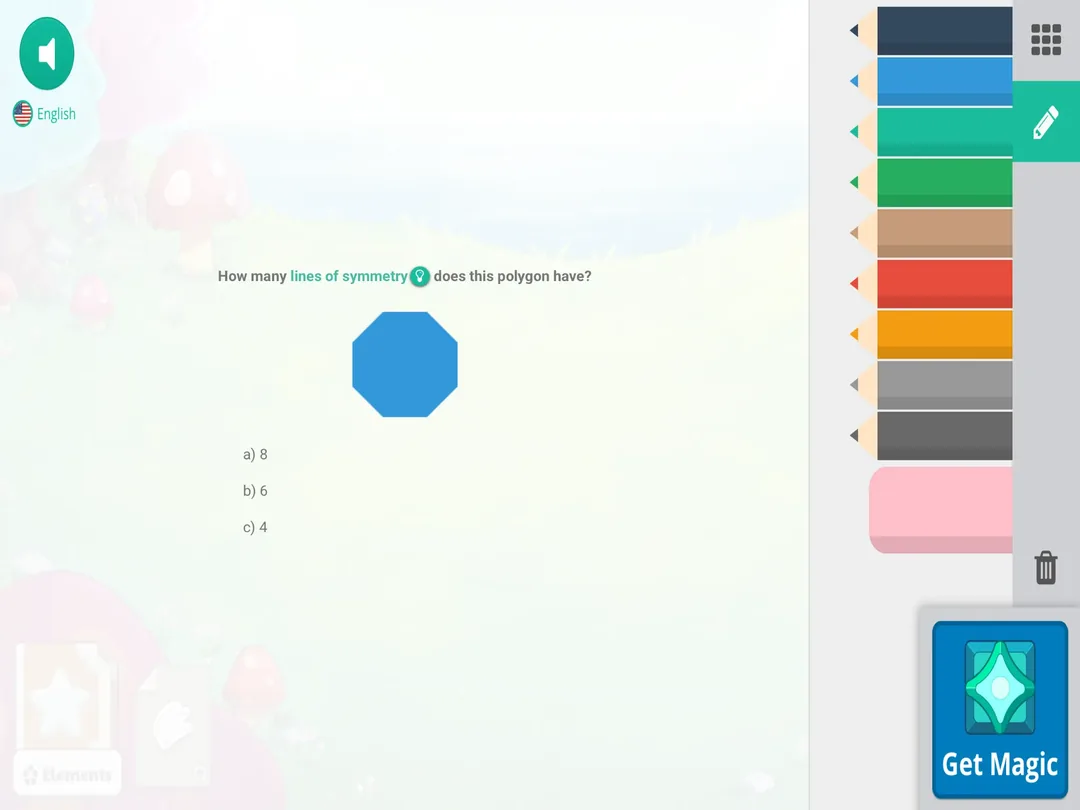
Parents get a free account that shows recent activity, curriculum progress and a monthly report card. Teachers get more: Prodigy is free for teachers and schools, with standards-aligned assignments, a placement test and reports, including a usage report that counts the questions students answer at home. So it runs both in the classroom and the couch. By Prodigy's own count, more than 800,000 teachers in over 70,000 schools use it.
The math is free. What costs money is the fun around it: an optional membership adds pets, gear and perks, and free players see those extras along the way. The bigger catch is time. Sessions run long, and a good share of each one goes to walking the map and catching pets rather than answering questions.
Strengths: strong pull with kids who resist math drills, adaptive learning across grades 1 to 8, free reports for parents and teachers.
Limitation: long sessions by design, which makes a ten-minute routine hard to hold, plus steady reminders of what members get.
3. Khan Academy, best free 4th grade course with videos
The free nonprofit site that high-school students use for algebra and calculus also runs a full fourth grade math course, with units such as multiplying by 1-digit numbers, division and equivalent fractions and comparing fractions. Units pair instructional math videos with practice problems, and the app's mastery system recommends which skill or video to try next.
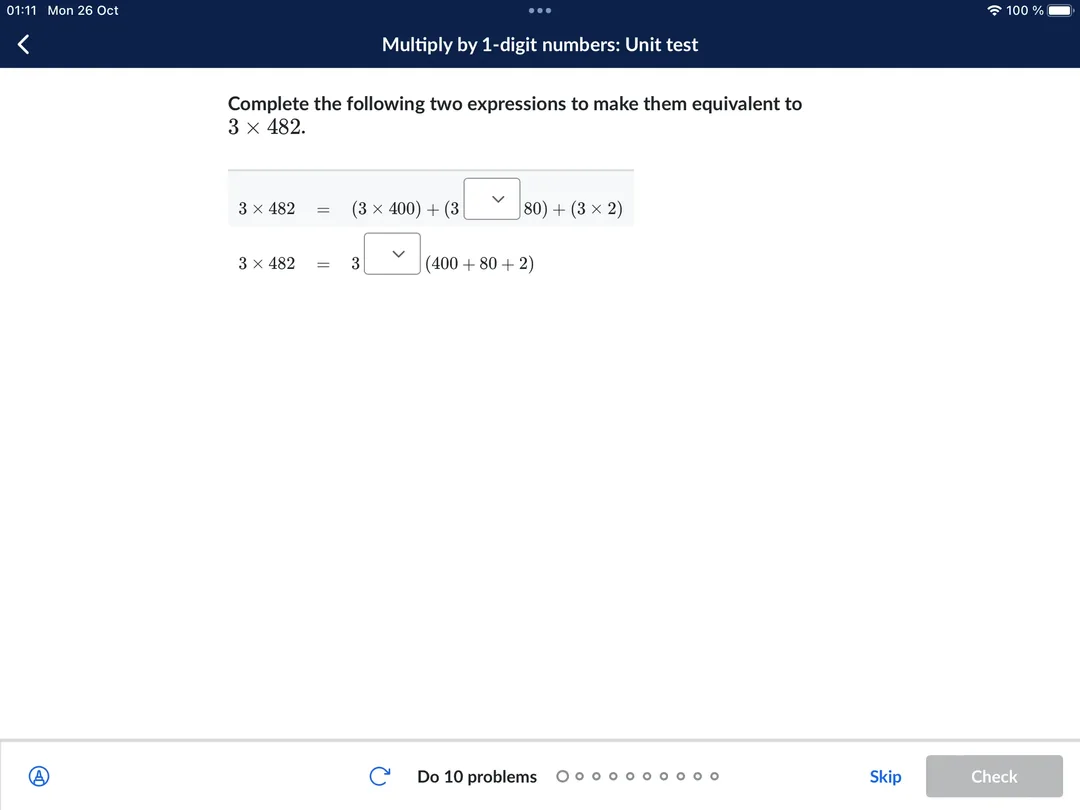
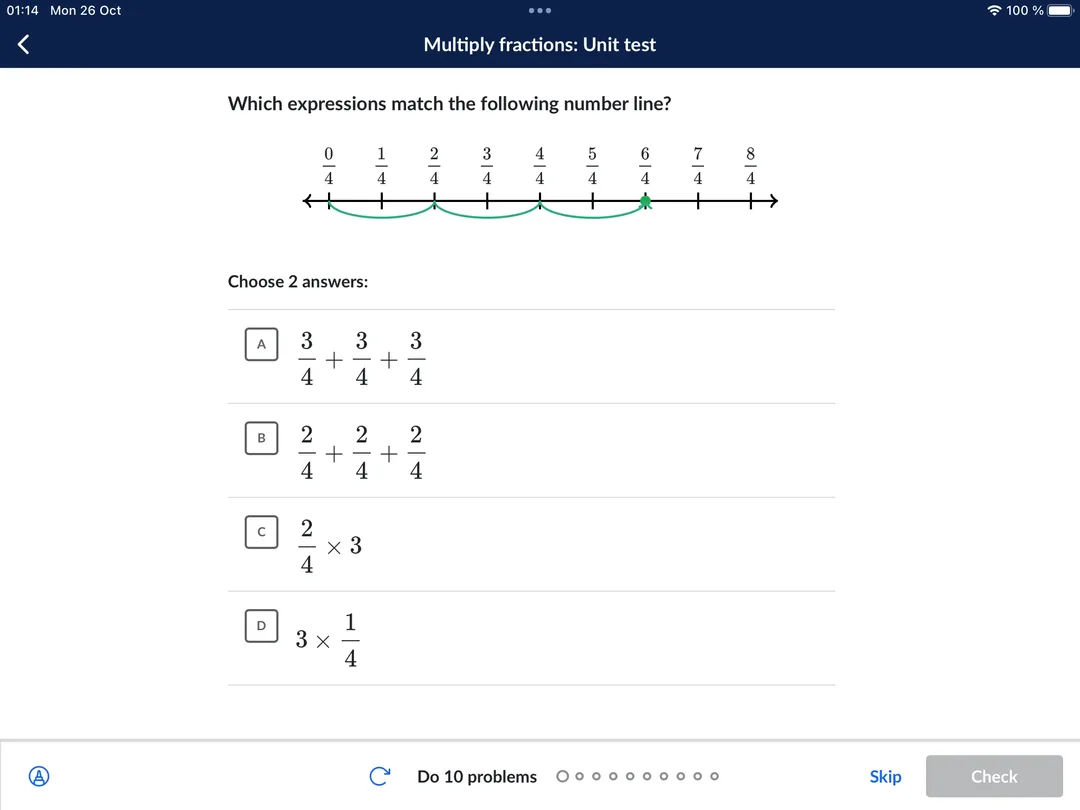
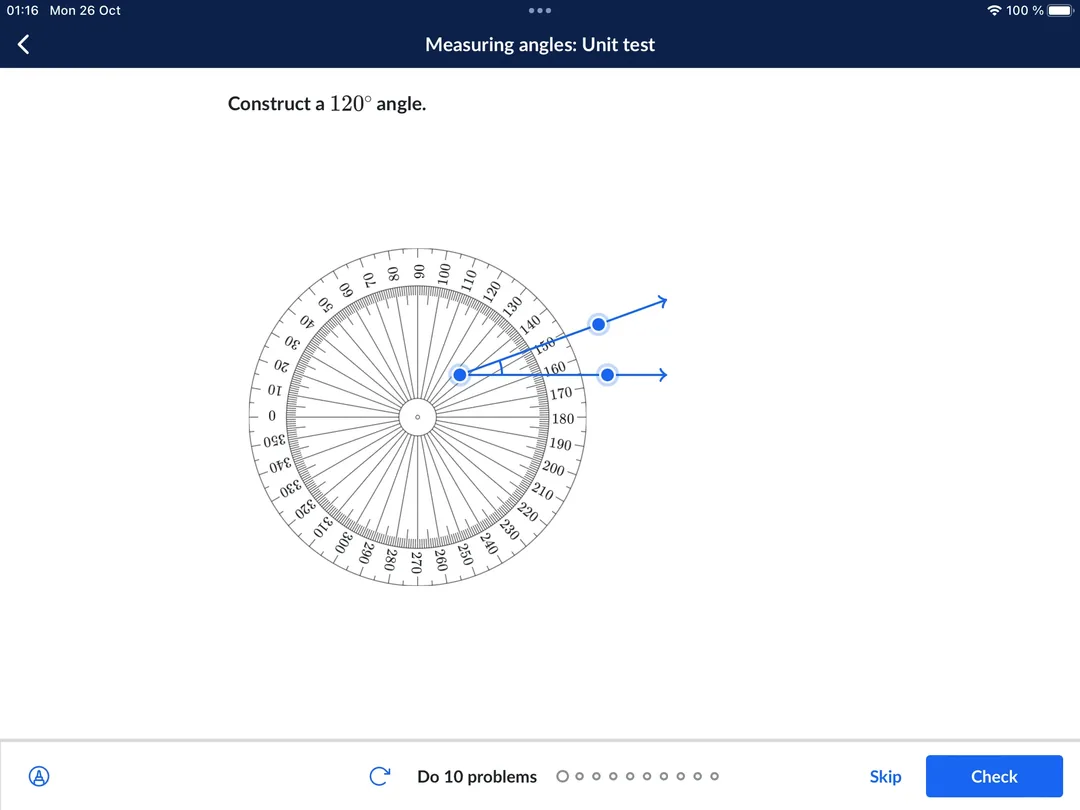
The videos are why it ranks this high. When long division goes sideways at nine at night, a short clip that walks through each step is the best free help you'll find, and for parents who haven't seen the method since their own math classes, it's a great resource too. Its whole pitch is a global classroom: in its own words, a free, world-class education for anyone, anywhere. It's also self-paced learning at its plainest: students move at their own pace, with no story, no character, just the next exercise, and the parent tools live on the website rather than in the app.
Is Khan Academy Kids enough for a 4th grader? No. The Kids app is built for ages 2 to 8 and runs from preschool to 2nd grade, so a fourth grader has outgrown it. Save it for a younger sibling and use the main course.
Strengths: a free full fourth grade curriculum, videos next to the exercises, a mastery system that points to the next skill.
Limitation: little built-in pull for a nine-year-old, so it works best with an adult nearby or a clear daily target.
4. IXL Math, best for standards-aligned practice alongside school
IXL is practice with the game taken out: practice exercises one question at a time, one answer box, one score that climbs. It lists hundreds of fourth grade math skills, from multiplying by two-digit numbers and dividing by one-digit numbers to equivalent fractions, multiplying fractions by whole numbers, decimals, angle measurement and symmetry. Its skills are mapped to the Common Core 4th grade standards domain by domain.
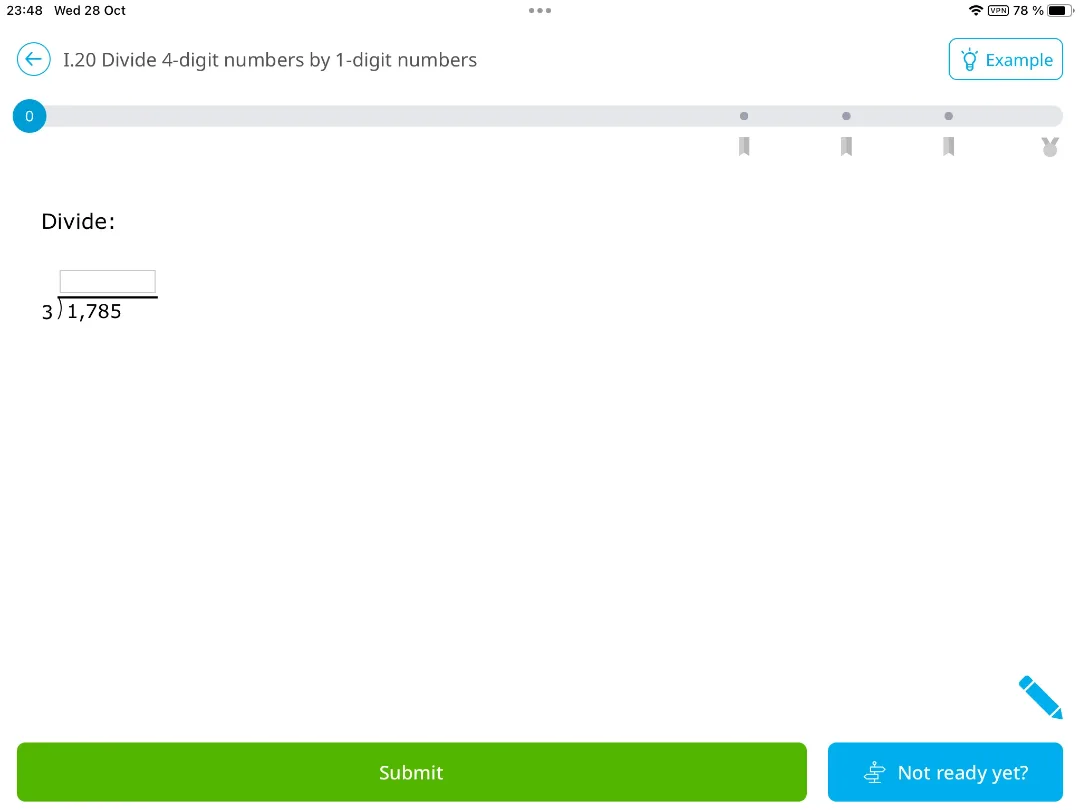
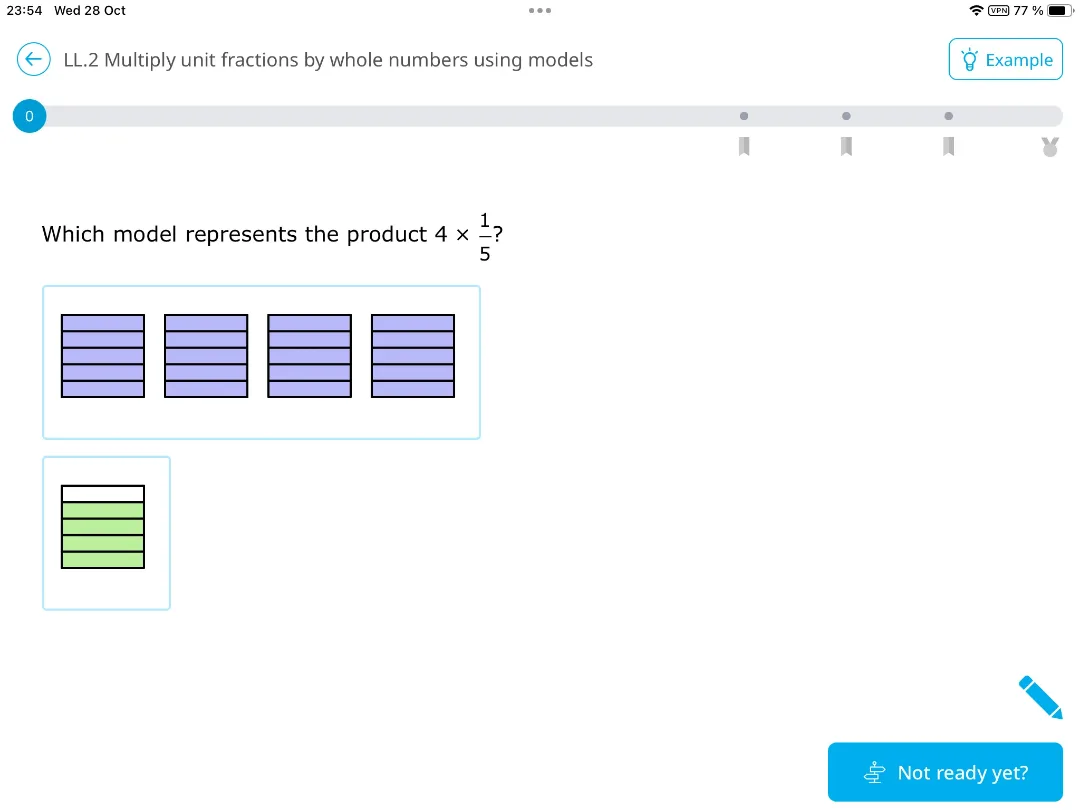
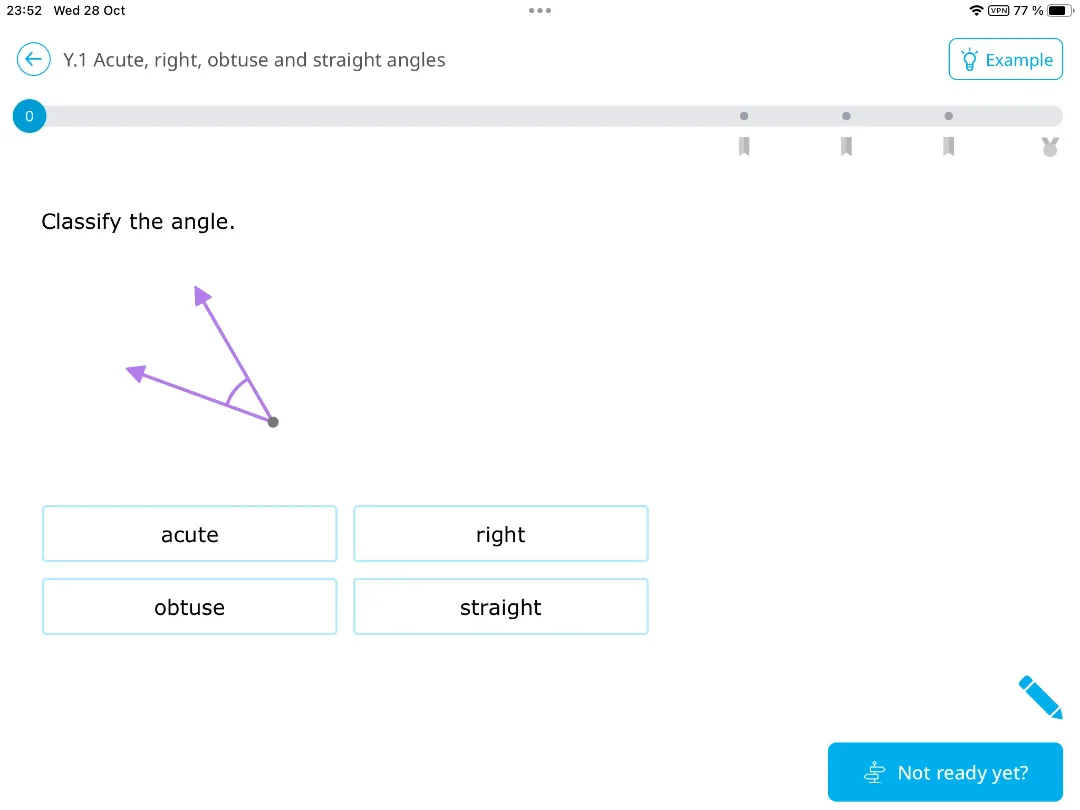
Families and teachers can pick a skill plan that aligns to a textbook or state standards, which makes it easy to line up with classroom work. When students miss a question, a worked explanation walks through the correct answer, one of the clearest on this list. Free use is 10 questions a day; after that it's a subscription.
The score is the catch. It rises fast, slows near the top and drops after a late miss, which is exactly where a lot of students give up. Use IXL's practice problems for the one skill the class is on this week, and let something else carry the daily habit.
Strengths: the whole fourth grade curriculum, clear explanations after mistakes, room to work ahead.
Limitation: less pull than a game to bring a kid back the next day, and the scoring punishes late mistakes.
5. Reflex, best for fact fluency in a classroom
If your child's school already pays for Reflex, use it. It's a serious fact tool, and roundups often undersell it: Reflex covers basic facts in all four operations, not only addition and subtraction, and it's designed for students in grades 2 to 6. It's adaptive learning aimed at a single target. Students play short games on an island, the system uses fact families to deliver the next facts each student needs, and a Green Light marks the day's practice as done.
Teachers get reports on usage and on individual and classroom fluency growth, and the most popular way to buy it is a school site license that covers all teachers and students in one school for a year, with a 30-day free trial for teachers. If your kid uses it at school, you can open a free parent reporting account that shows which facts and families they've mastered, with weekly email updates. Families buying it for home go through Time4MathFacts instead.
Strengths: all four operations, short sessions with a clear finish line, detailed reports for teachers.
Limitation: built for schools first; at home, you buy it under a different brand, and the program, not you, decides which facts come next.
6. Math Makers, best for fractions
Math Makers is a math puzzle game by Ululab, the studio behind Slice Fractions, for ages about 5 to 10. It grew out of Slice Fractions and includes its fraction puzzles, extended to addition, subtraction and multiplication. Each level is a small puzzle: the child clears the way for a funny animal by combining, cancelling, grouping or slicing blocks.
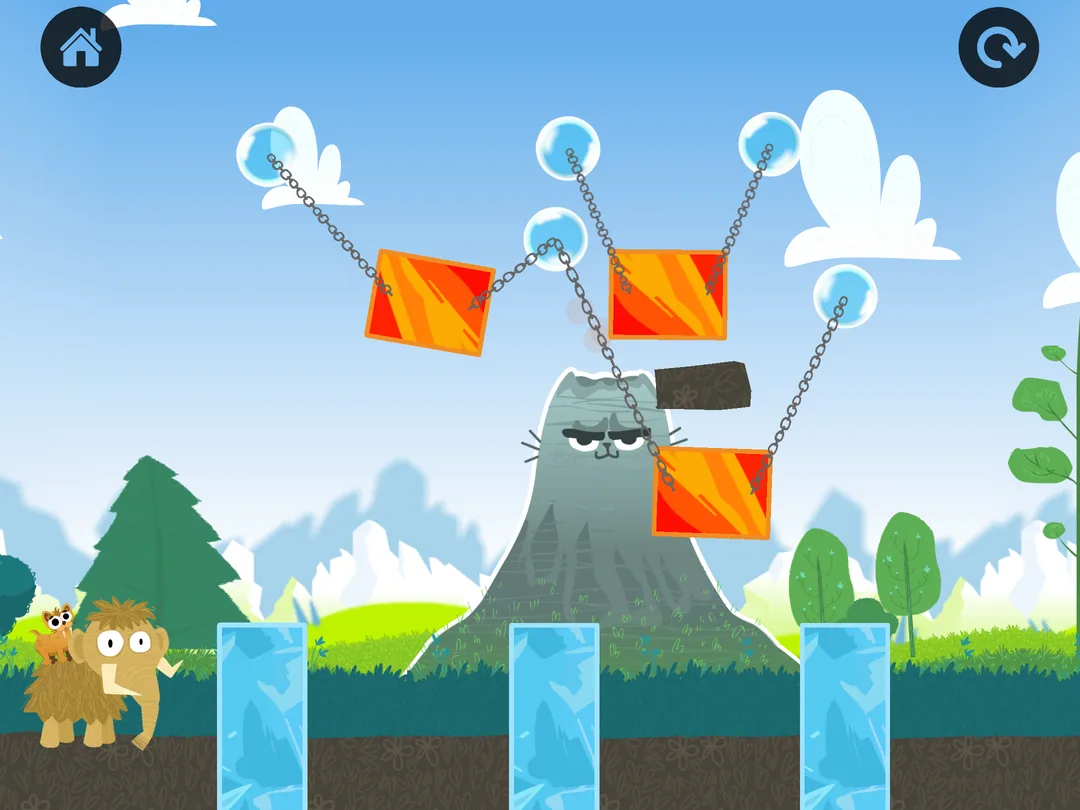
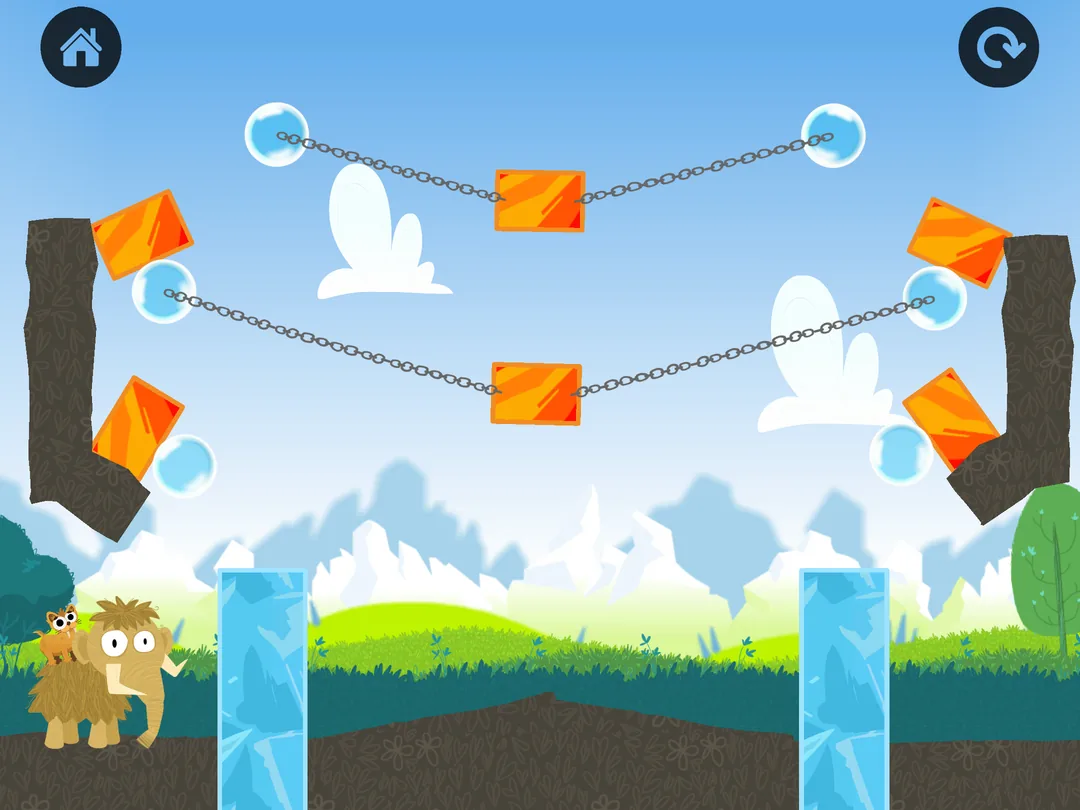

The math is in those moves, so the child sees why 2/4 and 1/2 are the same amount before anyone asks them to write it. There are no words in the game, and the graphics are bright and funny. And there are rewards: hats and accessories for the animals, pets to collect, a home base (the Den) to decorate, seasonal events.
The pricing model is subscription only after a 7-day trial, with no free mode. One account covers up to 3 children, and there are no ads.
Strengths: fractions you can see and cut, no reading needed, regular updates.
Limitation: each puzzle uses only a few numbers, so it shows how fractions work more than it gives a lot of practice; the visual approach clicks for some children, while others solve the puzzle without connecting it to the numbers.
7. SplashLearn, best source of short mini-games across many topics
SplashLearn is a kids learning app for Pre-K through Grade 5 in math and reading, aligned with Common Core and state standards. Each child gets a personalized learning path, and parents get progress tracking.
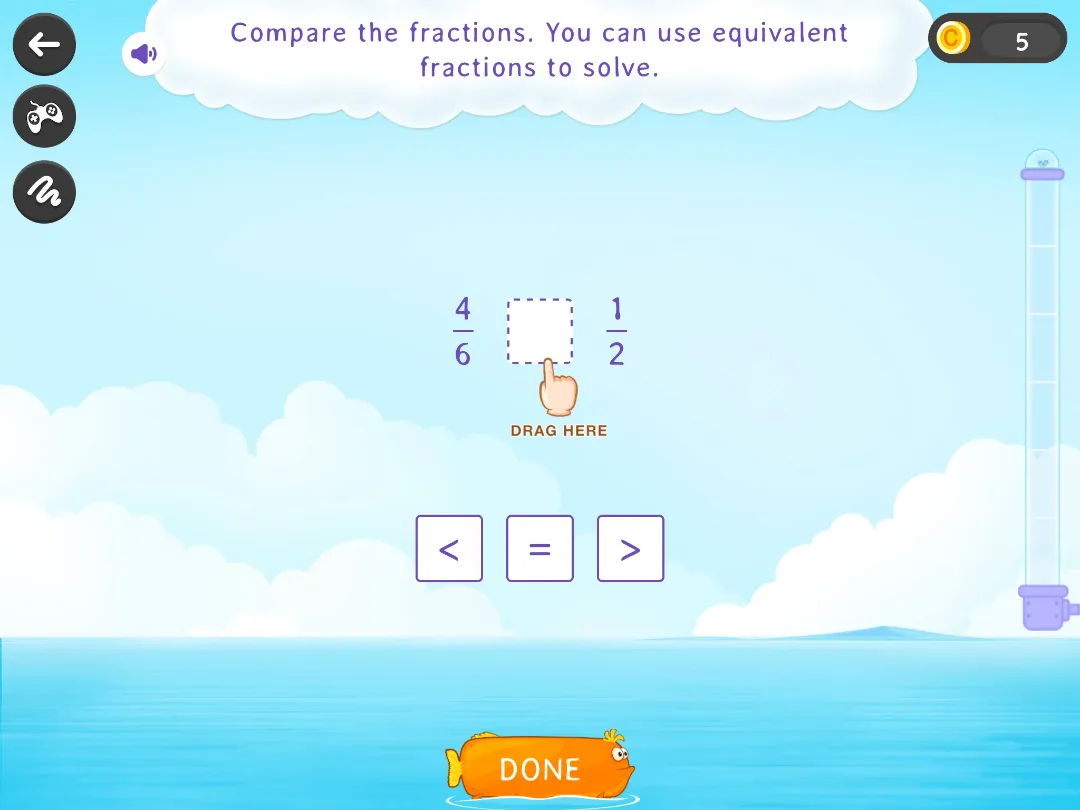
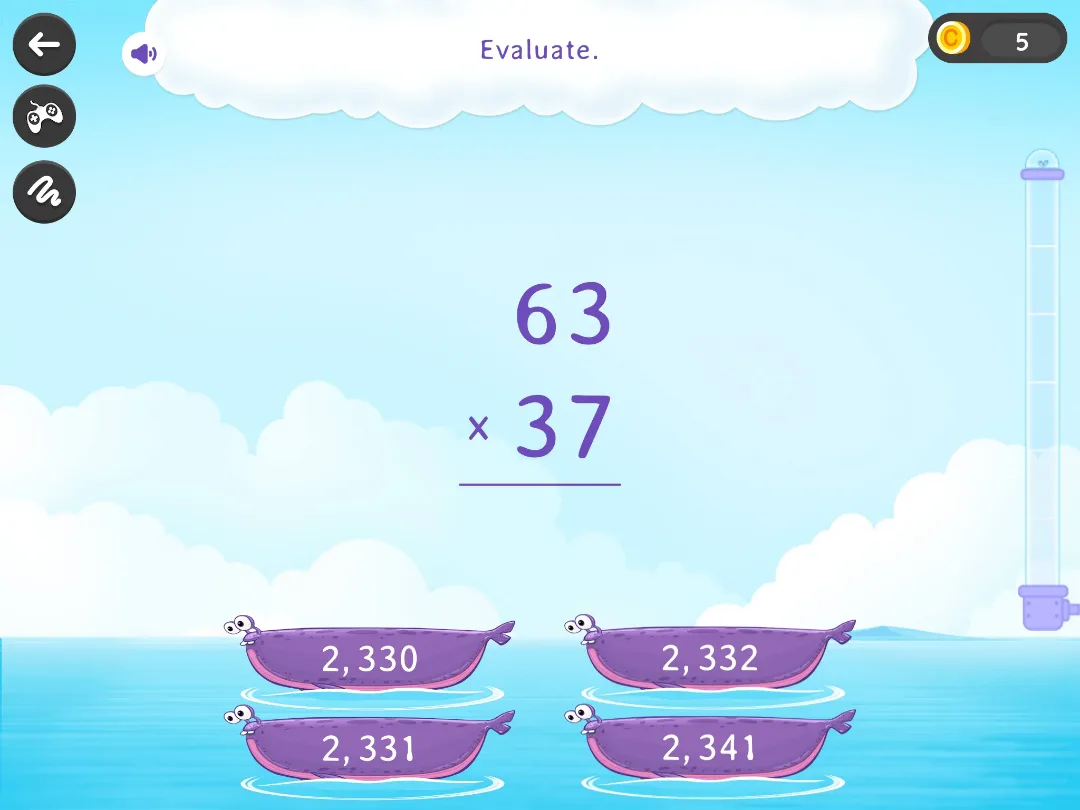
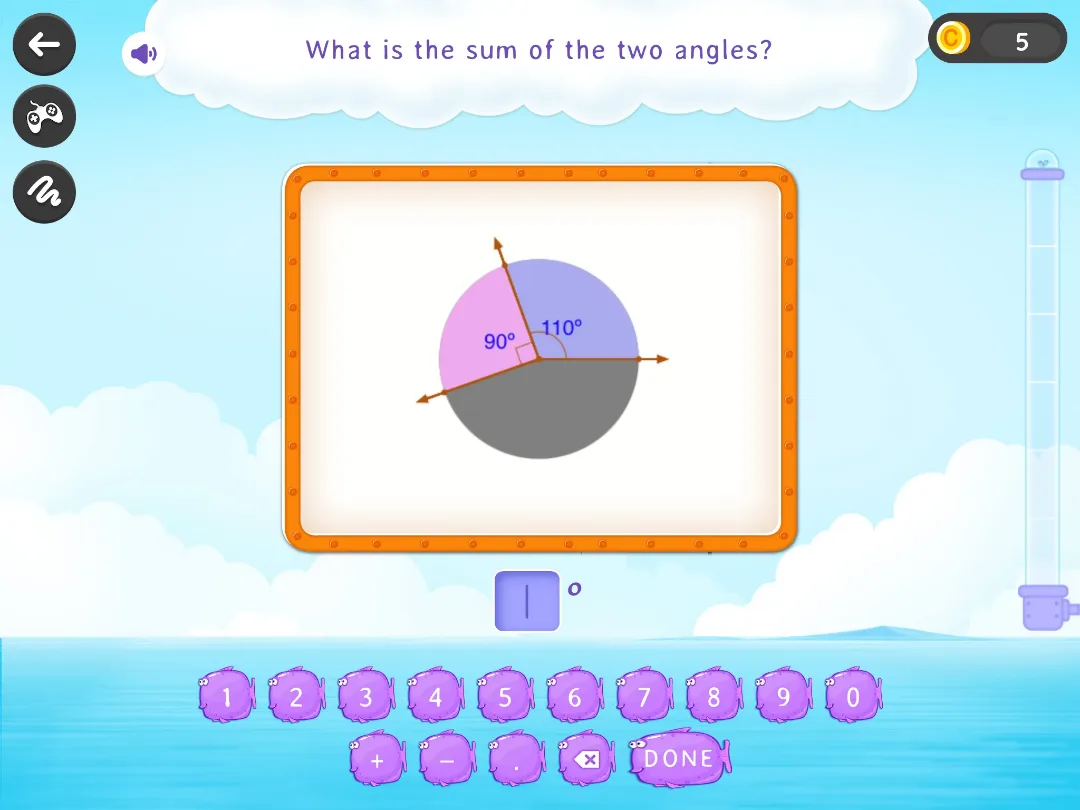
Keep your kid on the learning path. Turned loose in a menu of online math games, a nine-year-old picks whatever looks shiniest and skips whatever's hard. Pricing model: a family subscription after a 7-day free trial.
Strengths: short activities organized by school topics, an optional guided path, parent reports.
Limitation: mostly exercises with a game skin and rewards on top; fourth grade sits near the top of its range; busy screens a child can wander through; most content needs a subscription.
8. Kahoot! DragonBox apps, best for a fourth grader who's ready for more
DragonBox makes games that hide serious math concepts inside puzzles, and Kahoot! now sells them as a set. For a fourth grader, three stand out on Kahoot!'s DragonBox learning apps page: Algebra, which teaches the moves behind solving basic linear equations and is recommended for ages 5 and up; Algebra 2, for ages 9 and up; and Geometry, also for ages 9 and up. There's a times tables app too, with more than 20 mini-games, recommended for ages 8 and up.
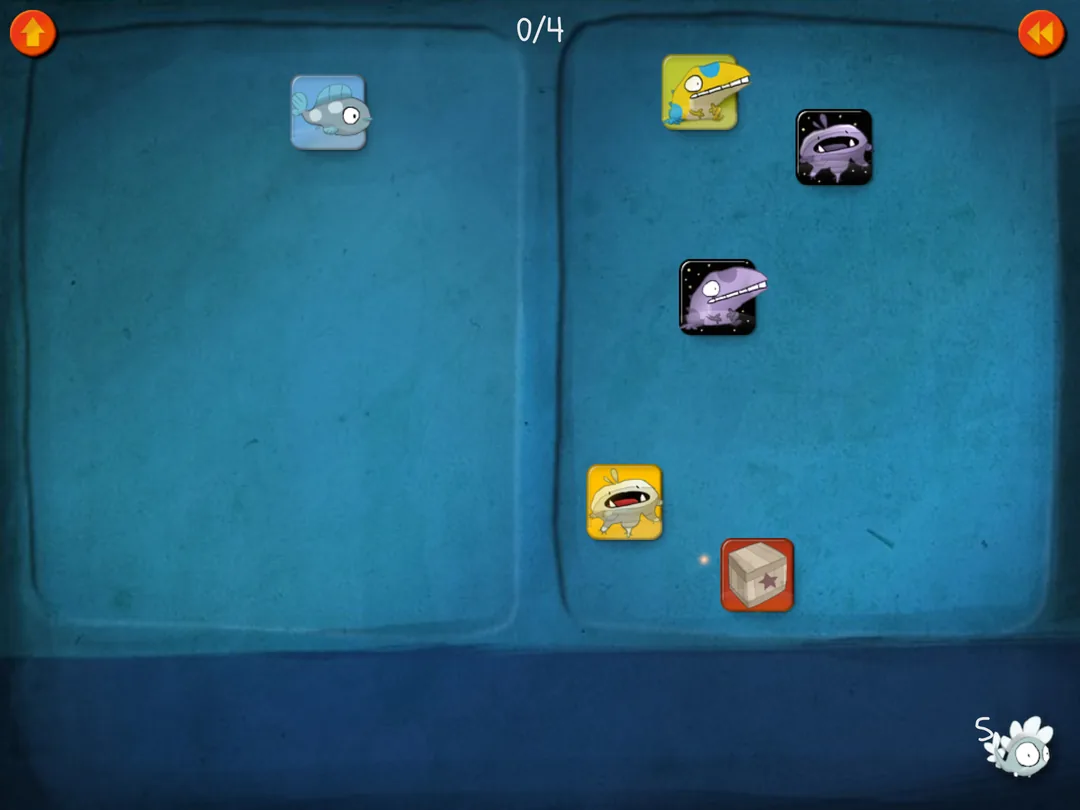

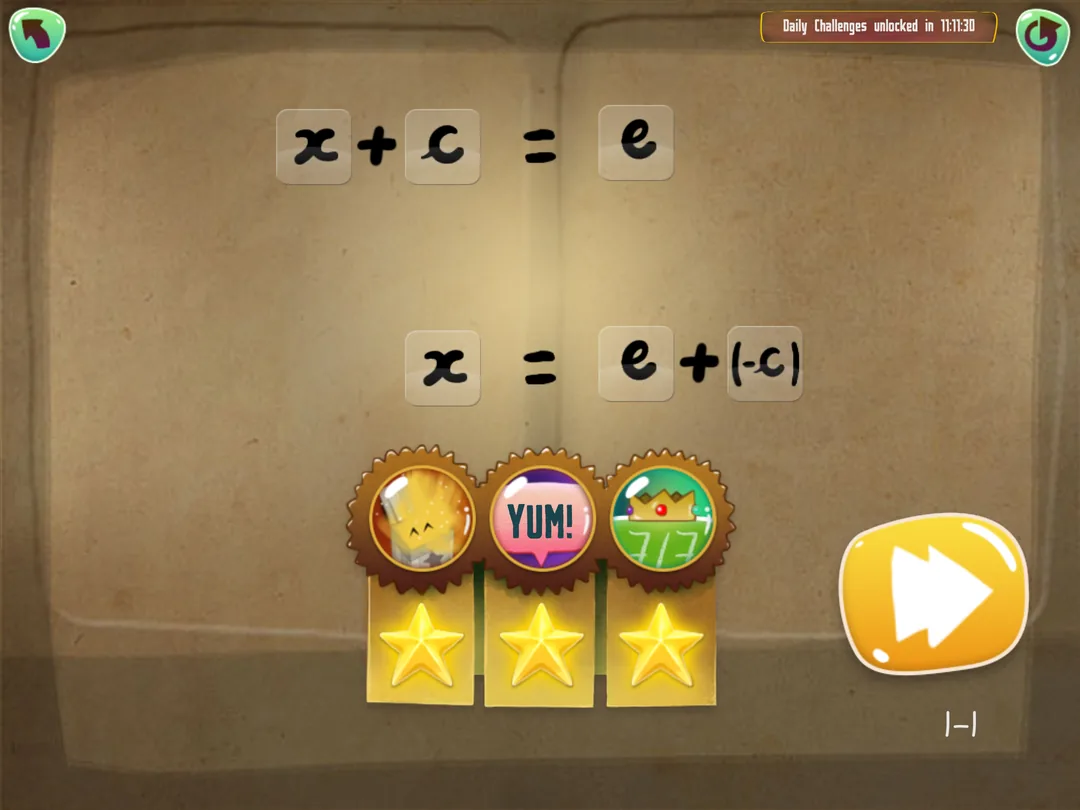
The full set comes with a Kahoot! Kids subscription, and teachers can get the apps for their students through Kahoot!'s EDU plans. This is a pick for a kid whose facts are solid and who's getting bored: equations and shapes, dressed up as puzzles, a year or two ahead of school.
Strengths: a head start on equations and geometry through play, one subscription for the whole set.
Limitation: subscription only, and each game ends, so treat it as a unit rather than a year-long habit.
9. The Math Learning Center apps, best free visual models
These are free virtual manipulatives that run in any modern browser and on iPad, from a nonprofit that has worked in K-12 education since 1976. Several fit a fourth grade classroom exactly. The Fractions app shows fractions with denominators from 1 to 100 as circles and bars. Geoboard lets students stretch bands around pegs to make line segments and polygons. Partial Product Finder turns a product like 23 × 14 into a rectangle, the area model schools teach. Number Pieces handles multi-digit numbers with virtual base-ten blocks.
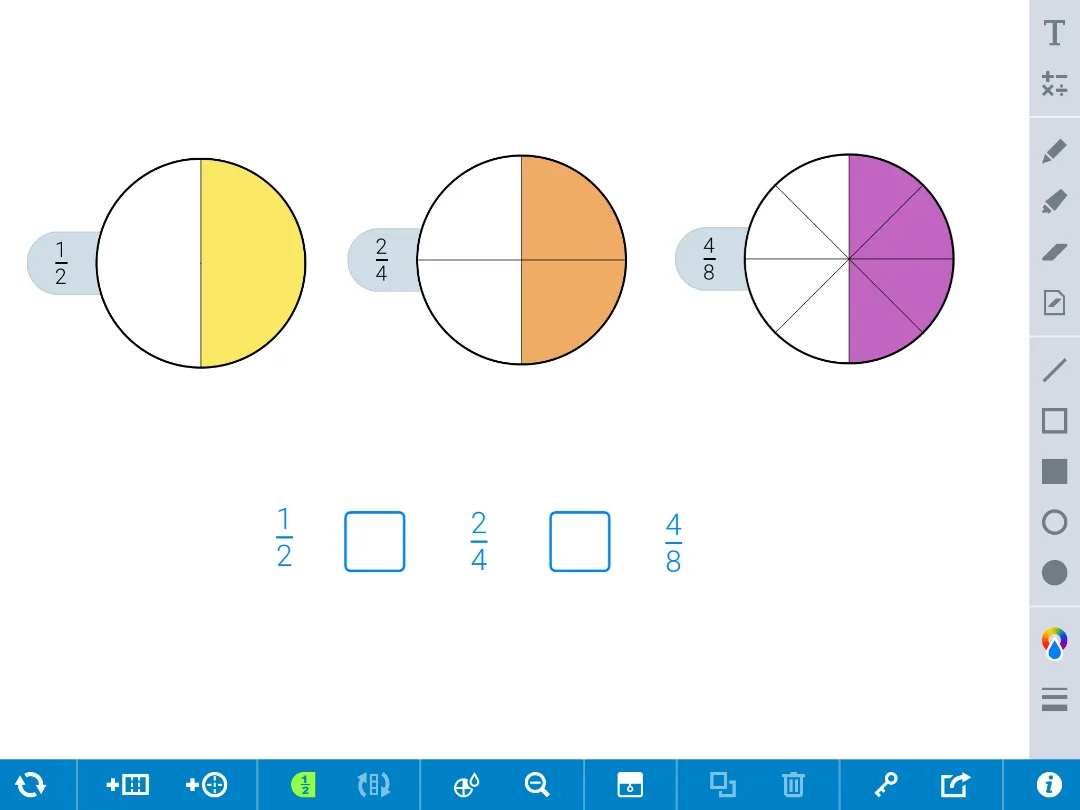
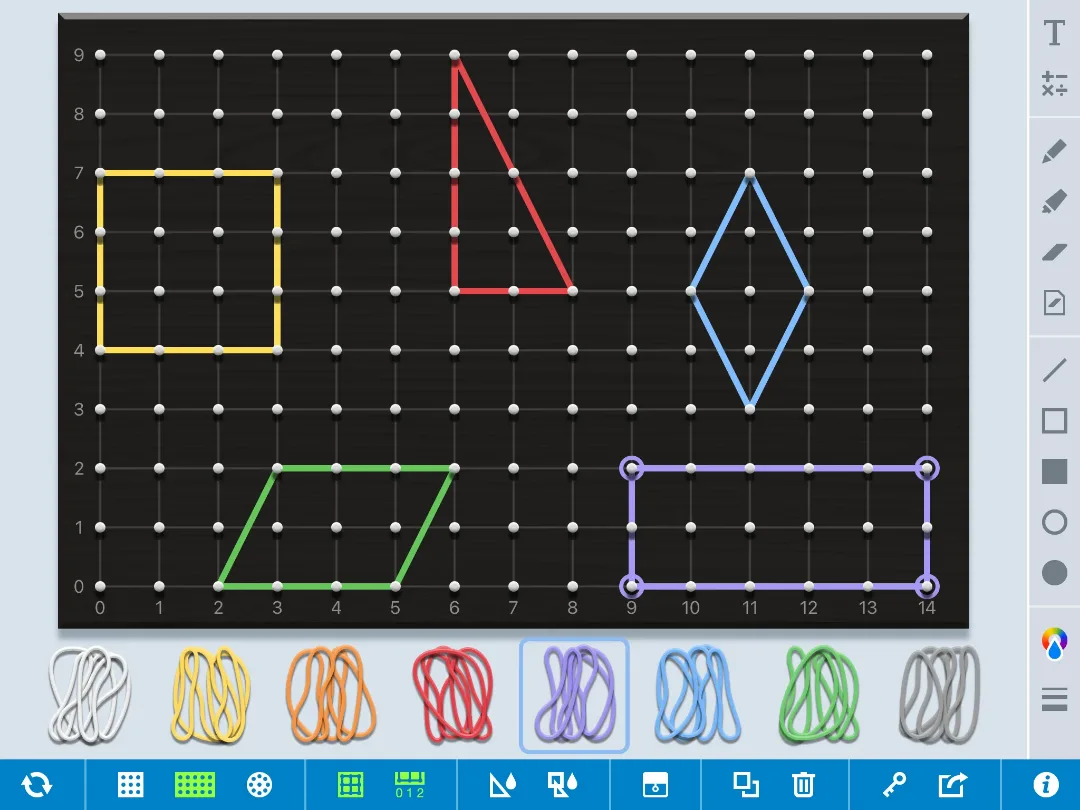
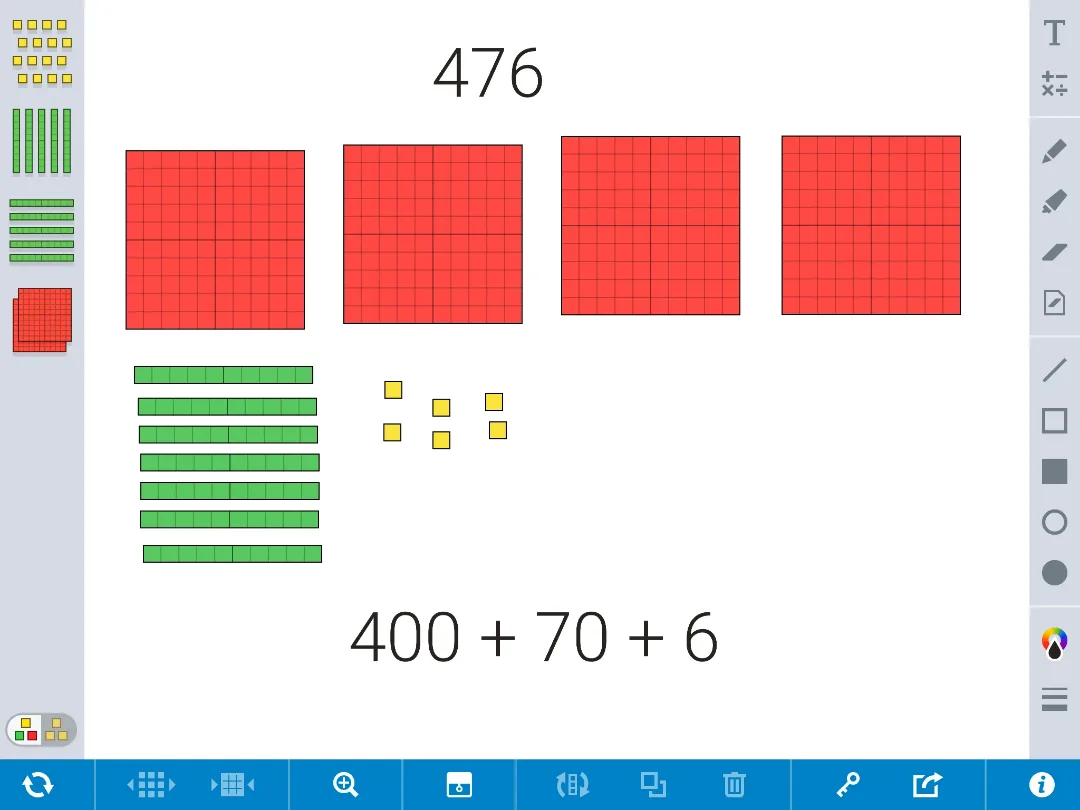
There's no game and no score. That's the limit and also the point: when your kid can't see why 23 × 14 is 20 × 14 plus 3 × 14, a rectangle split in two does more than another round of practice. Teachers can drop a ready-made workspace into their lesson plans and share it with students through an 8-character code or link.
Strengths: free, visual, different math manipulatives in one place, built on the Bridges in Mathematics models.
Limitation: tools, not a game, so they need an adult or a lesson around them.
Also screened: why these didn't make the list
Eleven more math apps came up in other roundups or were close calls. For younger kids, see my picks of the best math apps for first graders and best math apps for second graders; my list of the best math apps for kids covers preschool through middle school.
- Buzzmath gives students practice through school or family accounts, with standards-aligned content for grades 1 to 8, matched to Common Core and TEKS. Its unlockable missions are pitched at about grade 6 and up, so a fourth grader sits near the bottom of what it's built for.
- Operation Math sends agents on spy missions against the clock, with selectable operations and no ads or in-app purchases. The countdown is why it sits here: under a timer, some nine-year-olds stop thinking and start guessing, which isn't learning.
- Motion Math games now live inside i-Ready after Curriculum Associates acquired Motion Math in 2017, so students can only get them through a school that uses i-Ready.
- CK-12 offers free open educational resources that teachers can customize, with an AI tutor attached. It's text-heavy and suits students who are confident readers.
- Moose Math, Marble Math Junior and Mathseeds are built for younger children (ages 3 to 7, 5 to 8 and 3 to 9), well below where a fourth grader is working.
- DoodleMath: short adaptive daily exercise sets with detailed progress tracking; a practice tool rather than a game.
- Elephant Learning: an adaptive program with live coaching for fast catch-up, priced like tutoring rather than an app.
- Slice Fractions 1 and 2: the original fraction puzzles from the studio behind Math Makers, one-time purchases with no updates since 2018.
Which app fits your fourth grader?
Start from the problem you're seeing at the kitchen table, not from the app store's top chart.
Long division stalls at the facts
Start with a math game aimed at the facts: MathHero, set to the tables your kid hesitates on (say, ×6, ×7 and ×8), with multiple choice on Easy difficulty at first, then typed answers once the pauses fade. If the concepts behind multiplying big numbers are shaky too, add Partial Product Finder for the picture.
The facts are quick, but long division is a mess
That's the method, not the facts. Khan's division unit explains it step by step, IXL's "divide by one-digit numbers" skills give targeted practice, and Number Pieces shows what's happening when you bring down a digit.
Fractions came home and nobody at the table remembers them
Math Makers for the ideas, the Math Learning Center's Fractions app for pictures you can build, and Khan's equivalent fractions unit for the explanation. For ways to explain them at home, see the guide on how to teach fractions.
Math homework ends in a standoff
Pick one of the online math games where math is the game, not the price of admission: MathHero for short, ad-free sessions on the facts, or Prodigy Math if your kid wants a huge world and you can live with the upsell. For now, the goal is practice that happens without a fight.
Your kid is bored and ahead
The Kahoot! DragonBox algebra and geometry apps, or IXL's fifth grade skills. Both give a quick fourth grader something new to chew on.
You don't want to spend anything
Khan Academy, the Math Learning Center apps, and CK-12 cost nothing. MathHero at five levels a day covers daily fact practice, IXL gives 10 free questions a day, and if school uses Reflex, the parent reporting account is free. That's a full free math app kit for fourth grade.
Two kids, two levels
MathHero keeps a separate profile, settings and progress for each child (the free daily limit applies per profile). Your fourth grader can drill division facts while a first-grade sibling works on addition within 20, on the same tablet.
Do math games help 4th graders learn math?
On average, a little, and the average hides a lot. The research on game-based learning is modest in its conclusions. A 2019 meta-analysis of 24 studies compared math video games with traditional classroom instruction for students from Pre-K to 12th grade. Results varied widely in size and even direction, and overall the games came out slightly ahead. A 2022 meta-analysis of 20 studies found that digital games raised K-12 students' motivation in math on average compared with conventional teaching, again with big differences from study to study.
Here's my reading, not the authors': a math game isn't magic. It earns its place in a child's learning when it makes practice happen that otherwise wouldn't, on the skill your kid needs right now.
Facts are one of those math skills. For students who struggle, the What Works Clearinghouse practice guide for intervention in grades K to 6, written for teachers of elementary students with low math test scores, recommends regularly including timed activities as one way to build math fluency. Timing doesn't suit every child, though, which is why being able to slow a game down matters as much as being able to speed it up.
Fractions and division matter well past fourth grade. In a study that followed children in the U.S. and the U.K., knowledge of fractions and division at around age 10 predicted their algebra and overall math achievement as high school students five or six years later, even after accounting for family income and education, IQ, working memory and whole-number skills for addition, subtraction, multiplication and division. That's a correlation, not proof of cause. The practical takeaway still holds: don't let fractions ride on the facts alone. A facts app and a fractions app together cover more of that ground than either one.
How to choose a math app for 4th grade
Star ratings won't tell you whether one of these math apps fits your kid. These checks will, and most take one evening.
- Time the facts first. At dinner, ask 7 × 8, 54 ÷ 6 and 9 × 6. Quick answers mean those math skills are fine and any trouble is in the method or the fractions. Pauses and finger-counting mean start with facts.
- Match the curriculum at school. Ask the teacher which unit is coming next. A good app supports what students are doing in math classes rather than racing ahead of them.
- Give it a week, not a day. Every app wins day one. Watch day six, when the novelty is gone, and it's just math problems.
- Read the free tier like a contract. Does free limit what your child can play, or only how much per day? Does the trial bill you automatically when it ends?
- Check the age rating and the privacy policy. Both Google Play and the Apple App Store show an age rating on every listing, and the app description tells you the intended range. Apps aimed at kids under 13 fall under COPPA, which requires verifiable parental consent before collecting a child's personal information.
- Think twice about competition. Leaderboards and head-to-head math duels thrill some students and flatten others. You know which kind you have.
- Ask who made the content. Look for math content written by teachers or math specialists and named on the developer's site.
For teachers: making math apps work in a 4th grade classroom
Split the jobs. One tool for fact fluency, one for grade-level practice, and virtual manipulatives inside your lesson plans. Asking a single app to do all three is how screen time turns into busywork for students and extra grading for teachers.
Fluency, a few minutes a day. A short daily classroom routine beats one long block a week, which matches the first recommendation of the IES practice guide on organizing study: space learning over time. Try it as the first few minutes of math class, while students settle in.
Reflex is built for exactly that: students complete a short session, the Green Light tells them they're done, and usage reports show which students are playing and which are only logged in. Prodigy is free for teachers and adds standards-aligned assignments. It has a placement test that gives each student a baseline. For math practice at home, MathHero lets families choose the exact tables a child needs, so home practice can point at the same facts as class.
Grade-level practice with data. IXL maps its skills to the 4th grade standards, so students can work math problems on exactly the standard you taught that day, and Prodigy's reports show which topics students find hard and where the learning gaps are. The student progress data only helps if someone reads it. A weekly look at which skills students complete and which they skip is enough data analysis for most classroom teachers. It tells you which math skills to reteach and which students to pull into a small group.
Manipulatives inside lessons. The free manipulatives apps above are made for students working through a classroom lesson, not for solo play, and they make differentiated instruction principles easy to act on: one task, several entry points. A student who needs the picture can build 23 × 14 with Partial Product Finder while a classmate works it on paper, and both students can share their thinking with their teacher by code.
Where apps fit, and where they don't. Apps are strongest at independent learning of key concepts you've already taught and weakest as the first introduction to new math concepts. Make progress visible to students: a fact family turning green, a new skill on a report, a math game level cleared.
Tools that show progress help motivate students without prizes, empowering them to keep going on their own and enabling the ones who finish early to move on without waiting for others. With elementary students, that's the real case for math apps in a school day: more practice, better aimed, and teachers freed up for the students who need a person. For elementary school students who are still shaky on facts, the fun parts are often what keeps them practicing at all.
A ten-minute routine that survives November
Hang the math practice on a moment that happens every day: a bus ride home, a gap before dinner, a wait at a sibling's practice. Hooks you already have beat alarms you have to remember.
Sit in on the first session. Watch what your kid does after a miss, ask one question about a move you saw, then leave the room. After that, check progress every couple of weeks rather than every night, and look at which facts or skills are still slow, not at minutes played.
The real test comes some evening in December: does your kid open it before you ask? If that never happens, switch to a different math game or app rather than tightening the rules. Keep it fun, too: stop while your kid still wants one more round, and the next session starts easier.
Common questions
What is the best math app for 4th graders?
There isn't one app that does the whole year. For math facts fluency, MathHero: a story-driven math game built on multiplying and dividing facts and on adding and subtracting within 1000, free at five levels a day. For the rest of the year, including fractions, decimals and angles, Khan Academy for free or IXL on a subscription, and Math Makers for fractions. Prodigy Math suits a kid who wants a big role-playing world.
What is the best math app for elementary school kids?
It depends on the age. MathHero for math facts practice, from first addition facts through division. Khan Academy Kids suits preschool through 2nd grade, and the main Khan site and IXL cover full grade-level courses from there. SplashLearn offers mini-games in math and reading from preschool to Grade 5 on one subscription.
Is Prodigy or IXL better?
They do different jobs. Prodigy Math is a fantasy role-playing game that wraps standards-aligned questions in battles and quests, free to play. It wins on motivation. IXL is plain practice with hundreds of skills per grade and clear explanations after mistakes, and it wins on coverage and precision. You can also split it: Prodigy for fun at home, IXL for the skill students are working on in class this week.
What are good math games for 4th graders?
For facts, start with MathHero, a math game where every move is an answer; then Prodigy Math for a big fantasy world, Math Makers for fractions, and the Kahoot! DragonBox apps for a kid who's ready for algebra and geometry. The best online math games for this age tie every reward to a correct answer, so the fun can't happen without the math.
How can I help my 4th grader with math?
Find out what's stuck first: slow facts, the long division method, or fractions. Then keep math practice short and daily, about ten minutes, in one app chosen for that job. Ask the teacher which unit is next so home practice matches school. Help your kid learn math away from screens too: halve a recipe, share snacks into equal groups and estimate the total at the grocery store.
How much time should a 4th grader spend on a math app?
About ten to fifteen minutes on most days. Spreading practice out beats cramming it, which is why the U.S. Institute of Education Sciences practice guide on organizing study makes spacing learning over time its first recommendation. A short daily session also leaves room for homework, reading, and play.
The bottom line
Fourth grade is the year the facts stop being the lesson and start being the tool. No app does that job alone. The best math apps just make ten minutes of practice happen, day after day, without a negotiation. Pick one app for the facts and one for the new work, play the first session together, and watch who reaches for the tablet on day ten.
When it's your kid, you're done shopping.
Sources
- Common Core State Standards Initiative. Standard 3.OA.C.7.
- Common Core State Standards Initiative. Grade 4 Introduction.
- Common Core State Standards Initiative. Grade 4 Number and Operations in Base Ten (4.NBT.B.4, 4.NBT.B.5).
- Common Core State Standards Initiative. Standard 4.NBT.B.6.
- Common Core State Standards Initiative. Standard 4.G.A.1.
- National Center for Education Statistics. NAEP 2024 Mathematics, national achievement-level trends.
- Tokac, U., Novak, E., and Thompson, C. G. (2019). Effects of game-based learning on students' mathematics achievement: A meta-analysis. Journal of Computer Assisted Learning.
- Fadda, D., Pellegrini, M., Vivanet, G., and Zandonella Callegher, C. (2022). Effects of digital games on student motivation in mathematics: A meta-analysis in K-12. Journal of Computer Assisted Learning.
- What Works Clearinghouse. Assisting Students Struggling with Mathematics: Intervention in the Elementary Grades (2021).
- What Works Clearinghouse. Practice guide summary (2021).
- Siegler, R. S., Duncan, G. J., Davis-Kean, P. E., et al. (2012). Early Predictors of High School Mathematics Achievement. Psychological Science.
- Institute of Education Sciences. Organizing Instruction and Study to Improve Student Learning (practice guide).
- Federal Trade Commission. Complying with COPPA: Frequently Asked Questions.
- Prodigy Education. Prodigy Math and the parent account.
- Prodigy Education. Math curriculum standards.
- Prodigy Education. Reports for teachers.
- Prodigy Education. Prodigy for teachers.
- Prodigy Education. Math Memberships.
- Khan Academy. 4th grade math course.
- Khan Academy. Multiply by 1-digit numbers (grade 4 unit).
- Khan Academy. Division (grade 4 unit).
- Khan Academy. Equivalent fractions and comparing fractions (grade 4 unit).
- Khan Academy. App Store listing.
- Khan Academy Kids. App Store listing.
- IXL. Fourth grade math skills.
- IXL. Common Core fourth grade math standards.
- IXL. App Store listing.
- ExploreLearning. Reflex free trial and FAQ.
- ExploreLearning. Reflex product page.
- ExploreLearning. Reflex parent account.
- ExploreLearning. Reflex for home users (Time4MathFacts).
- Math Makers. App Store listing.
- Ululab. Slice Fractions, App Store listing (Canada).
- Ululab. Slice Fractions 2, App Store listing.
- SplashLearn. Features for parents.
- SplashLearn: Kids Learning App. App Store listing.
- SplashLearn support. How can parents start a free trial on SplashLearn.
- Kahoot! DragonBox learning apps.
- Kahoot! Multiplication Games. App Store listing.
- The Math Learning Center. Math Apps.
- Number Pieces by The Math Learning Center. App Store listing.
- Buzzmath help center. Which grades are the missions intended for.
- Operation Math Game. App Store listing.
- Curriculum Associates (2019). Learning games press release.
- CK-12 Foundation. Browse.
- Duck Duck Moose. Moose Math, Google Play listing.
- Marble Math Junior. App Store listing.
- Mathseeds. App Store listing.
- DoodleLearning. DoodleMath (US).
- DoodleMath. App Store listing.
- Doodle help center. Baseline assessment.
- Elephant Learning. Homepage (guarantee), pricing page (plans, reporting, trial), App Store listing (coaching) and walkthrough (Elephant Age).