

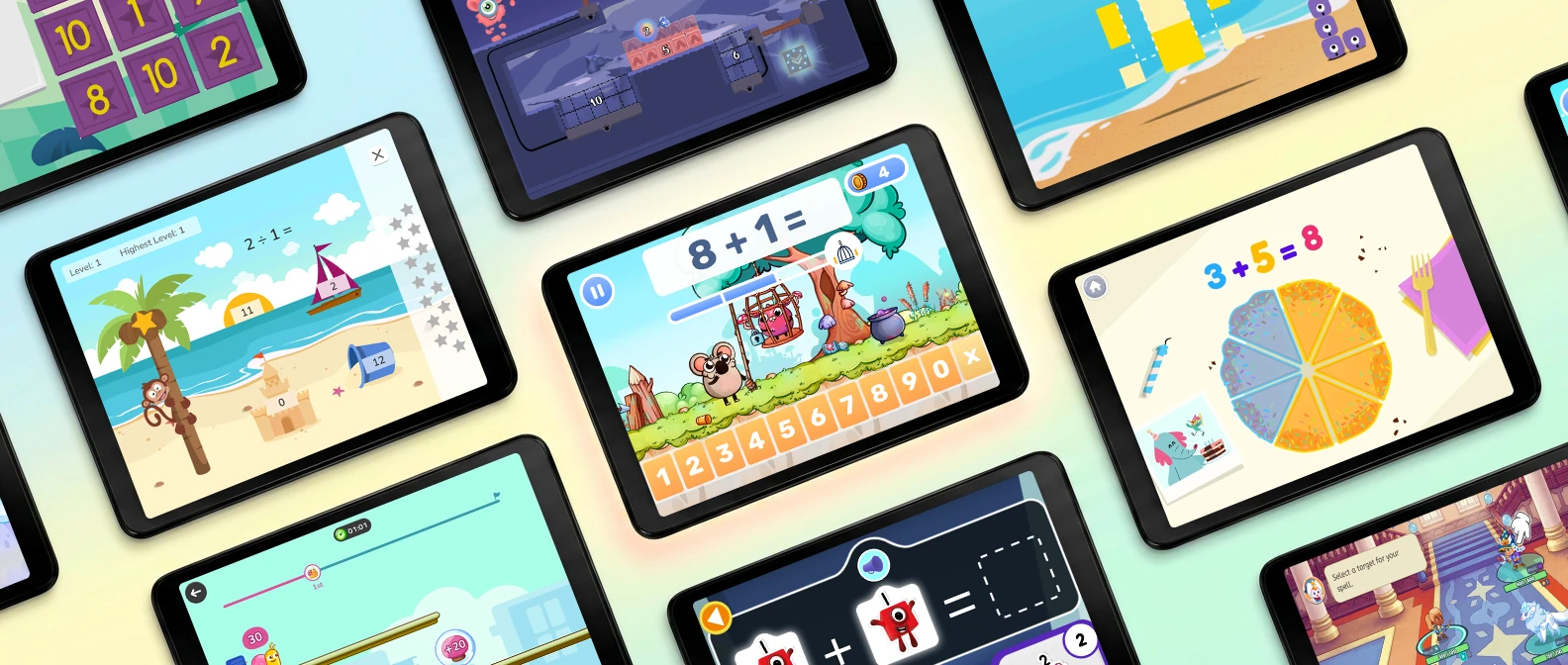
Your kid will spend forty minutes building a fort out of couch cushions, then fall apart over a worksheet with twelve subtraction problems. Same brain, same attention span, different packaging.
That gap is why math apps for kids exist. It's also why most get deleted by February.
I’ve used these math apps with my daughter and with children I tutor. At home, I could see which ones she kept coming back to after the first few weeks. During lessons, I could watch how different children worked through the problems: where something clicked, where they got stuck, and when they needed me beside them.
These are my 12 picks, grouped by the job they do. Short version: MathHero is my top choice for arithmetic practice in grades K–4, Khan Academy Kids is my favorite free option for younger children, and the rest depends on what your child needs.
A note before we start: I’m a math curriculum consultant for MathHero and have helped shape its learning content. I’ve included where it fits best, what it doesn’t cover, and when I’d choose another app.
Best math apps for kids at a glance
| App | Best for | Ages | Pricing model |
|---|---|---|---|
| MathHero | Arithmetic practice kids do willingly | 5 to 10 | Free at 5 levels a day, subscription removes the cap |
| Khan Academy Kids | Free early learning | 2 to 8 | Free |
| Numberblocks World | Making numbers make sense | 3 to 6 | Limited free access; subscription for the full experience |
| Prodigy Math | Kids who resist practice | Grades 1 to 8 | Free to play, premium unlocks pets, gear and perks |
| IXL Math | Standards aligned skill practice | Pre-K to 12 | Subscription; free mode is 10 questions a day |
| SplashLearn | K-5 activity library | Pre-K to Grade 5 | Subscription; free tier is a few activities a day |
| Elephant Learning | Catch-up with a live coach | 2 to 16 | Subscription from $50/month |
| DoodleMath | Short daily practice exercises | 4 to 14 | Subscription; free tier is a preview |
| Monster Math | Mental math strategies | 5 to 9 | Limited free play, then a subscription |
| Marble Math Junior | Hands on play for young learners | 3 to 7 | One time purchase |
| DragonBox (Kahoot!) | Conceptual understanding | 4 to 12+ | Subscription; single apps can be bought outright |
| Slice Fractions 1 & 2 | Understanding fractions | 6 to 12 | One-time purchases on iOS; first levels free on Android, with an in-app purchase to unlock the rest |
How I chose these math apps
At home, I wanted practice my daughter would return to willingly. In lessons, I also needed to see what a child understood and where help was still needed. These picks serve different purposes, so the order isn’t a score from best to worst. Here’s what mattered in choosing them.
A reason to come back
The first session is the easy one. New characters and rewards can carry a child through that. I looked for something that lasted beyond the novelty: a story to follow, puzzles worth solving, a character to make their own, or the satisfaction of getting better. Who suggests the next session tells you a lot.
The right math for the child
A child learning what three means needs something different from a child trying to recall 7 × 8. I considered what each app teaches or practises, what children need to know before starting, and where its useful range ends.
Difficulty that can grow with them
Some apps adjust automatically; others let an adult choose the topics and pace. Both can work. What matters is whether you can give a child enough successful practice, then move on when they’re ready—or step back when something hasn’t clicked.
What happens after a wrong answer
A mistake should leave the child with a useful next step. That might be a visual explanation, a hint, or another chance to work it out. An app introducing a concept needs more explanation than one practising familiar facts. I also considered whether mistakes interrupted the game or made children reluctant to try again.
What using it at home involves
How much help does setup take? What can a child actually do for free? Are there ads or repeated upgrade prompts? Price, device support, and the amount of adult involvement all affect whether an app becomes part of the routine.
12 best math apps for kids
1. MathHero, best overall math app for ages 5 to 10
Open MathHero and there's no list of exercises waiting. There's a story. Your kid saves the planet from a slime invasion, and the way they do it is by solving short sets of math facts. Every action runs on right answers. Math isn't the toll booth between the fun parts. Math is the button.
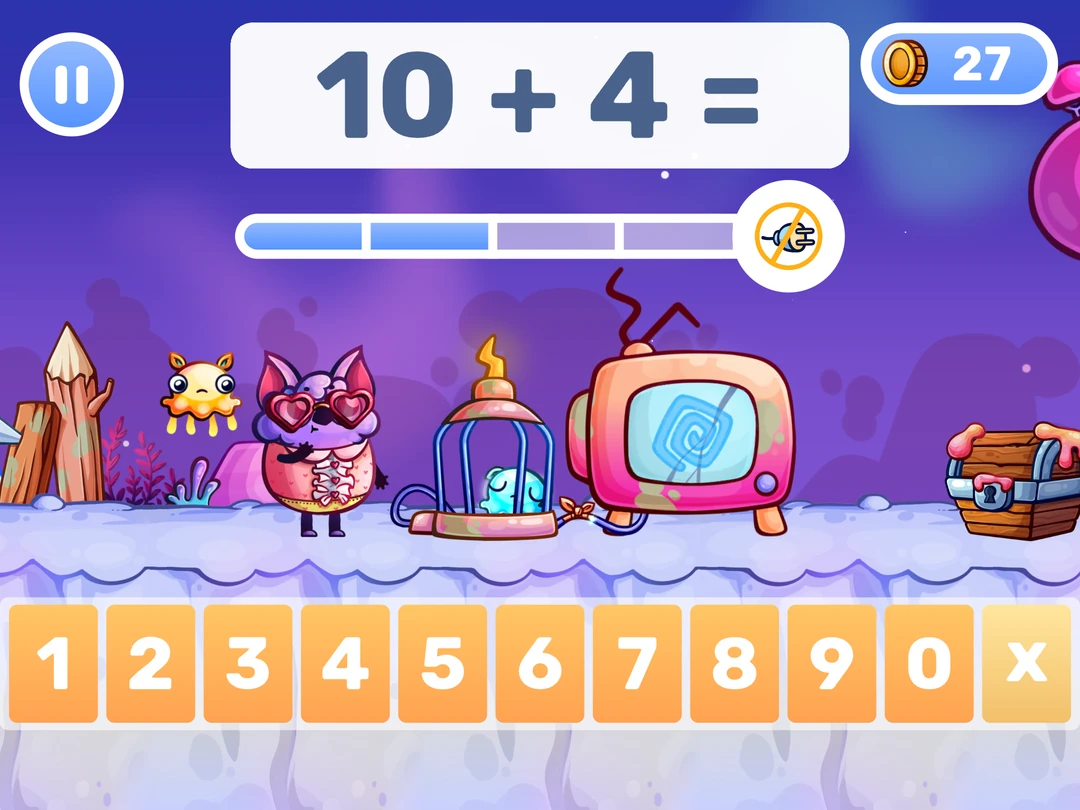
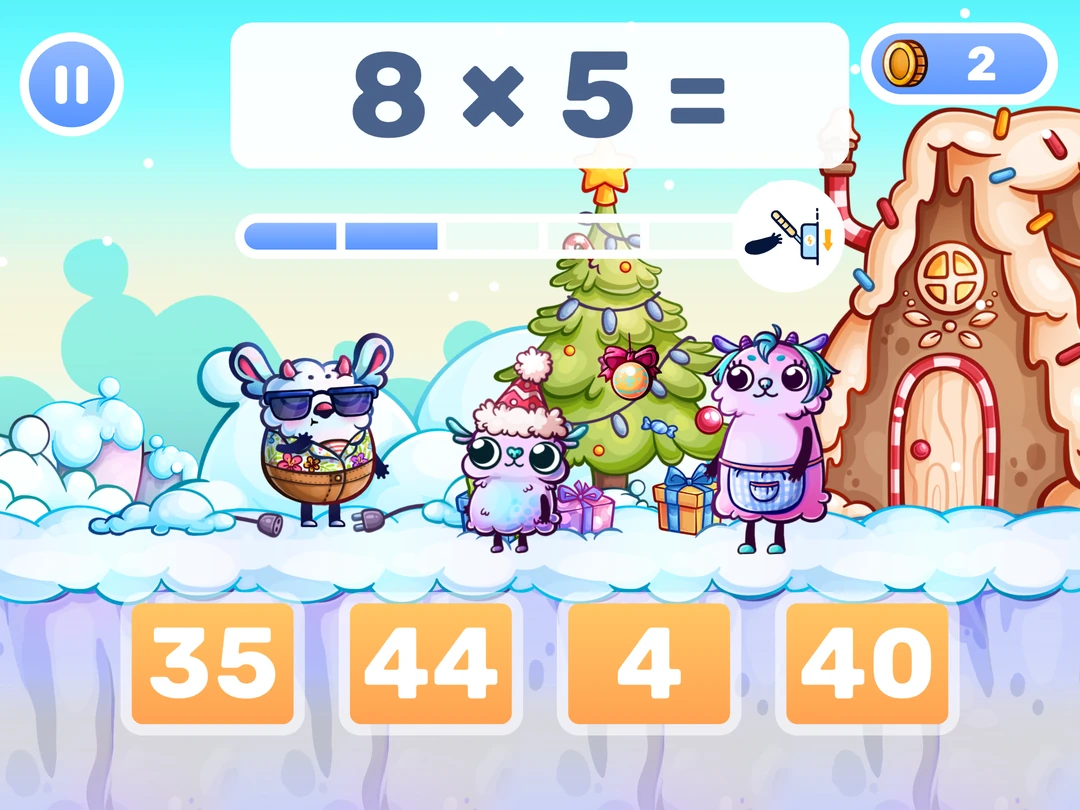
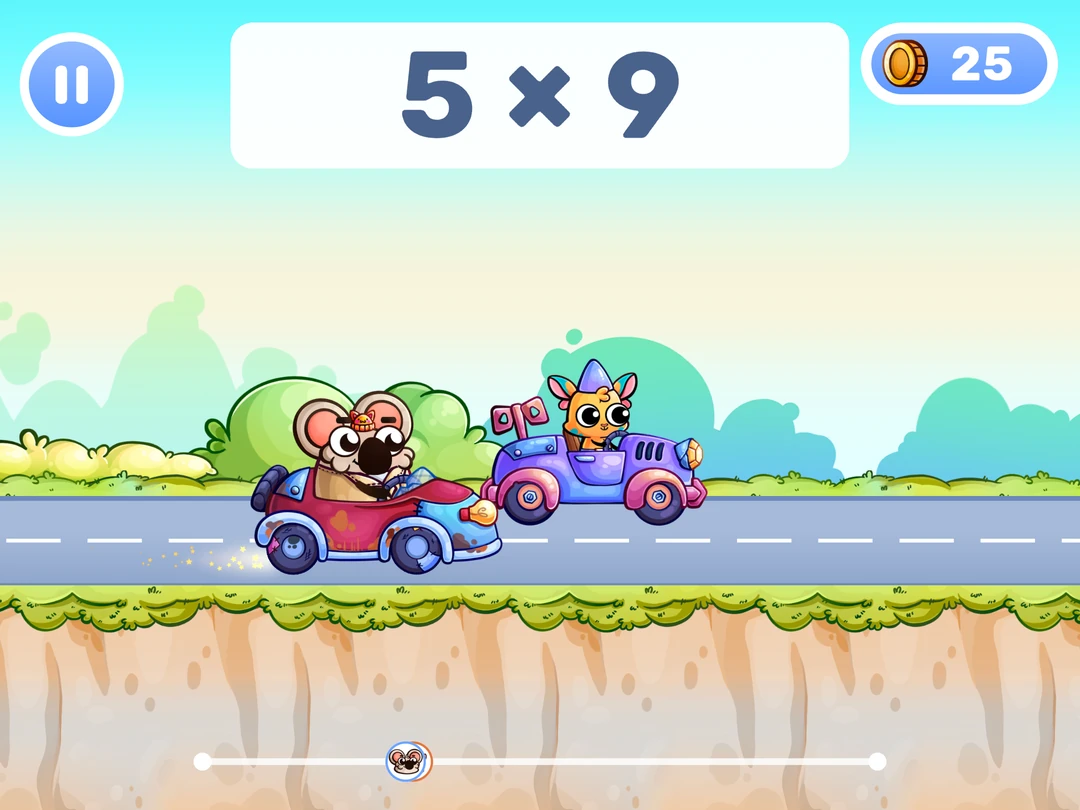
The scope is deliberately narrow. Addition and subtraction within 10, then 20, then 100, then 1000. Multiplication. Division. That's the mental math spine of kindergarten through fourth grade, and MathHero stays on it.
Setup is yours, not your kid's, and takes a minute. Pick the topic, then choose open practice at a difficulty you set or a guided path through the levels. After that your child plays alone. That's what parents write to us about: practice without a fight. One mother reported her son correcting her that it wasn't work, it was a game.
Customization goes deeper than most math learning apps allow, and parents keep naming it as the thing others lack. Toggle operations individually. Switch on only the ×7 and ×9 tables if those two keep collapsing. Change monster speed. Choose typed answers or multiple choice. Two siblings at different skill levels can share one game.
On price, the honest version: the whole game can be finished for free at five levels a day, no ads, nothing walled off. A subscription (free trial first) lifts the daily cap.
Strengths: kids practice without being pushed, per-operation and per-table control, no ads, full game playable free.
Limitation: MathHero starts at addition within 10, so your child needs to know their numbers first. No video lessons either. A brand-new concept - what multiplication actually means - still needs a teacher or a parent to introduce it. MathHero takes it from there and builds the skill. It stops at fourth grade, so nothing for middle school students.
2. Khan Academy Kids, best free app for young learners
Free, ad free, and actually good, a combination that barely exists elsewhere. Khan Academy Kids offers personalized learning paths for ages 2 to 8, spent among cartoon animals handing out books and math activities.
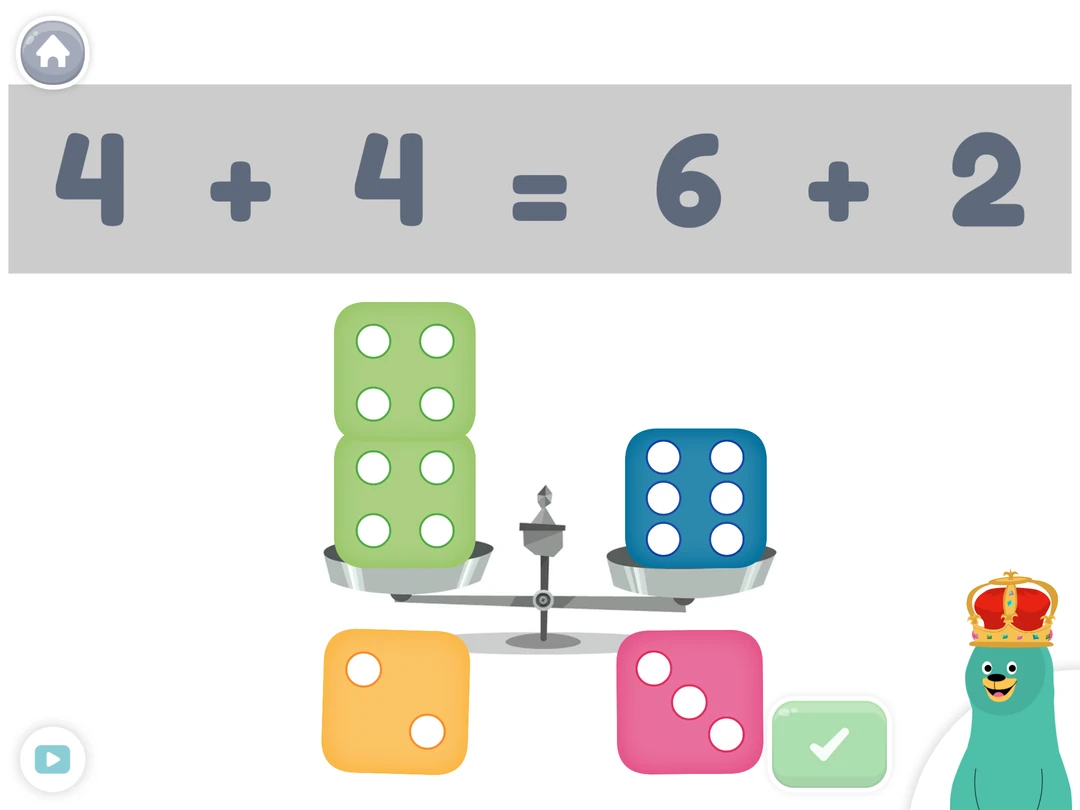

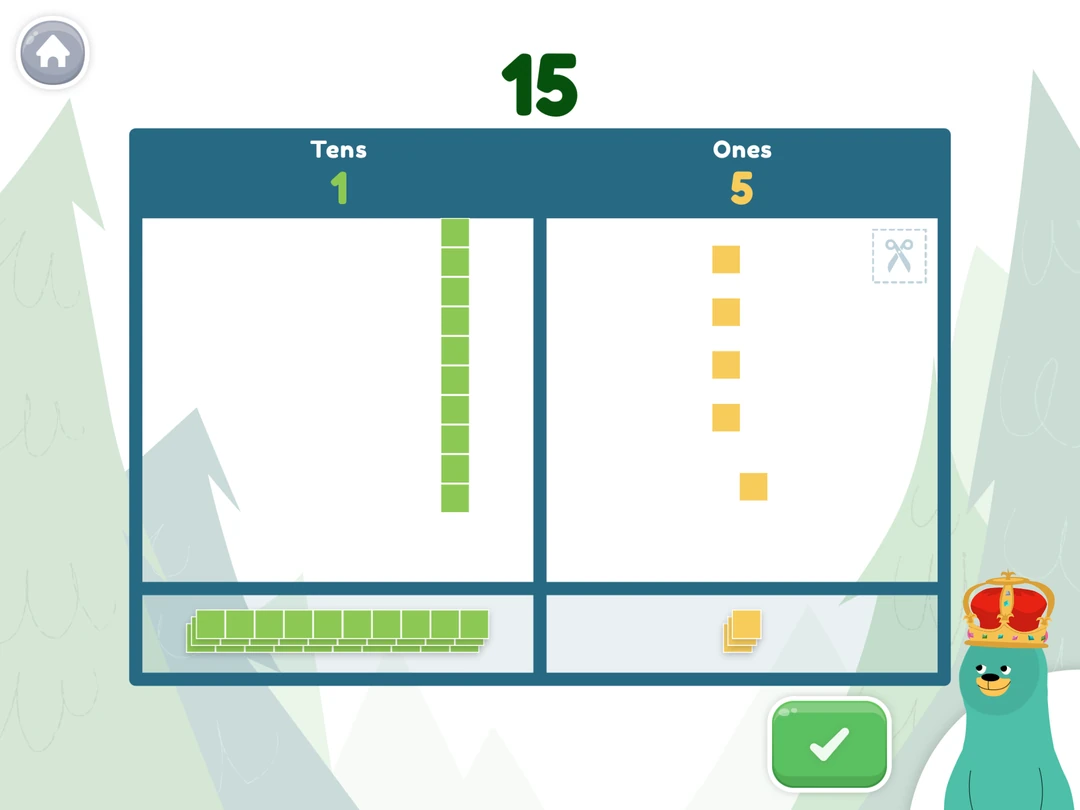
Play it twenty minutes and you notice how unhurried it is. Nothing counts down. Nothing flashes red. A four year old can wander the map, get read to, drift into a counting game, and the app is fine with all of it.
That breadth is the trade. Scope stretches past math into reading and drawing, a gift for a preschooler, a detour for a third grader who needs drilling.
Strengths: free, no in app purchases at all, unhurried design.
Limitation: built for the littlest, and a kid who's started school feels it.
3. Numberblocks World, best for making numbers make sense
Five is a character built from five blocks. Split those blocks into two and three, and your child can see what five is made of. That's the strength of Numberblocks World: numbers have a size and a shape before they become marks on a page.
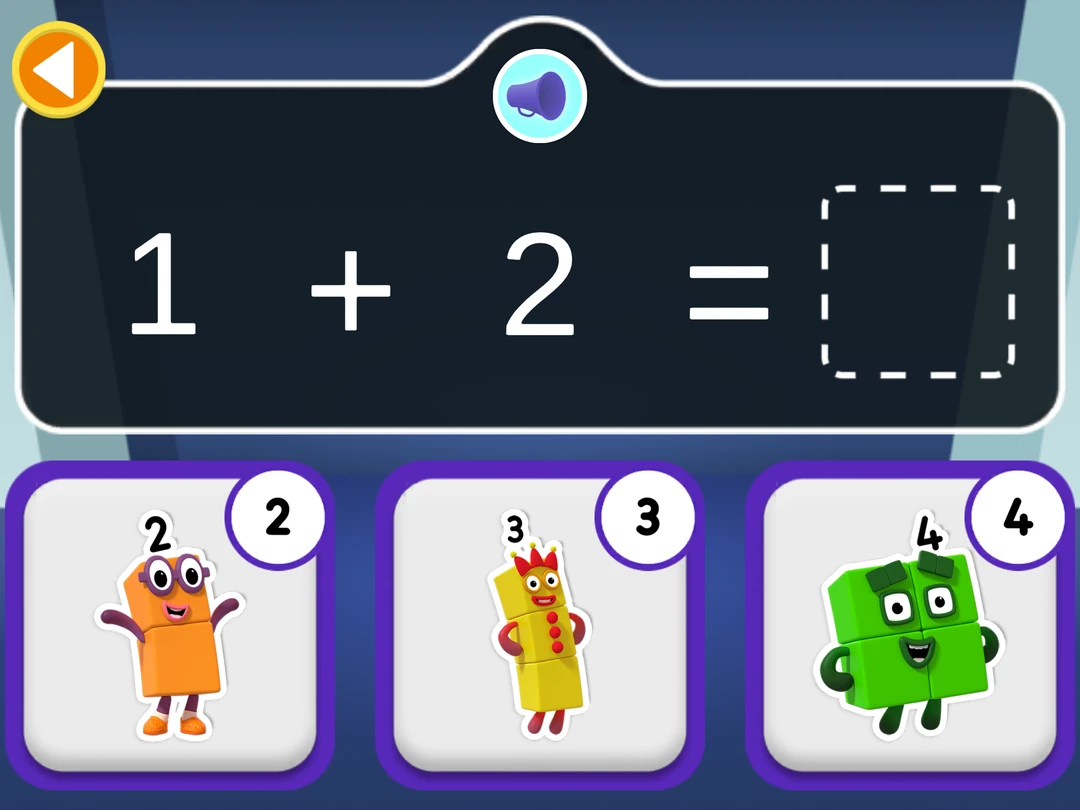
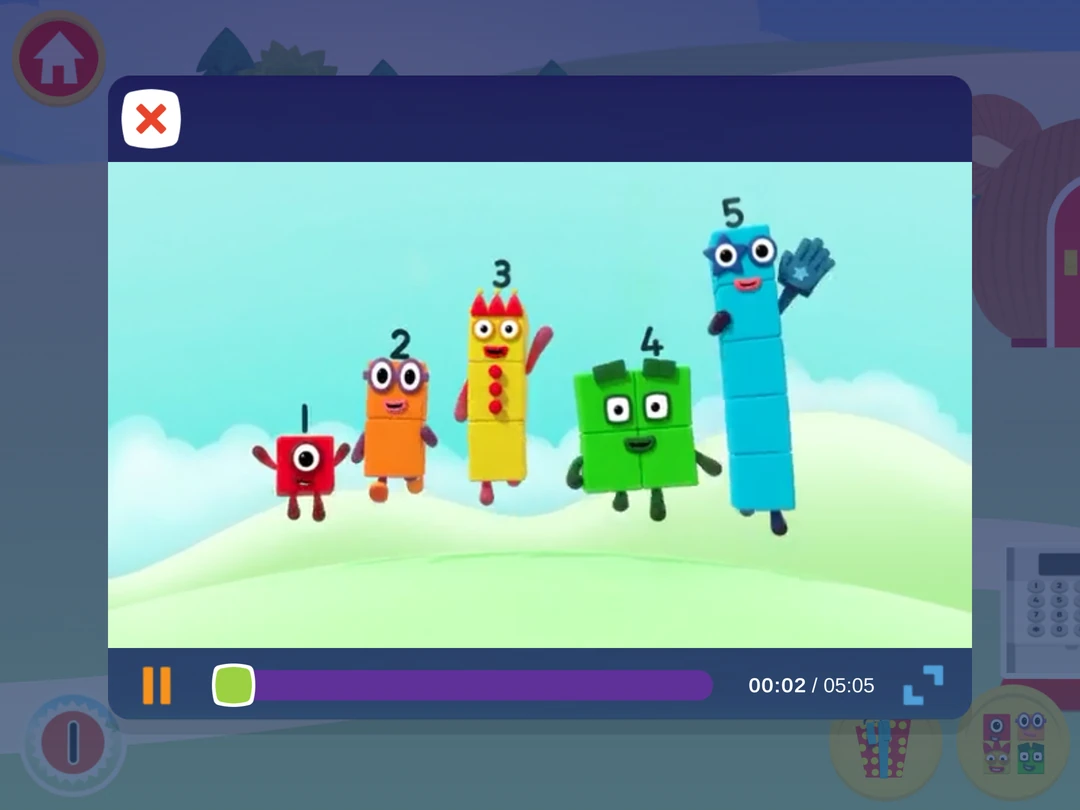
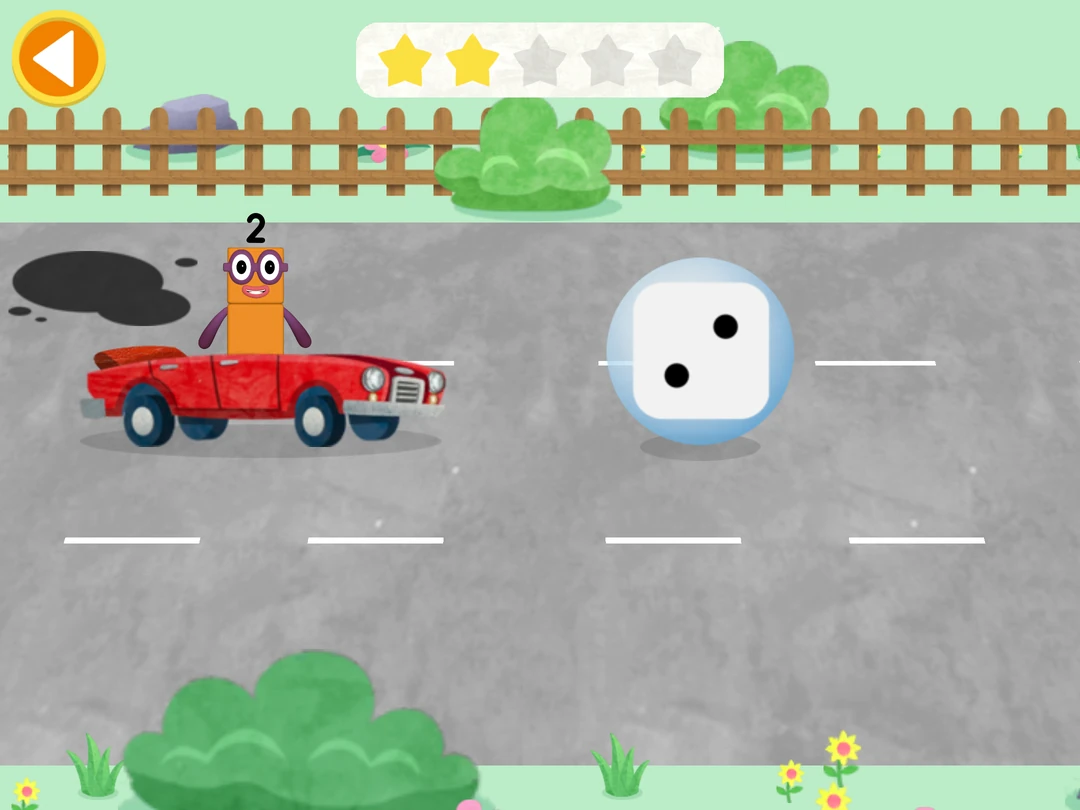
The app brings together episodes from the Numberblocks show, counting games, and quizzes in a guided learning journey for ages 3 to 6. If your child already loves the characters, there's a familiar face waiting at every step. The games give them a chance to use what the episodes introduce.
This is a strong fit for a child who can chant “one, two, three” but is still working out what those words mean. Counting objects, recognizing small quantities, seeing how numbers fit together: the foundations that make early addition less mysterious.
Strengths: clear visual models of numbers, familiar characters, a structured mix of videos and activities, no ads.
Limitation: watching is a substantial part of the experience, and full access requires a subscription. Best for early number understanding; less suited to focused arithmetic practice once those foundations are secure.
4. Prodigy Math, best fantasy based math game
The first ten minutes of Prodigy Math are not math. They're character creation. Hair, robes, wand, name. Your kid will spend longer here than you expect, and love it. Then you're loose in a wizard world where every monster fight is a question: right and your spell lands, wrong and you eat the damage. Prodigy Math covers, by its own count, over 1,500 skills from 1st to 8th grade and shifts difficulty as students complete battles.

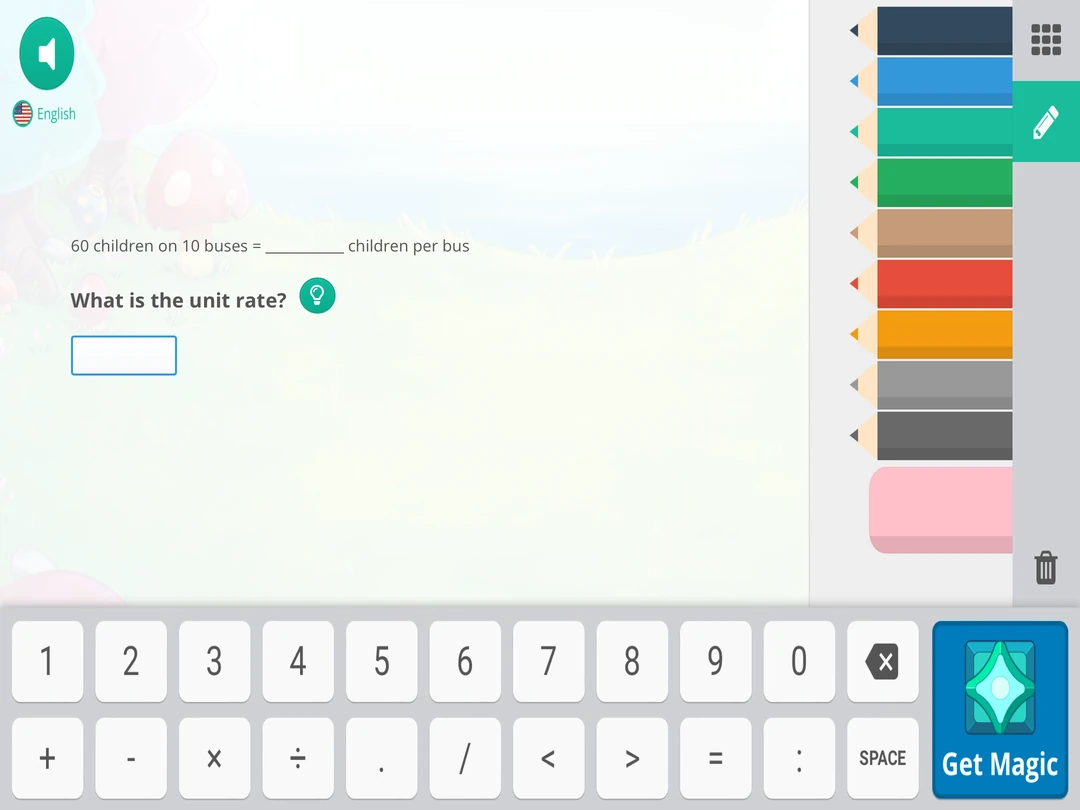
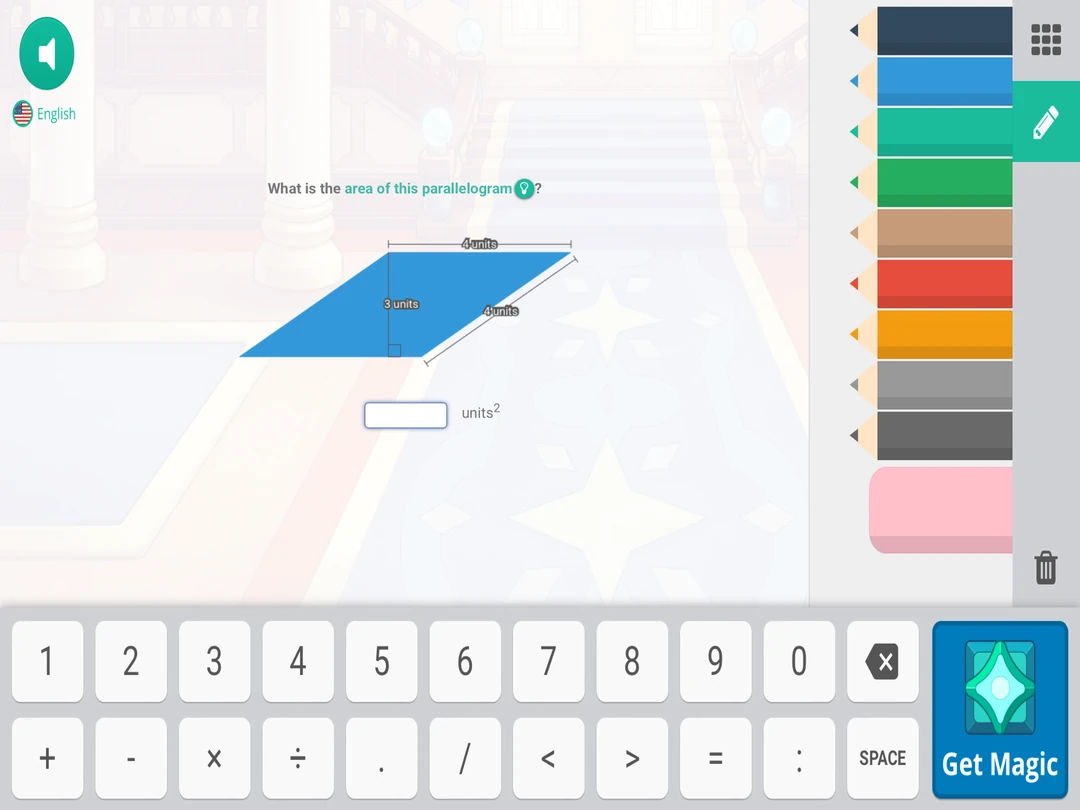
It works on the kids who need it to. Ours groaned at math drills, then ground this voluntarily for an hour. Watch with a stopwatch, though, and a significant part of the session is walking around and sorting pets. Free players see locked gear constantly, and your kid will ask.
Strengths: enormous pull with reluctant learners, coverage into middle school, parent and teacher reporting.
Limitation: the premium membership upsell pressure is real, and the game is built for long sessions - hard to use as a ten minute a day tool.
5. IXL Math, best for structured math practice
No story, no characters, no music. A question, an answer box, a SmartScore ticking in the corner. IXL provides math exercises for students from pre-K to 12th grade plus personalized skill recommendations based on diagnostics, and never pretends to be a game.
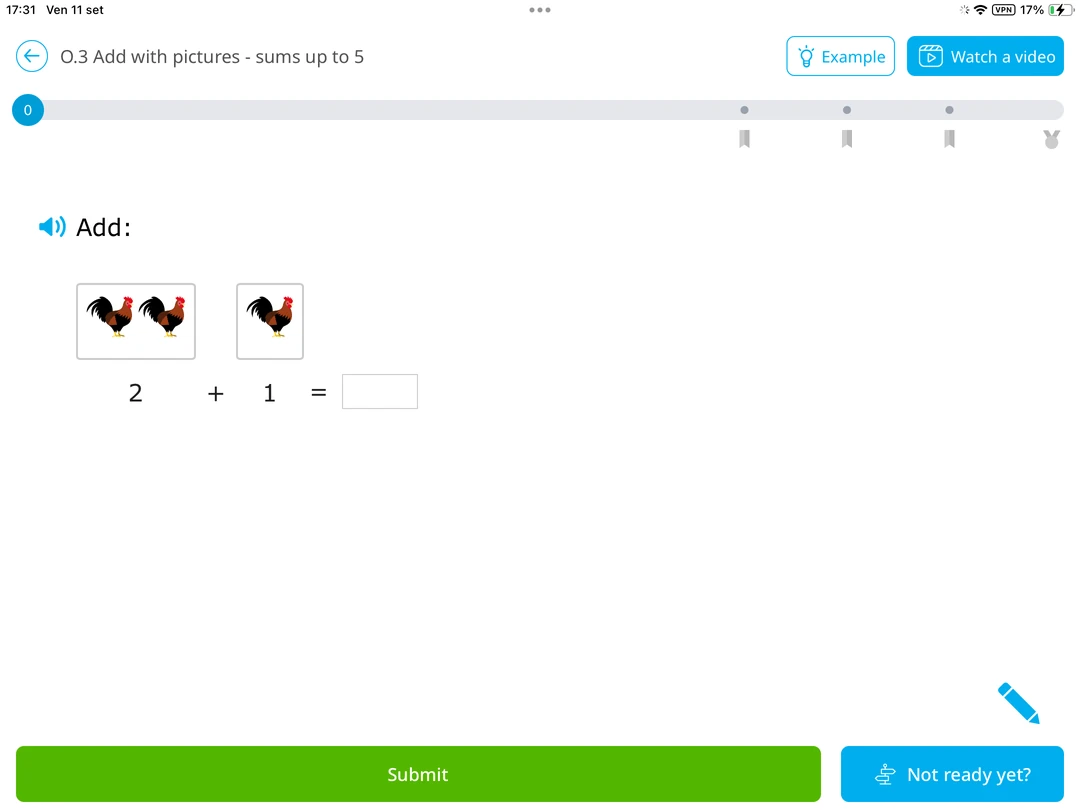
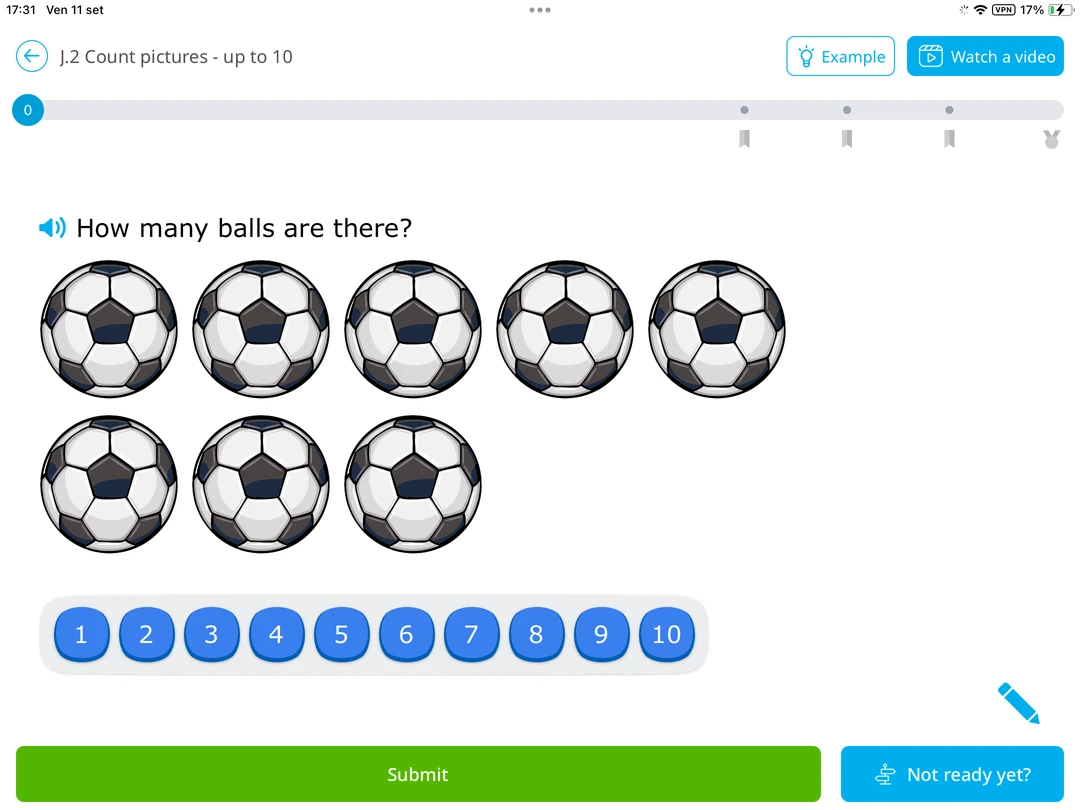
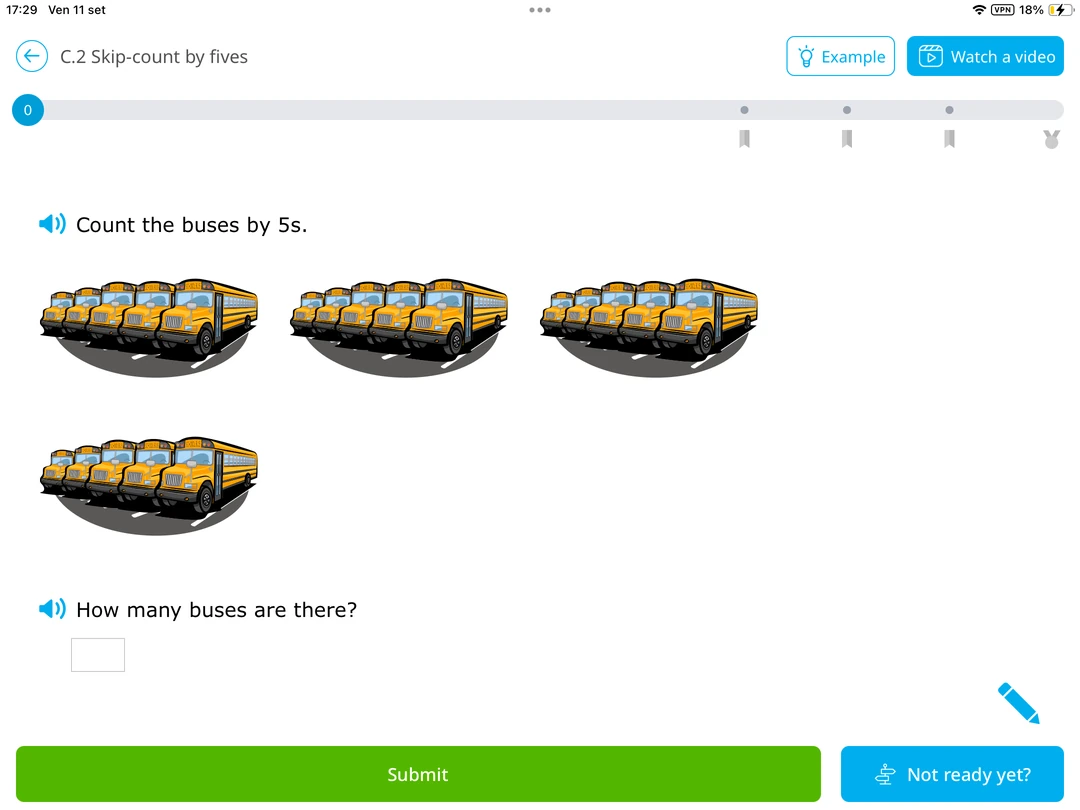
The SmartScore is the whole emotional experience. It sprints to 80, then crawls. Miss one at 92 and you're back at 84, exactly where a certain kind of kid puts down the tablet and leaves. Get something wrong and IXL shows a full worked solution, one of the better explanations here.
Strengths: huge skill library, real analytics on student progress, excellent post-mistake walkthroughs.
Limitation: scoring punishes late mistakes hard, and every additional child costs extra.
6. SplashLearn, best K-5 activity library
SplashLearn covers Pre-K through Grade 5 with, by its own count, over 4,400 activities and worksheets across math and reading. Every screen is bright, busy, moving. Pick a grade, get a path of activities across every major topic in elementary school.
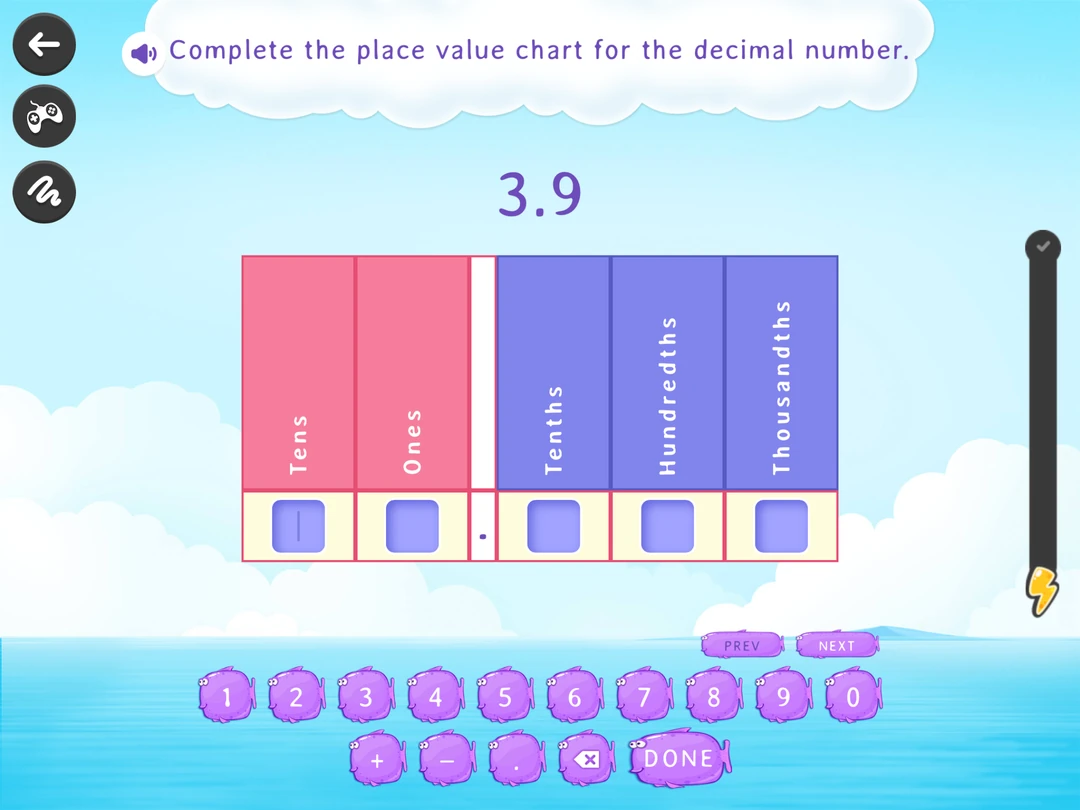
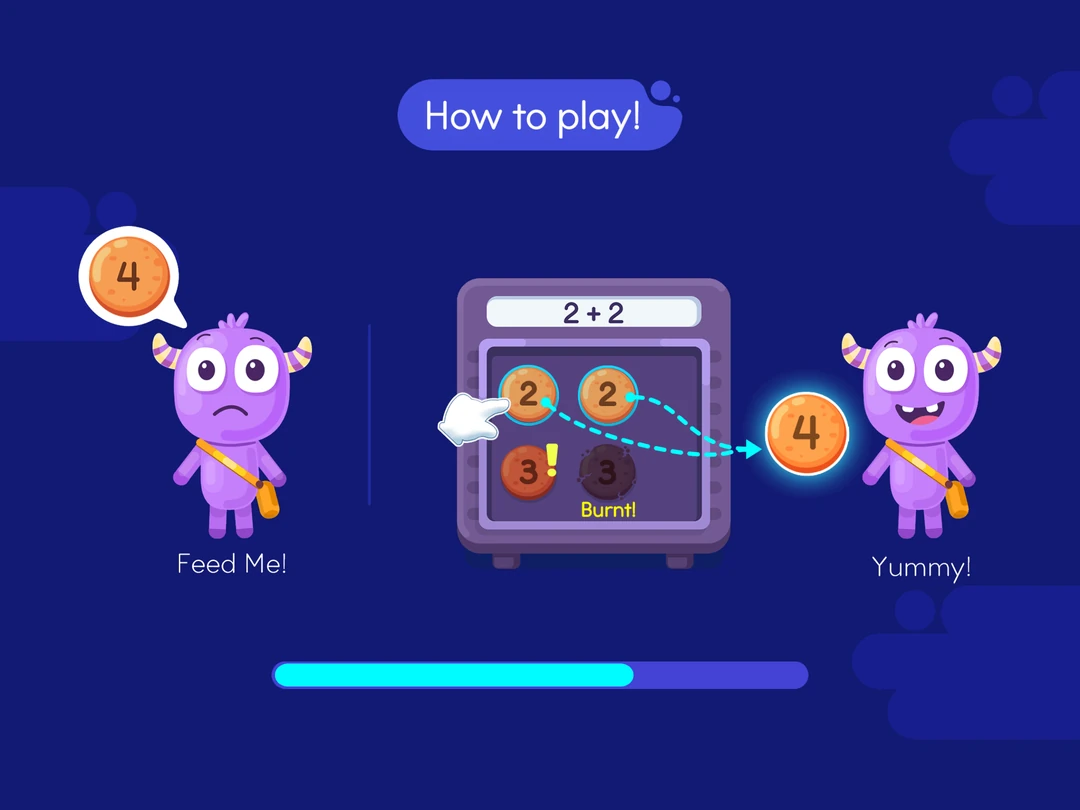
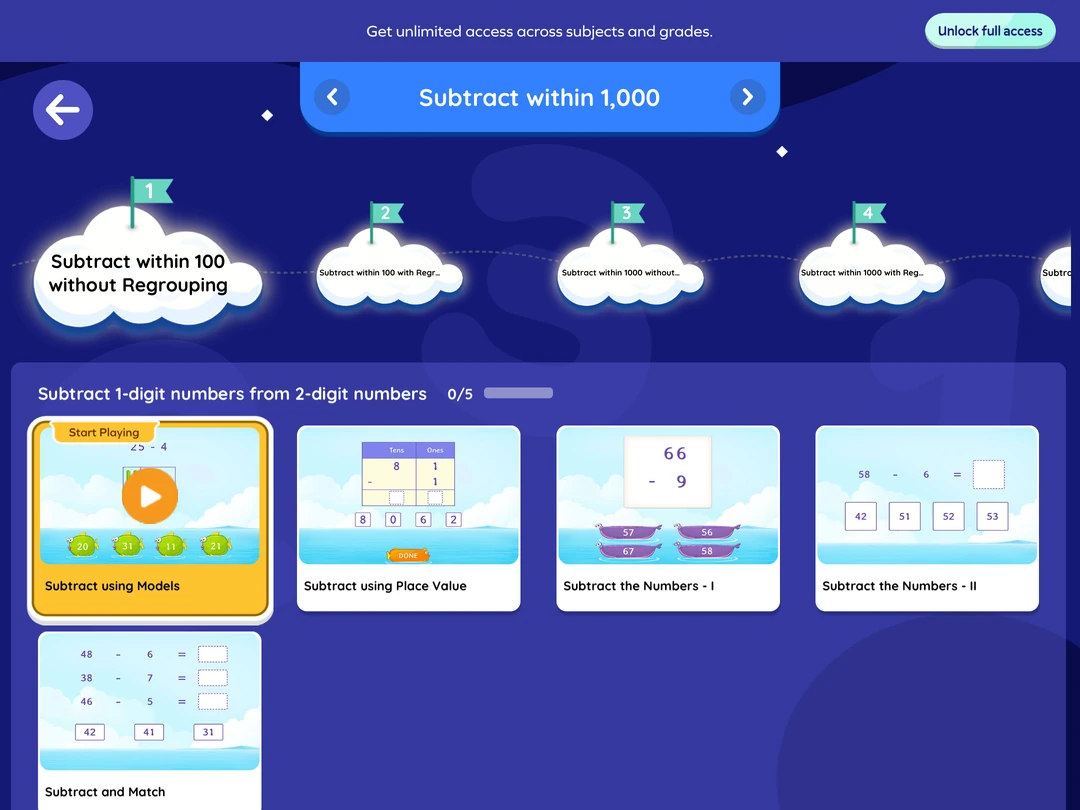
Volume is the selling point and the thing to watch. With that many math activities on offer, a kid left to browse will graze rather than build. Set the grade, let the path run, and the activities do their job. Parent Connect pushes progress to your phone. This is the pick for the parent who wants the whole year's topics in one subscription.
Strengths: enormous library for K-5, solid standards alignment.
Limitation: the free tier runs dry quickly and the upgrade prompts don't let up.
7. Elephant Learning, best for catch-up with a live coach
Elephant Learning looks built by mathematicians rather than game designers, which is close to what happened. Your kid drags objects into groups, splits them, counts what's left. Elephant Learning claims children can learn a year's math in three months at roughly 30 minutes a week, and leans on visual models and virtual manipulatives, teaching math concepts through pictures long before symbols appear.
The subscription includes video calls with human math coaches, which no other app on this list offers, and which is what you're paying tutoring money for.
No story pulls anyone back tomorrow. What keeps you subscribed is the parent dashboard, reporting progress in months gained.
Strengths: clear progress metrics, strong grounding in basic math concepts, live coaching included.
Limitation: from $50 a month, and no story or game pulling the child back - the routine is on you.
8. DoodleMath, best for short daily practice
DoodleMath hands your kid a small set of questions and then stops. Not a bug, the design. Ten minutes, self paced learning, no marathons. It tailors content to students' strengths and weaknesses, so the daily set aims at the gaps.
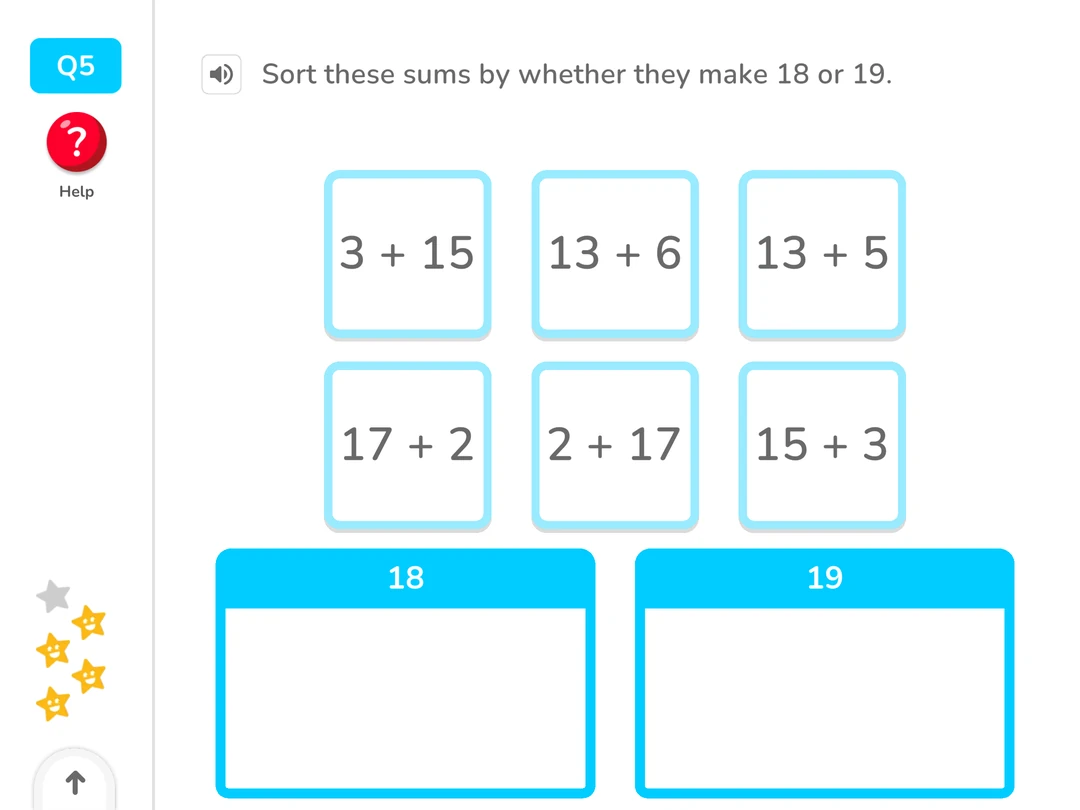
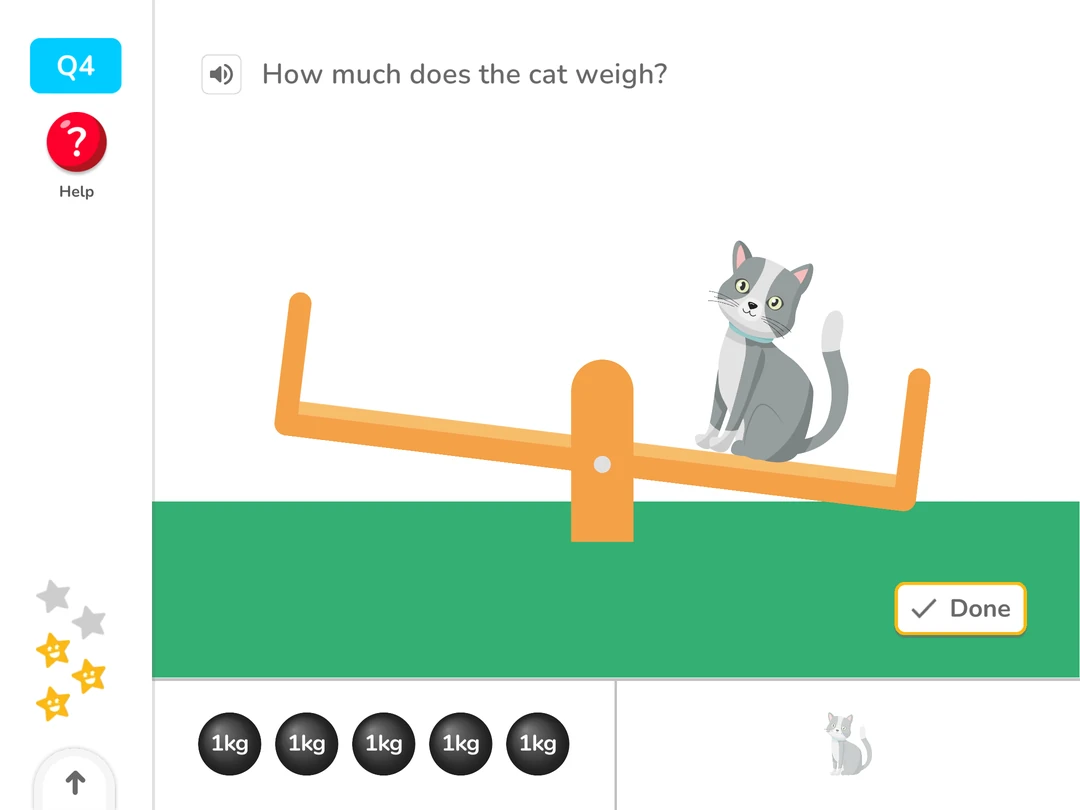
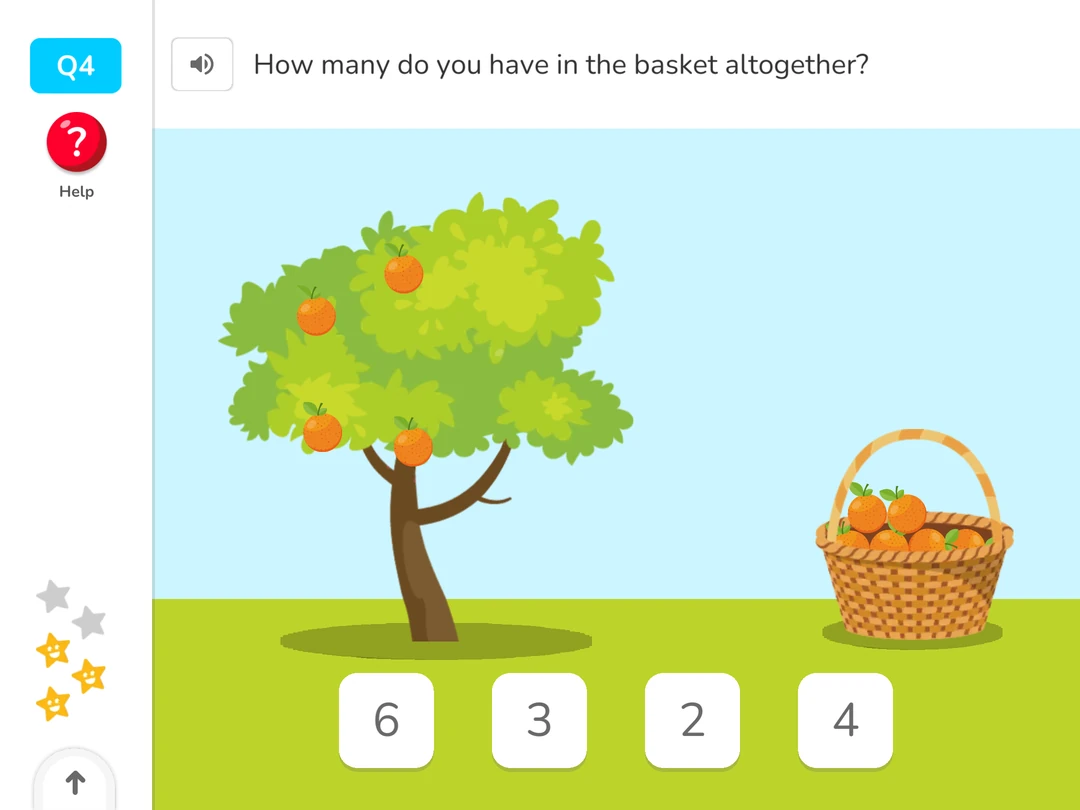
The stopping is what makes it work. Kids who fall apart at twenty minutes will do ten without a fight, and consistency beats intensity when you're building math fluency.
Strengths: genuinely adaptive daily sets, almost no friction to start.
Limitation: full features sit behind a subscription.
9. Monster Math, best for mental math strategies
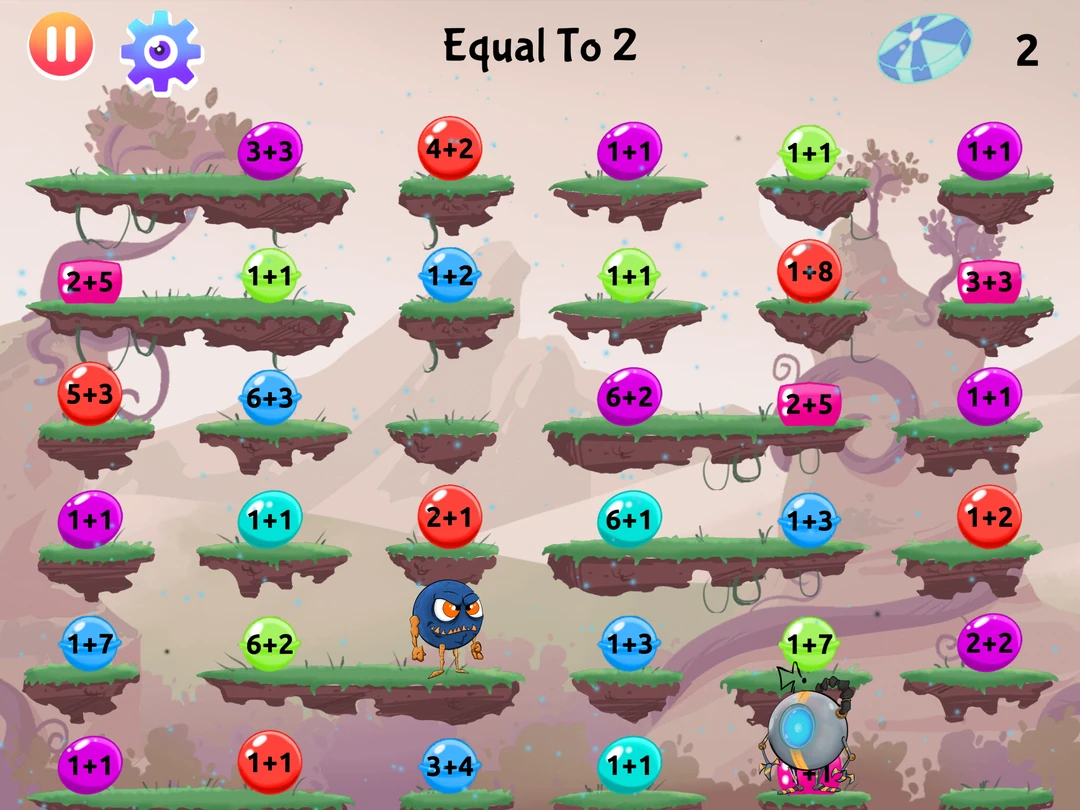
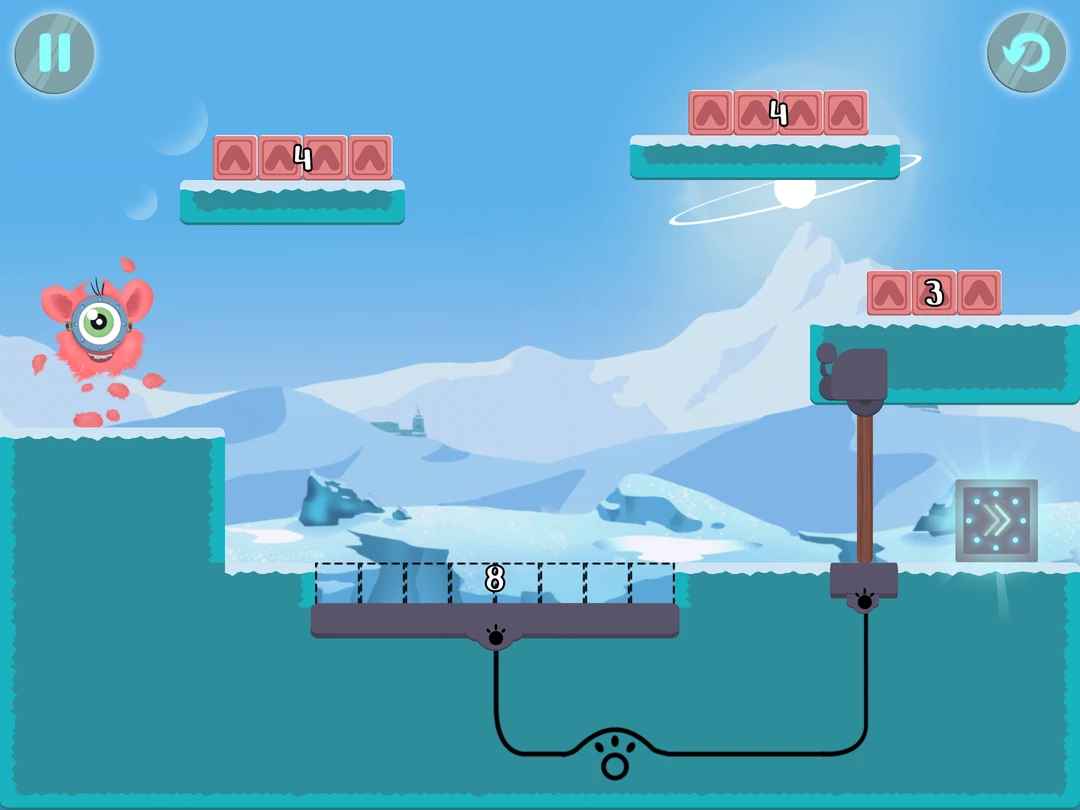
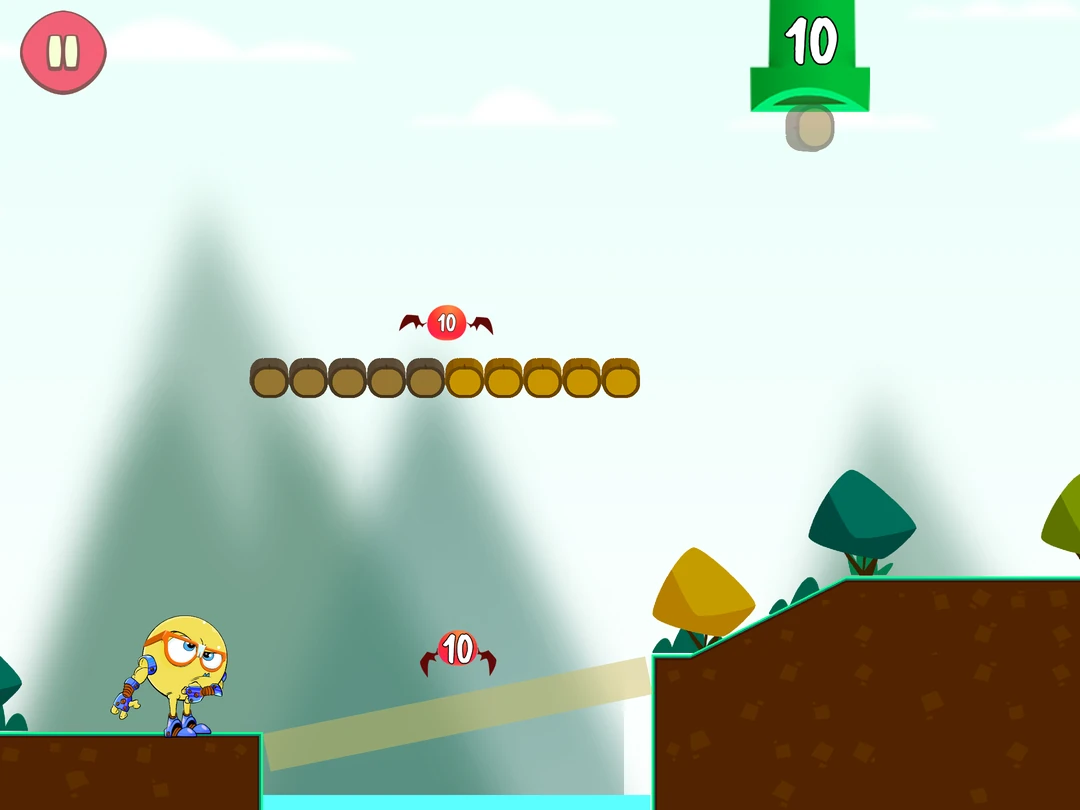
Monster Math combines adventure gameplay with basic arithmetic, and does something most math games skip. It teaches strategies. Rather than drilling facts until they stick, Monster Math shows kids how to break a number apart, so 8 plus 7 becomes 8 plus 2 plus 5. Play it a while and you notice it's really a collection: the modes are the publisher's earlier standalone games gathered into one menu, each with its own hero and its own look. The settings are the strong part, exact topics per child, timer on or off, and it works offline.
Strengths: explicit strategy work over rote memorization, deep per-child topic settings, works offline.
Limitation: the modes don't connect into one game or story, and the age range is narrower than the big platforms.
10. Marble Math Junior, best hands on math game for young kids
Marble Math Junior is a maze you steer by tilting the tablet or dragging a finger. The problem sits at the top, numbers scattered through the course, and your kid rolls around collecting the right ones and dodging the wrong ones. Grab the coins that add to 12, roll to the exit.
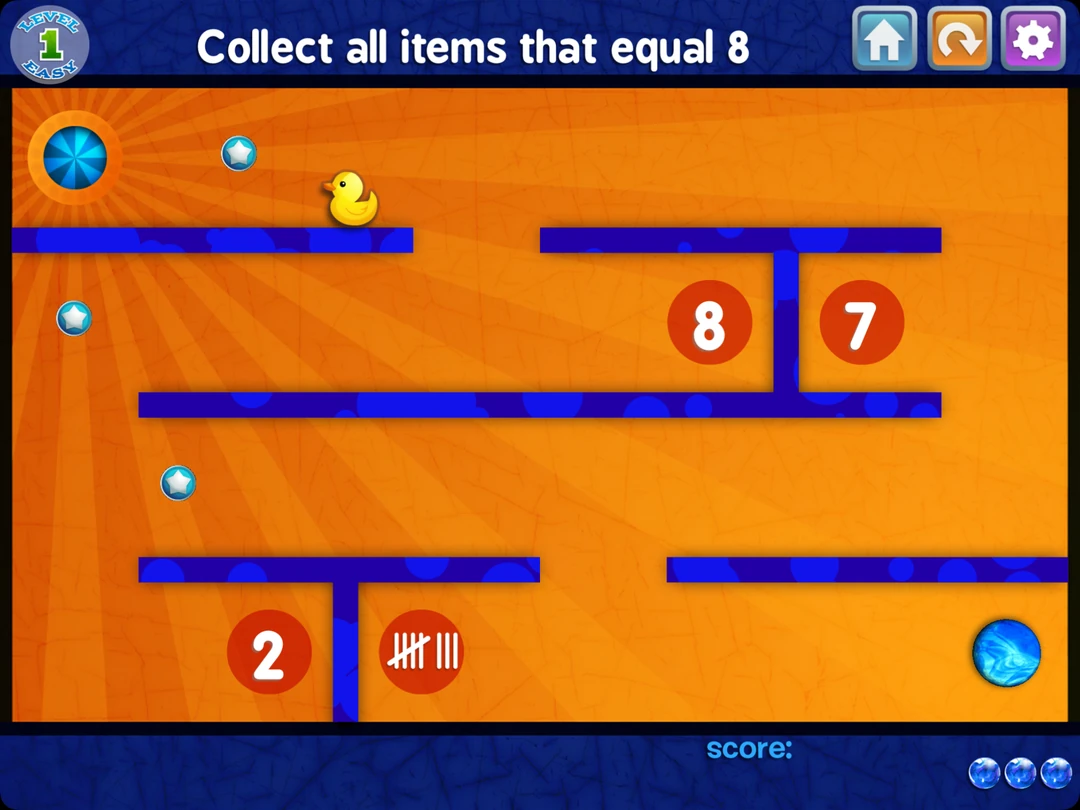
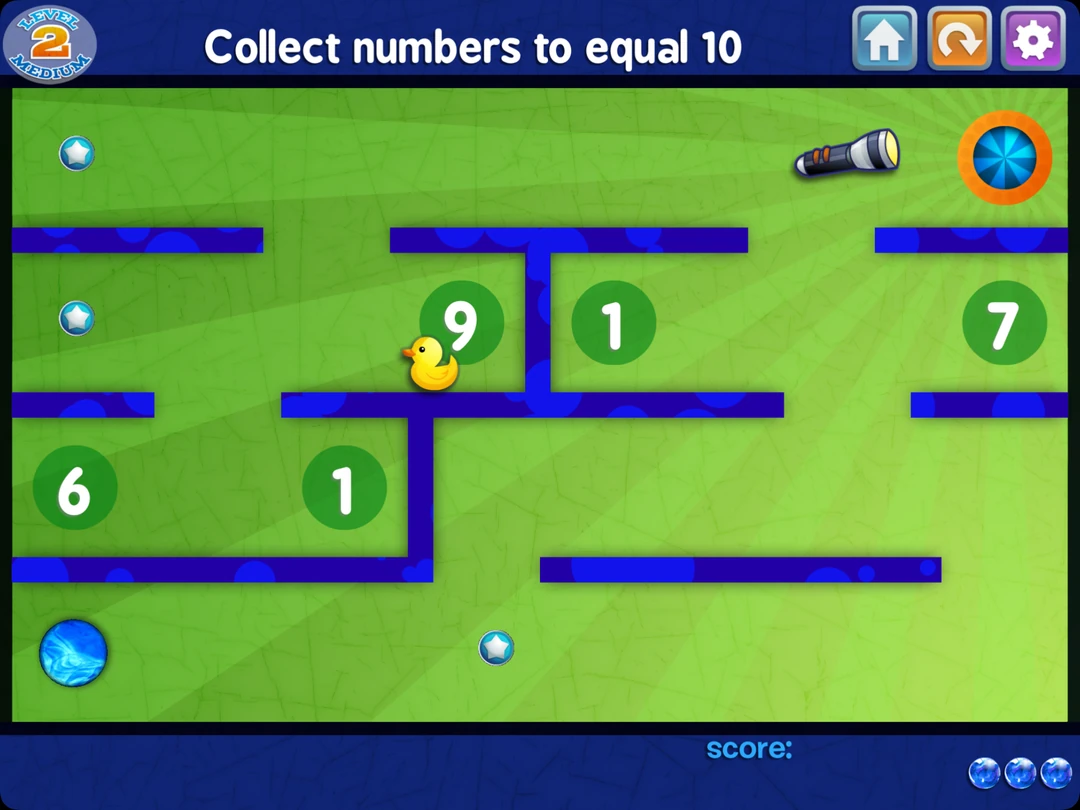
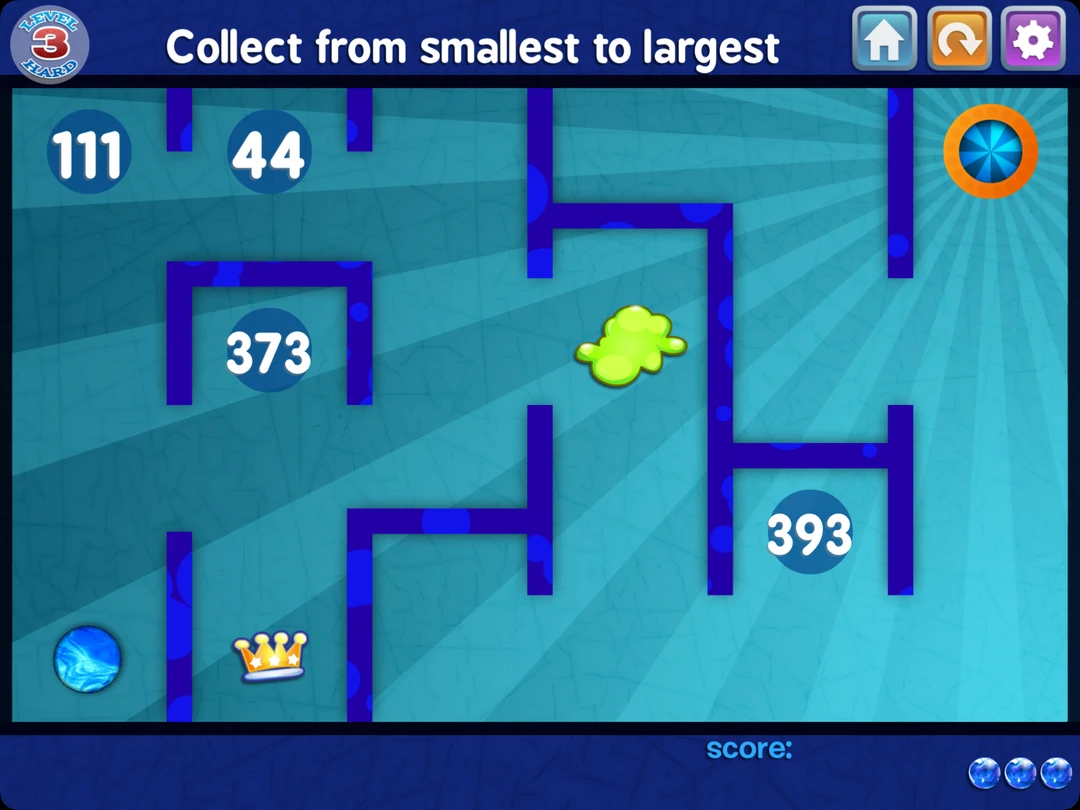
The physicality is the hook. Marble Math Junior turns math skills into problem solving your kid does with their hands. Switch to drag controls if tilt becomes flailing, which it will at first.
Strengths: tactile problem solving, adjustable difficulty tiers, no subscription.
Limitation: scope stays inside the early grades.
11. DragonBox (Kahoot!), best for building conceptual understanding
DragonBox teaches algebra and geometry through puzzles, and watching a six year old play it is faintly unsettling. A box sits on one side of the screen with a mess of creatures around it. Your kid clears them away until the box stands alone. Twenty minutes later those creatures have quietly turned into numbers and letters, and your kid has been solving for x without anyone saying the word.
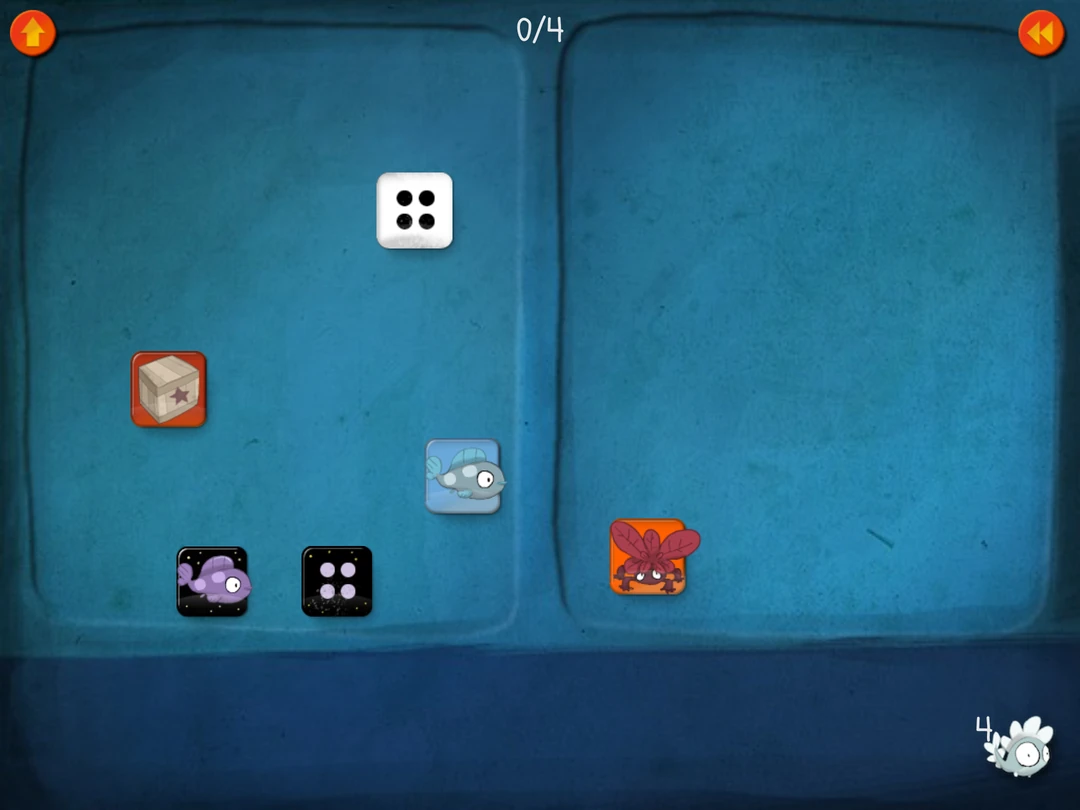
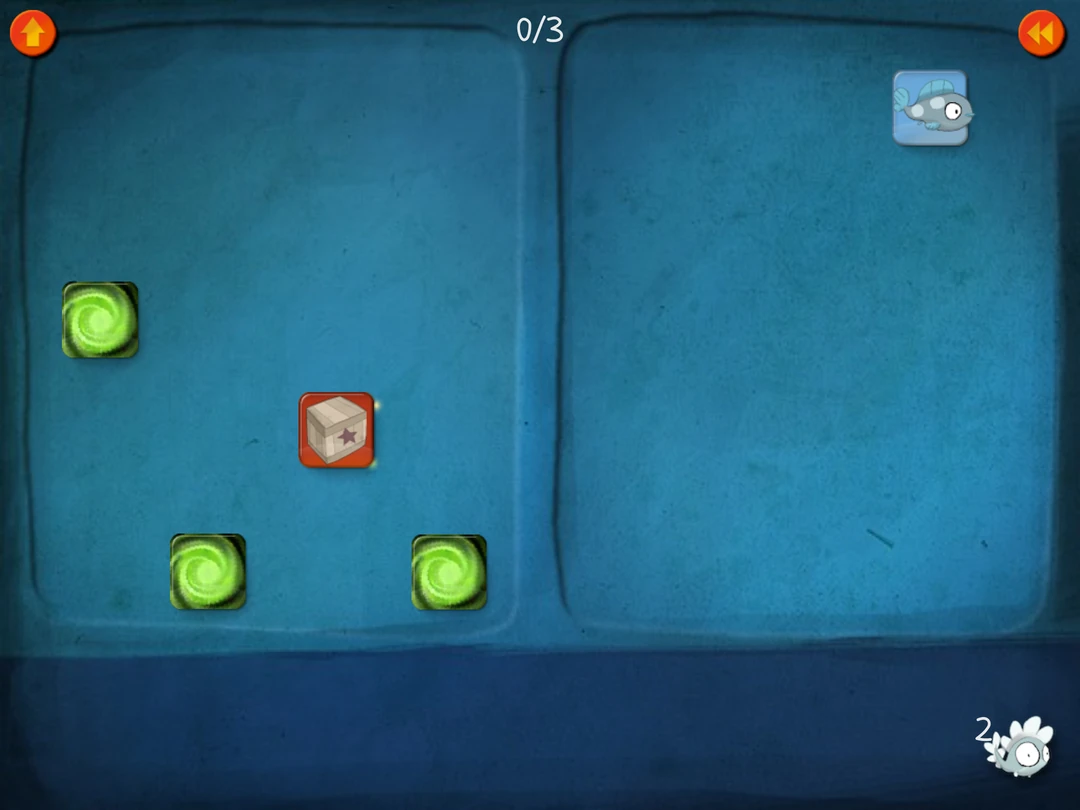
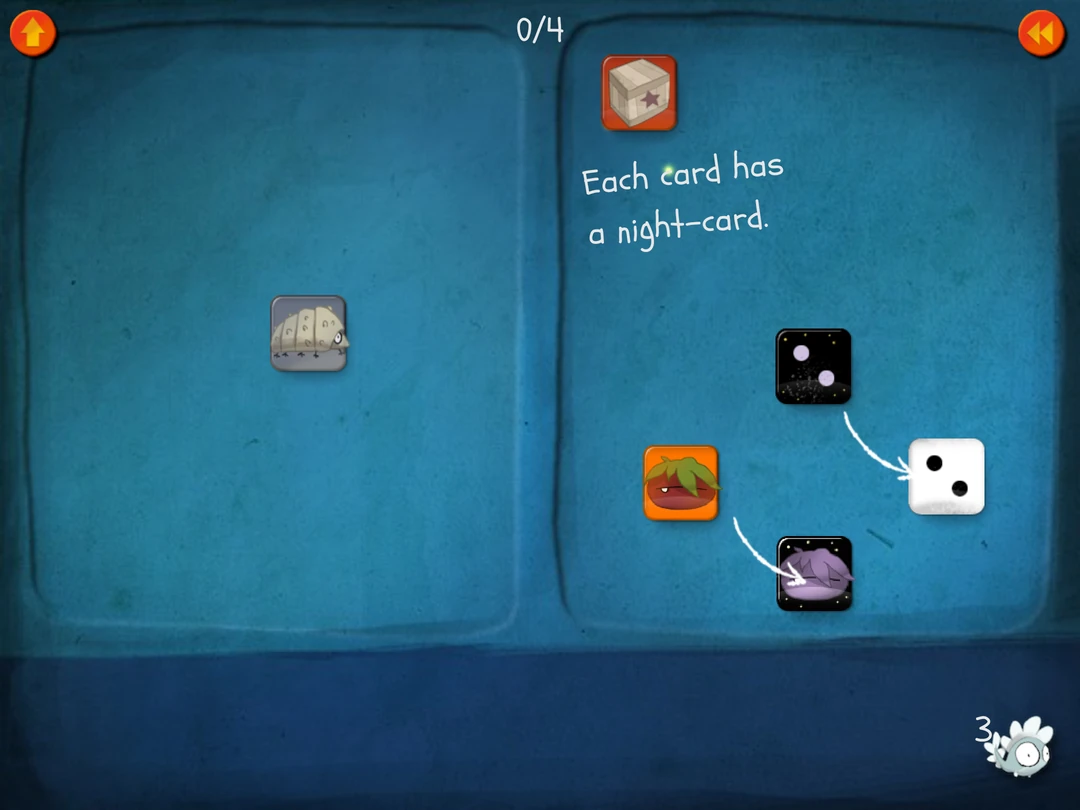
Strongest app here for logical thinking and creative problem solving. Wrong one if you need multiplication facts drilled tonight.
Strengths: genuine depth on the why, one subscription covers the whole suite.
Limitation: builds no fluency and offers no progress dashboard.
12. Slice Fractions 1 & 2, best for understanding fractions
A mammoth needs to get past a pile of lava. Your kid cuts a block of ice into pieces to clear the way. The size of those pieces is the math: halves, quarters, equal amounts arranged differently. Fractions become something your child can move and compare before the notation arrives.

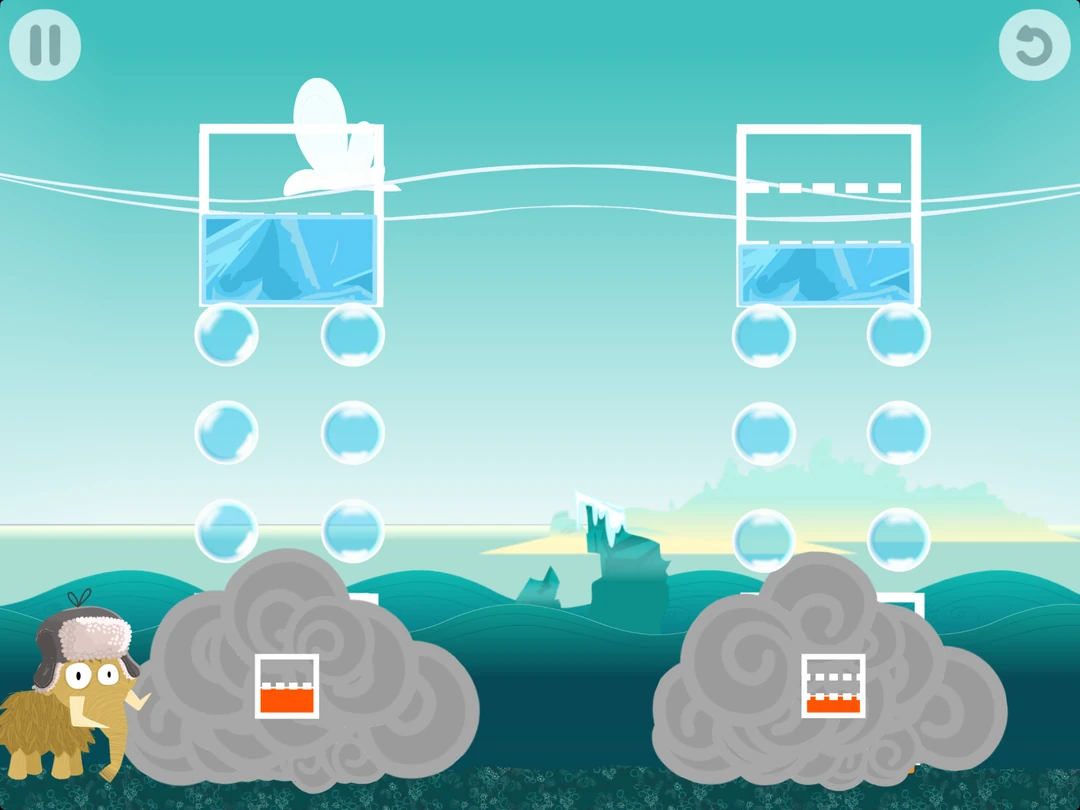

The first Slice Fractions builds the foundations: parts of a whole, equivalent fractions, and comparing sizes. Slice Fractions 2 adds new creatures and puzzle mechanics, moving into common denominators, multiplication, and fractions bigger than one. Both teach through visual puzzles with very little reading required.
Best for children who are comfortable counting and comparing quantities and are ready to explore halves, quarters, and equal parts.
This is a useful pick for the child who thinks a bigger denominator must mean a bigger piece. Cutting and matching gives them something concrete to reason with. Start with the first game if fractions are new; the second gives those ideas more room to grow.
Strengths: fractions built into the puzzle mechanics, clear visual models, little reading needed.
Limitation: two finite puzzle games with a specific focus. They help fractions make sense, but don't provide a full math curriculum or an ongoing practice program.
Do math games actually teach math?
Many children thrive with game based learning. Challenges and rewards inside math games motivate students to do repetitions they'd refuse on paper, and interactive games help with mastering foundational skills through volume of practice.
The failure mode shows up where the math is a tax you pay to reach the fun. Solve five math problems, earn thirty seconds of jumping. Kids rush through to reach the game, the opposite of what you want. Good math games make the math the mechanic. That's the line to check in your first play session.
How math apps fit around classroom math instruction
Math apps supplement math instruction. They don't replace it. Your kid's teacher notices what no algorithm catches: finger counting hidden under the desk, the face that changes when fractions come up.
Where apps win is repetition. A teacher with 26 elementary school students cannot hand your child forty personalized math problems tonight. An app can, at your kid's own pace, with immediate feedback on every one. Traditional flashcards do the same job without the customization or the reporting.
Math fluency or conceptual understanding: decide which you need
Two different problems, and most parents chase the wrong one.
Fluency means your kid recalls math facts fast enough that working memory stays free for thinking. If long division is collapsing because 7 x 8 takes eight seconds, that's what you need. MathHero, DoodleMath, and timed math drills handle it.
The other half is knowing what division is for. If your kid runs the algorithm but can't tell you which operation a word problem calls for, more drilling won't help. DragonBox, Elephant Learning, and virtual manipulatives build that side. Most kids need both, ten minutes apiece.
How to choose the best math app for your child
An app can look great in the store and still be a poor fit. Look past the graphics.
Match the grade level, not the box art
Find out which math skills your kid has locked in, then pick an app starting slightly below that skill level. Confidence first. Anything opening with problems they can't solve gets deleted within a week.
Watch the first ten minutes
Sit next to your child while they use it once. You'll learn more than from any review, this one included. Are they thinking, or tapping until something turns green?
Check what happens on a wrong answer
Best single test there is. A good app shows a visual model, breaks the problem apart, lets them retry. A bad one flashes red and moves on.
Decide what you'll actually pay for
Free apps are strong for young learners. Paid ones earn their keep on customization, adaptive learning, and reporting.
Free math apps for kids worth installing
Free doesn't have to mean bare-bones. These give real practice without another subscription.
Khan Academy Kids and Moose Math
Khan Academy Kids is free with no in app purchases whatsoever. Moose Math engages preschoolers with colorful mini games around counting, addition, and shapes, and costs nothing either. For ages 3 to 6 the pair covers most of what you need before school starts.
MathHero at five levels a day
Worth being precise, since "free" gets used loosely. MathHero's free mode isn't a demo or a trial that expires. The whole game can be finished without paying, no ads. The single limit is pace: five levels per day, roughly one good practice session. Paying removes the daily cap, not a content wall.
Math Learning Center apps
The Math Learning Center publishes free virtual manipulatives: number lines, fraction bars, base ten blocks, geoboards. No gamification, no accounts, no purchases. When your kid is stuck on homework and you need a visual model in fifteen seconds, these beat whatever explanation you were about to improvise.
Making math apps for kids stick at home
Pick one primary app. Ten to fifteen minutes, same slot daily, not right before bed. Let your kid choose when inside that window, because a little control beats any sticker chart.
Check progress monthly, not daily. If your child stopped opening the app unprompted after three weeks, that's data. Switch.
FAQ about best math apps for kids
Do math apps replace teaching math?
No. They handle practice and repetition well, and structured practice is how a skill gets built. Teaching from scratch, where somebody explains a new concept or untangles a misconception, takes a person.
Is a free app good enough?
Often yes. A free math app like Moose Math or Khan Academy's kids app covers early math concepts properly for ages 2 to 8, and MathHero's free mode runs the full game at five levels a day. Paid tiers mostly buy pace, reporting, and control rather than access.
Which app is best for a kid who hates math?
Look for one where the math is the gameplay rather than the price of admission, and where a wrong answer costs almost nothing. Kids who've decided they're bad at this won't risk being wrong in front of a red buzzer. Story-driven math games like MathHero and Prodigy get further than any drilling app.
What about claims like "a year of math in three months"?
Treat them as marketing until you see the measurement behind them. Ask which assessment produced the number, who administered it, against what baseline. Then check your kid's schoolwork after eight weeks.
How much time per day should kids spend?
Ten to fifteen minutes for elementary students, consistently. Short daily sessions beat a weekend marathon for retention.
What age can kids start using math apps?
Around three or four for counting and shapes. Apps drilling basic arithmetic assume your child knows their numbers already, so those make sense from about five.
Honest bottom line
None of the best math apps for kids fixes a child's relationship with math on its own. What a good one does is make the practice happen while you're cooking dinner and cannot stop to explain fractions for the third time this week.
If your child is 5 to 10 and the arithmetic is what's stuck, start with MathHero and watch whether they open it twice without being asked.
That's the only benchmark that counts.