

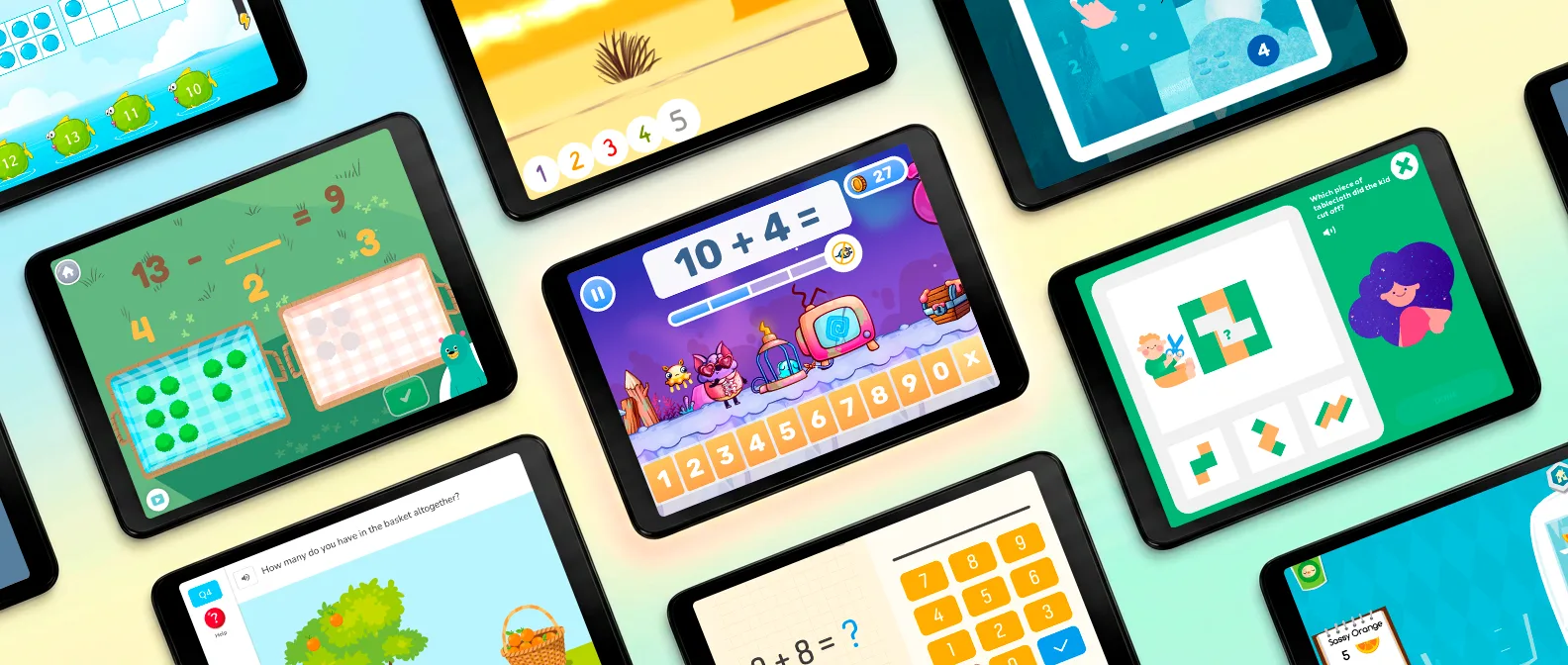
It's 5:40 on a school night. Pasta water on the stove, and your first grader is lying under the kitchen table explaining that 8 + 7 is "too many." Ten minutes of math, and you're both already losing.
That's the problem this list is built to tackle. Not which app packs the most math drills, but which one your kid will open again tomorrow, and if the math inside it is the math first grade actually asks for.
Short answer
MathHero is my top pick for most first graders. It's a story-driven math game built on addition and subtraction within 10, 20 and 100, the core of first grade math, and it's free to play at five levels a day. Khan Academy Kids is the best fully free all-rounder for the rest of the year, Math Makers suits a child who wants an unusual, visual way into new ideas, and Prodigy Math is for a kid who wants a big fantasy world to roam.
Who's writing this: I'm a math curriculum consultant for MathHero and helped shape its learning content. It sits at #1 because of the criteria below, it gets a limitation line like every other app, and where another app fits your child better, I say so.
Best math apps for 1st graders at a glance
| # | App | Best for | Ages or grades | Pricing model |
|---|---|---|---|---|
| 1 | MathHero | Daily addition and subtraction practice a kid asks for | Ages 5 to 10 | Free at 5 levels a day; subscription removes the cap |
| 2 | Khan Academy Kids | Free early learning across subjects | Ages 2 to 8 | Free, no ads, no subscriptions |
| 3 | Prodigy Math | Kids who want a fantasy world | Grades 1 to 8 | Free to play; membership adds pets, gear and perks |
| 4 | Kahoot! Numbers by DragonBox | Seeing what numbers are made of | Ages 4 to 8 | Kahoot! Kids subscription with a free trial |
| 5 | Math Makers | An unusual, visual way into new ideas | Ages 5 to 10 | Subscription after a 7-day trial; no free mode |
| 6 | Monster Math | Mental math strategies | K to Grade 3 | Limited free play, then a subscription |
| 7 | Mathseeds | A first introduction to counting and addition | Ages 3 to 9 | Subscription after a 30-day free trial; no free mode |
| 8 | MathTango | Building a monster world with addition and subtraction | K to Grade 5 | Free mode of 5 puzzles a day for 1 profile; subscription for MathTango alone or the whole Piknik bundle |
| 9 | SplashLearn | A big library of short mini-games across many topics | Pre-K to Grade 5 | Family subscription after a 7-day free trial |
| 10 | Todo Math | Accessibility options | Pre-K to Grade 2 | Free basic version; subscription for the full curriculum |
| 11 | IXL Math | Standard-by-standard practice alongside school | Pre-K to Grade 12 | Subscription; free mode is 10 questions a day |
Pricing models were checked in September 2026 against the developers' own pages and store listings. They change, so confirm before you subscribe.
How I chose them
Most lists of best math apps rank by features. This one asks four questions, in this order.
- Will your kid come back to it? Novelty carries any of these math apps through the first session. I looked for what still pulls a six-year-old back in week four: a story, a character to dress up, a world that keeps opening, the feeling of getting faster. The simplest test is whose idea the next session is.
- Is it first grade math, at the right entry point? How many of the math skills first grade asks for it covers, and whether it starts where a first grader actually is.
- What's free, and what does full access cost? Specifically: does the free version limit what your child can play, or only how much per day?
- How much can you steer and see? Topics, difficulty, speed, reports.
That order is why MathHero comes first. It's built around the first question and scores well on free access and parent control. It's also why it isn't the answer to everything: on the second question, it covers the addition and subtraction of first grade, not the rulers, clocks and shapes.
What kind of math should a 1st grader be doing?
Mostly addition and subtraction, with place value close behind. Common Core names four critical areas for grade 1: strategies for adding and subtracting within 20, place value (thinking of 14 as one ten and four ones), measuring length, and reasoning about shapes. The fluency target is precise: add and subtract within 20, and be fluent within 10, using strategies like counting on and making ten. Kids also add within 100, say 36 + 7 or 36 + 20, using what they know about tens and ones. No multiplication yet.
So the year has basically two jobs. Speed: 6 + 7 without reaching for fingers. Sense: why 16 is a ten and six more, the number sense side. Math apps tend to build one of those math skills better than the other, and mastering basic math skills in first grade takes both. Figure out which one your kid is missing before you download anything.
The 11 best math apps for 1st graders
1. MathHero, best overall for 1st grade math practice
Nobody in MathHero hands your kid a worksheet. There's a world overrun by slimes, animals to rescue, things to build, races to win, and every one of those moves runs on math facts. Answer 6 + 7 and your hero acts. Miss one and it costs little. There's no "finish your problems, then you can play." The problems are the play.
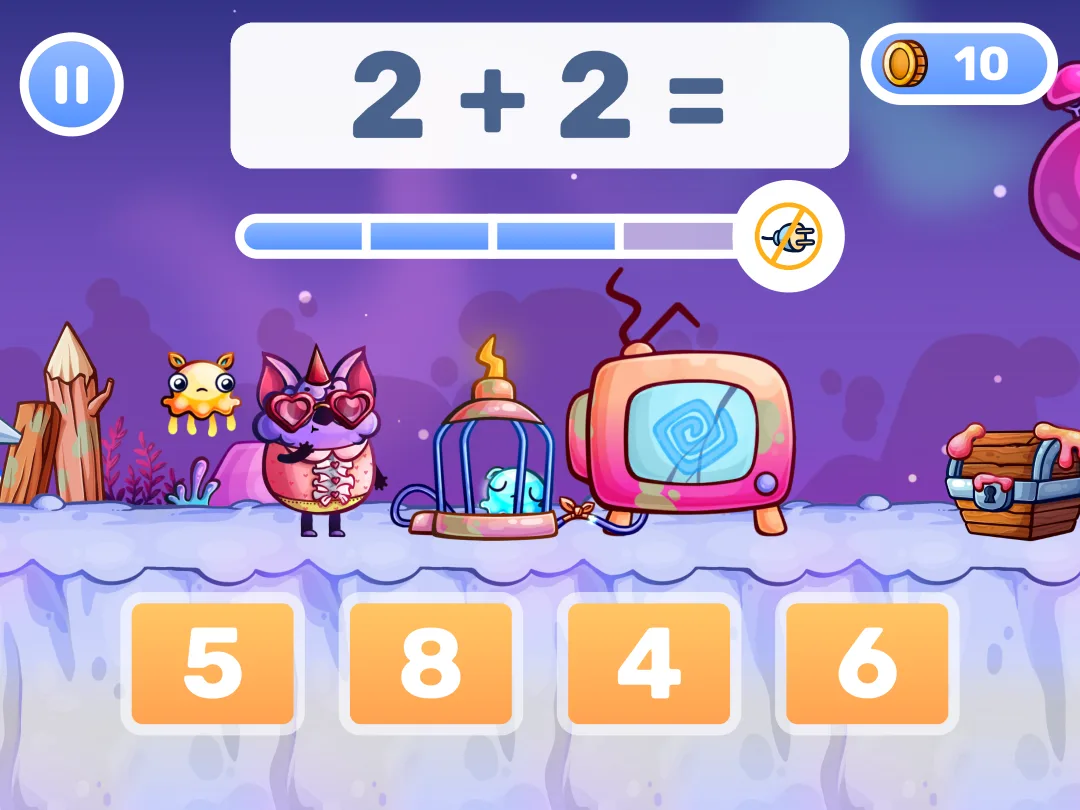
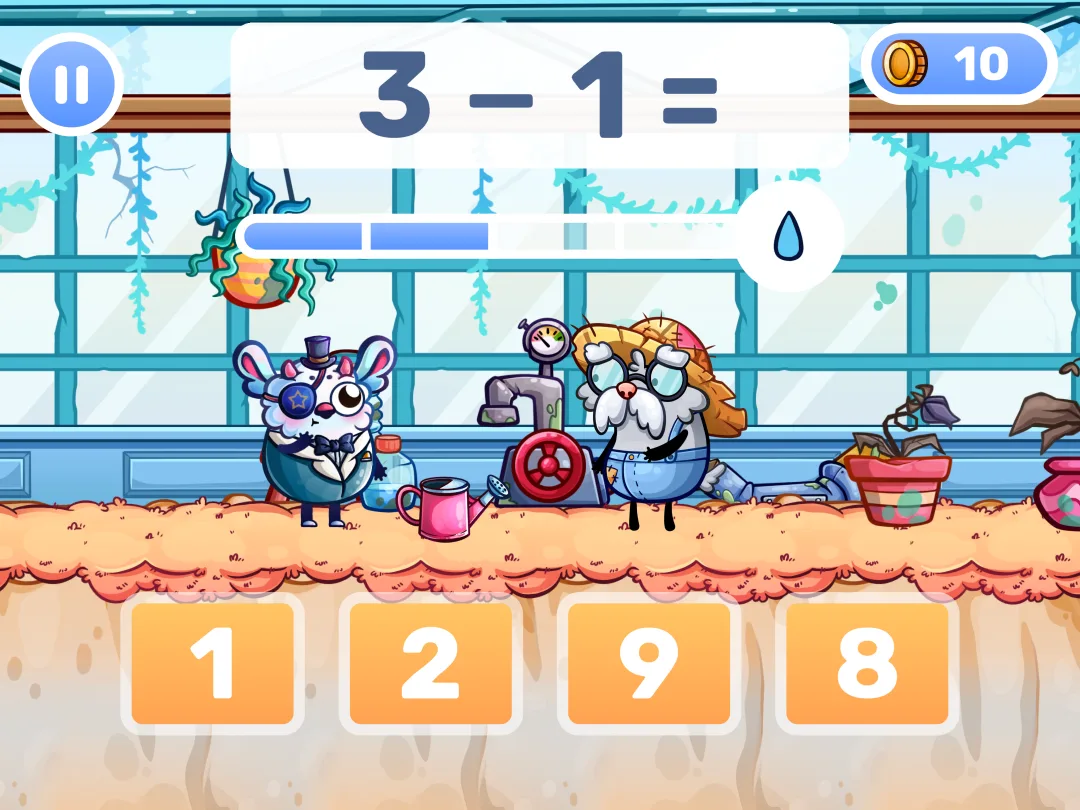
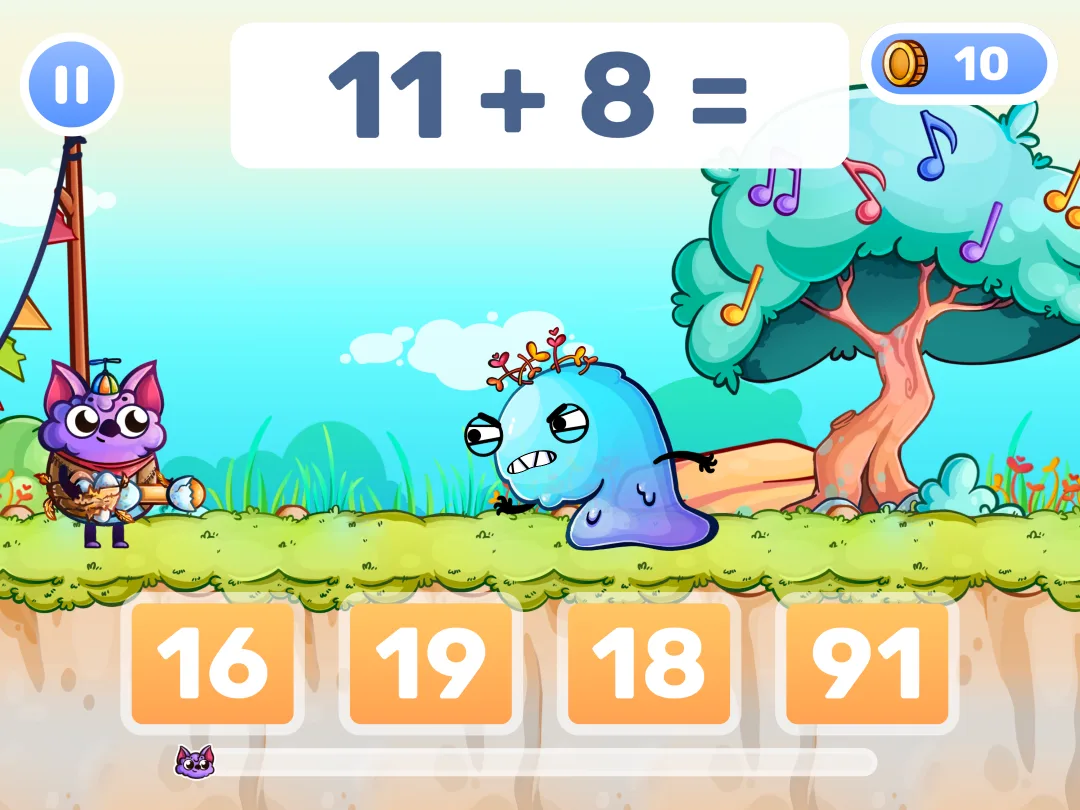
For a first grader, what matters is where it starts and how far it runs. Addition within 10, then 20, then 100, with subtraction at every step: the core elementary math spine of the grade 1 standards above. Then it keeps going, to 1000, multiplication and division, so the same learning adventure grows with your kid through 4th grade.
Setup is a one-time parent job. Pick the topic (subtraction within 20 and nothing else, if that's the sore spot), then choose open practice at a difficulty you set or a guided step-by-step path. Slow the monsters down for a kid who gets flustered. Switch from multiple choice to typed answers once the facts feel solid. Each child gets a profile with their own settings and progress, so a first grader and a third grader can share one tablet.
Parents in store reviews keep coming back to two things: those settings, and the fact that children learn math facts without being pushed. One review describes the loop: the child doesn't like reviewing math but loves collecting coins for accessories, "so he ends up doing calculations for fun." US store ratings: Google Play 4.7 (48k) / App Store 4.6 (12k).
Free is free here, with one limit stated plainly. The whole game can be completed without paying: no locked worlds, no ads. The limit is pace: five levels a day per profile, which is a real daily session for a six-year-old rather than a taste. A subscription, with a free trial first, removes the daily cap.
Strengths: math that is the gameplay, a hero of their own to dress up, per-topic and per-speed control, sibling profiles, works offline, the whole game playable free with no ads.
Limitation: core elementary math only. It starts at addition within 10, so your child needs to know their numbers first, and it doesn't touch shapes, time, or measuring. There are no instructional math videos either: new math concepts still need a teacher or you to introduce them, and MathHero builds the skill from there. Some younger students find the pace intense at first. Try Easy difficulty mode, and judge from there.
Try MathHero free, five levels a day or read the full MathHero review.
2. Khan Academy Kids, best free app for 1st grade
When Khan Academy introduced Khan Academy Kids, it built the app with the early learning team behind Duck Duck Moose, and it shows: no timers, no buzzers, no red X's. The app offers, by its own count, 5,000+ games, books and videos for ages 2 to 8, aligned with Head Start and Common Core, and stays 100% free with no ads and no subscriptions. Math runs through counting, addition and shapes, next to reading and language arts.
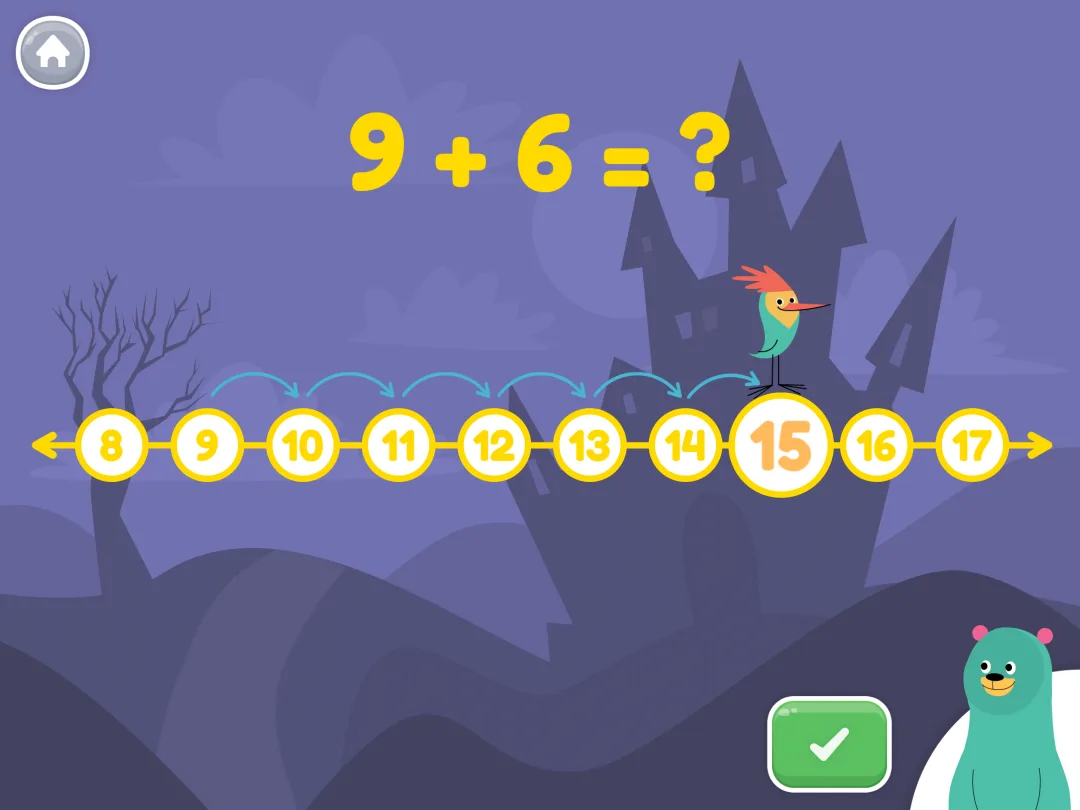
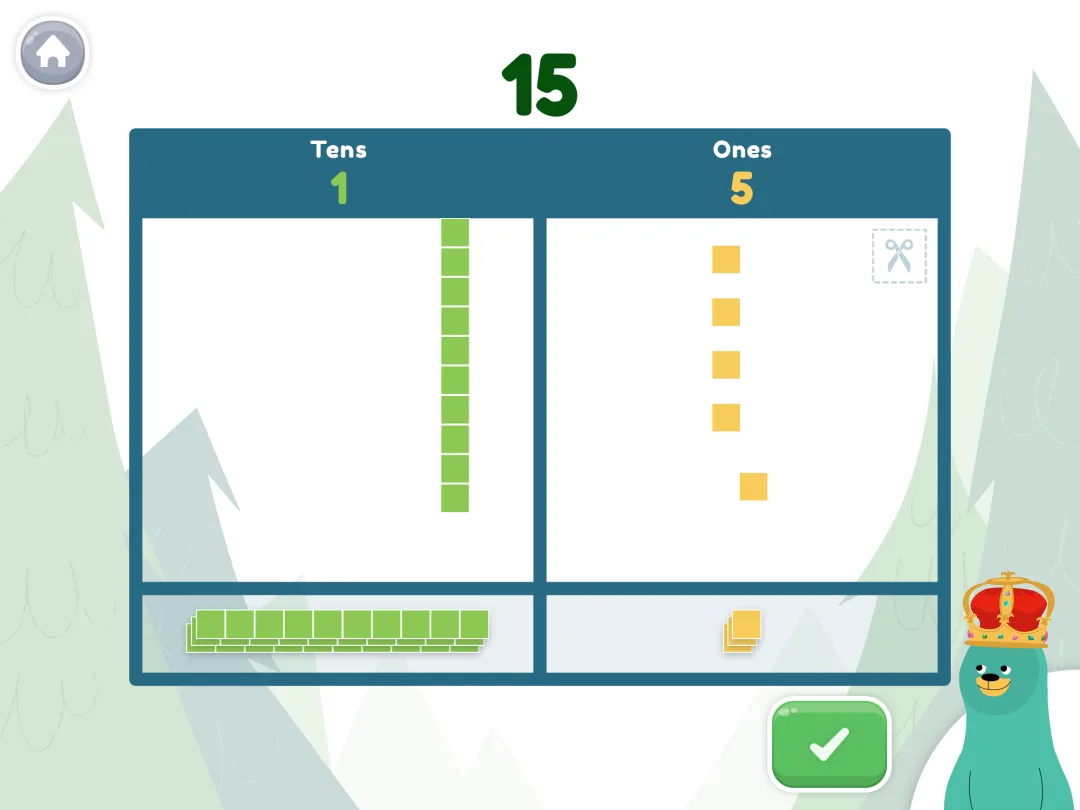

For a first grader it's a free way to cover the skills that core elementary math apps skip, from shapes to early problem-solving skills. The trade is pace. It explains and invites; it doesn't drill. A kid who needs 9 + 6 to come out fast will get there slowly, and a strong reader may find it young by spring.
Strengths: free early learning with nothing to buy, standards alignment, a calm design, offline downloads.
Limitation: light on fact fluency, and first grade sits near the top of its age range.
3. Prodigy Math, best for a kid who wants a fantasy world
Prodigy Math is a fantasy-based math game: your kid builds a wizard, explores a world, and has to answer math questions to win each battle. Get it right and the spell fires; miss and your wizard takes the hit. It covers, by its own count, more than 1,500 curriculum-aligned skills for grades 1 to 8, adjusts difficulty as students complete battles, and reports to a free parent account.
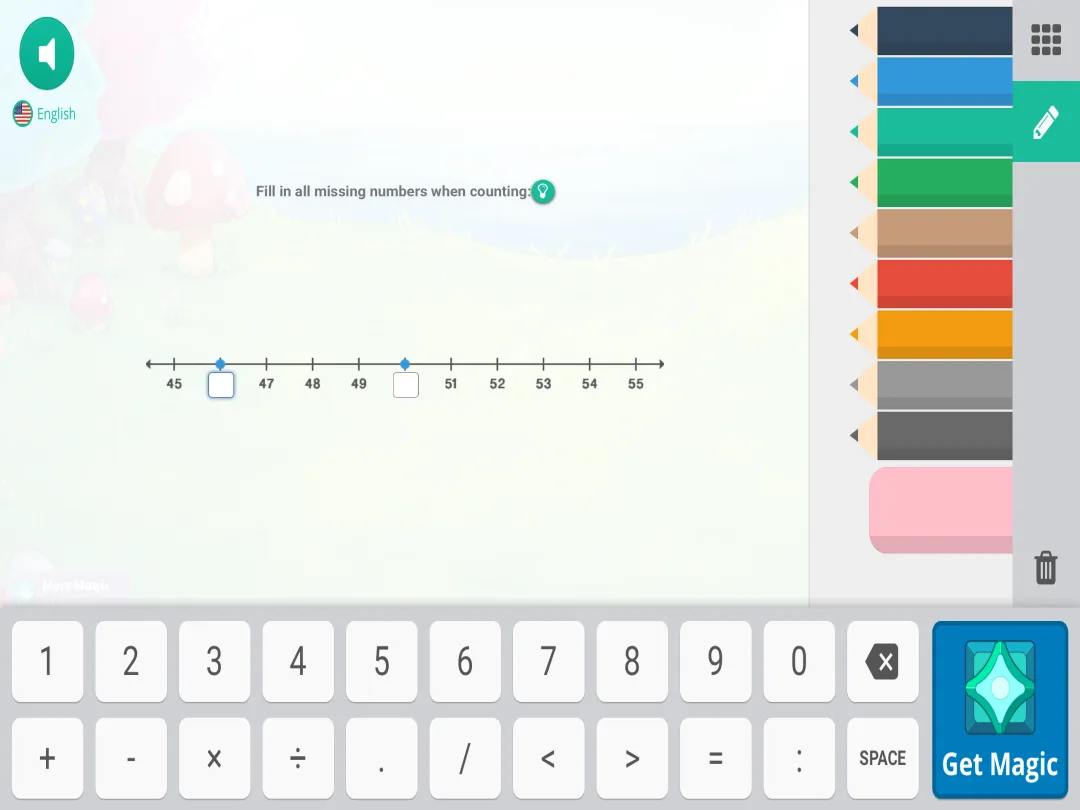
The math content is free; a paid membership adds pets, gear and perks. So the extras that support student engagement cost money, and a free player sees locked items every session. A bigger issue for a six-year-old is time. Sessions stretch long, and a good share of each one goes to walking the map and collecting pets.
Strengths: strong pull with kids who resist math drills, adaptive learning that starts at grade 1, parent and teacher reports.
Limitation: built for long sessions and hard to keep to ten minutes, with membership prompts along the way.
4. Kahoot! Numbers by DragonBox, best for number sense
Numbers 1 to 20 become Nooms, characters your kid stacks, slices and recombines, so they can see what 7 is made of before writing 3 + 4. Along the way, they learn addition and subtraction within 20, for ages 4 to 8. The follow-up, Big Numbers, is for ages 6 to 9 and moves into the base-ten system and long addition and subtraction: the place value side of first grade.
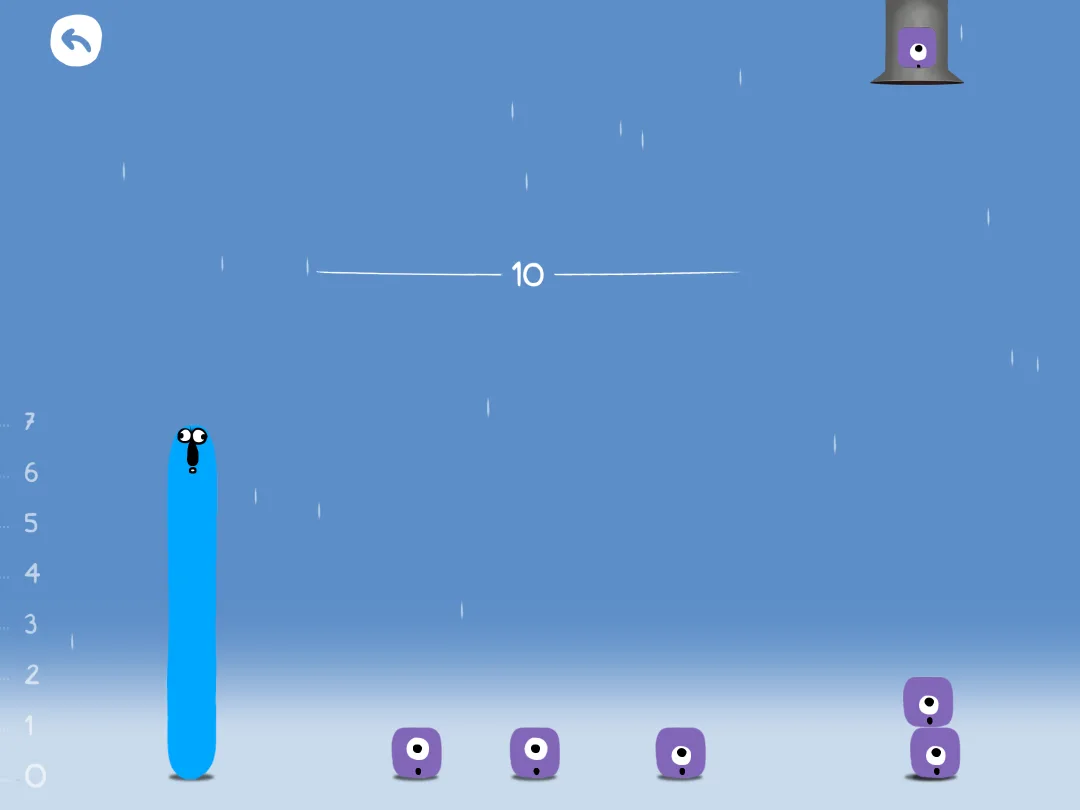


Both need a Kahoot! Kids subscription, with a 7-day free trial. They build math concepts, the why rather than the speed, so they pair well with a practice app.
Strengths: the clearest visual model of numbers here, math concepts before symbols, very little reading.
Limitation: subscription only, no fluency work, and there is a finish line.
5. Math Makers, best for an unusual, visual way into new ideas
Math Makers is a math puzzle game by Ululab, the studio behind Slice Fractions, for ages about 5 to 10. Each level is a small puzzle: the child clears the way for a funny animal by combining, cancelling, grouping or slicing blocks.
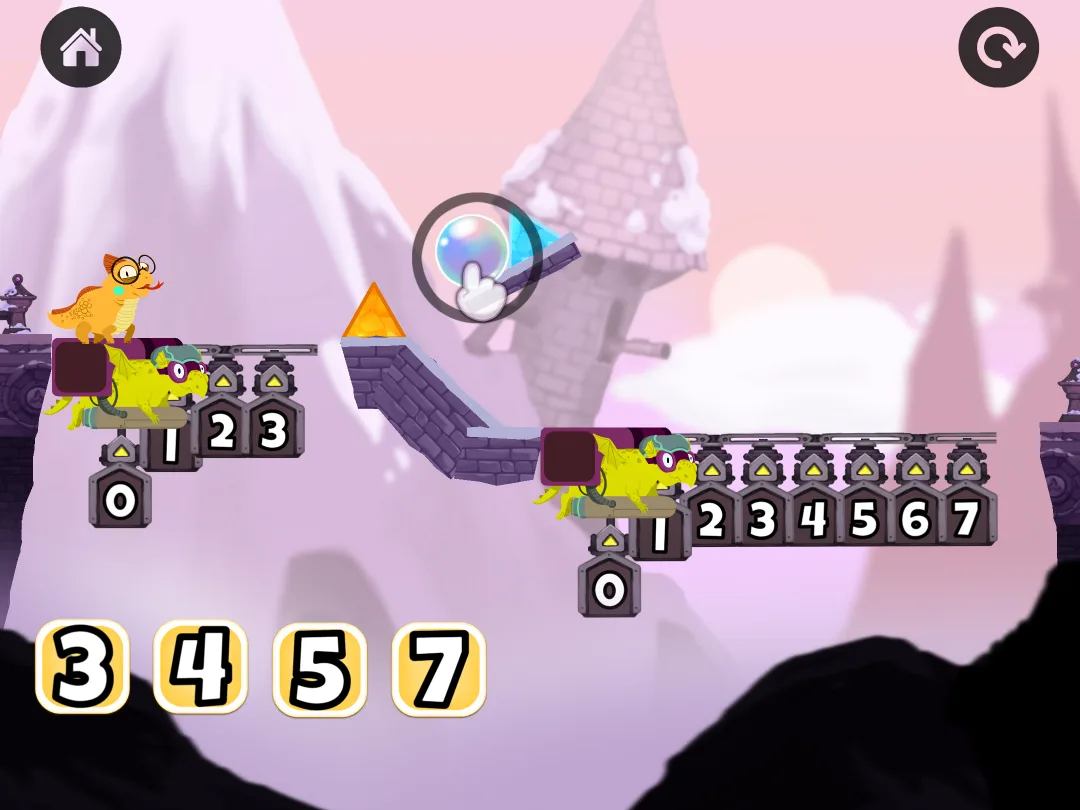
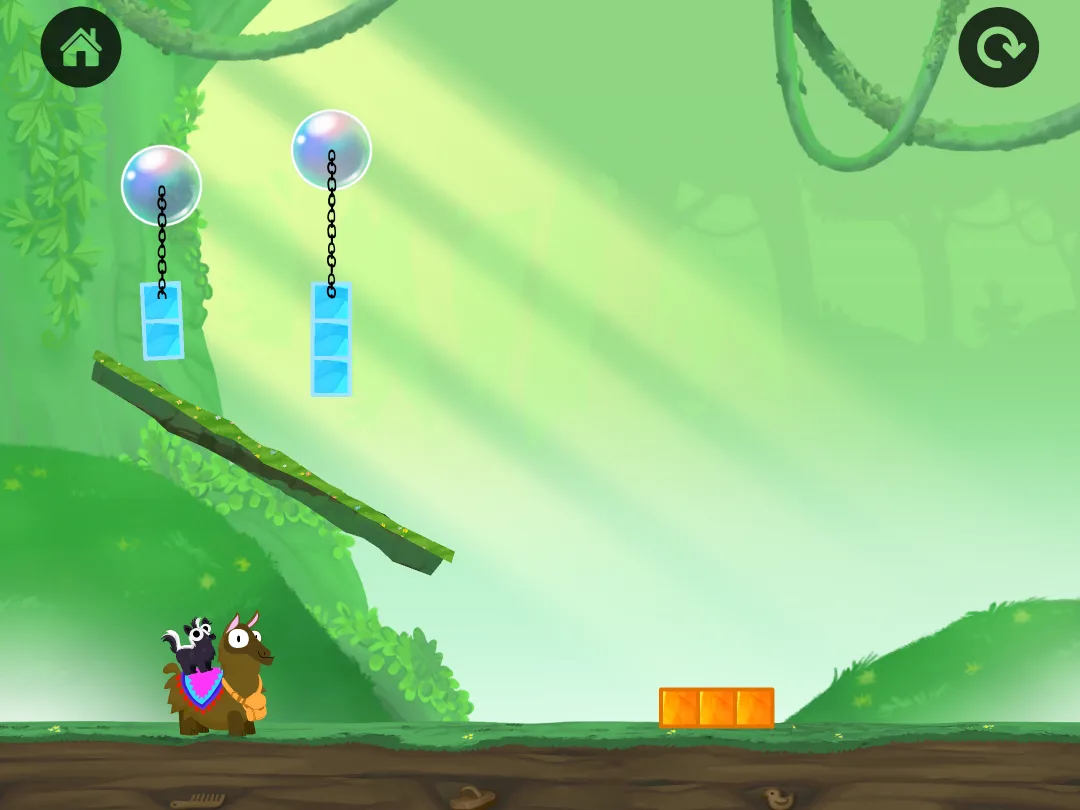
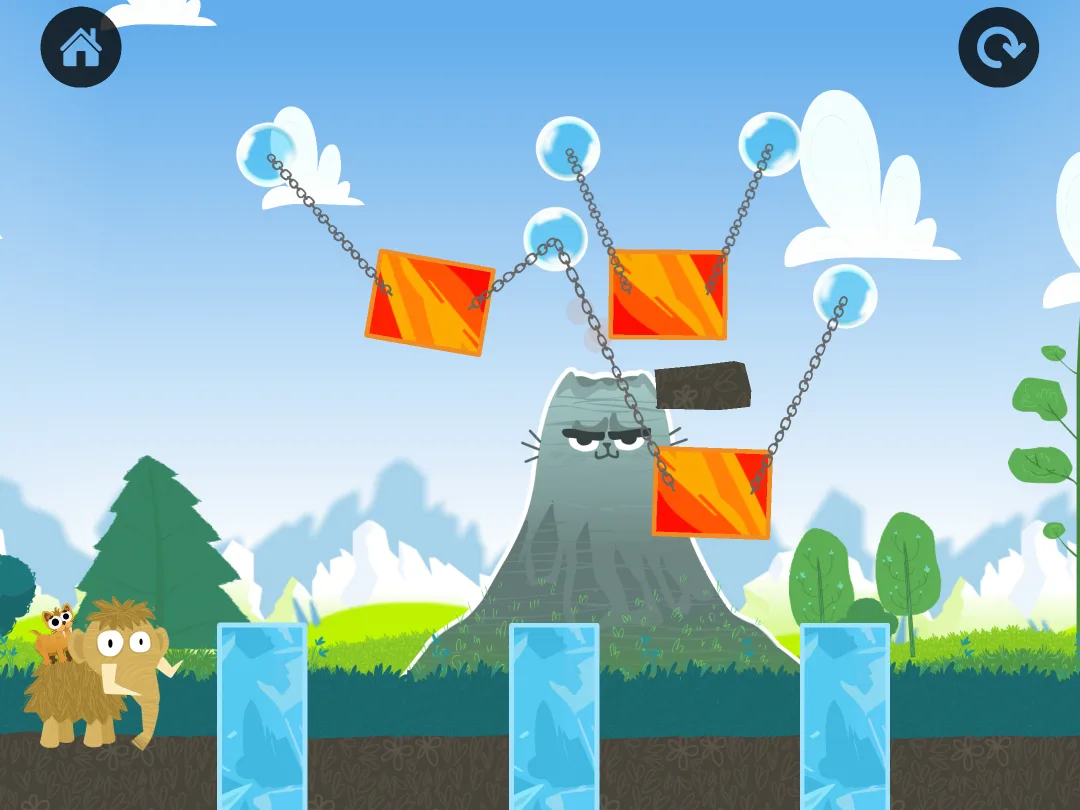
The math is in those moves, so the child sees what addition and subtraction mean (multiplication and fractions come later). There are no words in the game, and the graphics are bright and funny. And there are rewards: hats and accessories for the animals, pets to collect, a home base (the Den) to decorate, seasonal events.
The pricing model is subscription only after a 7-day trial, with no free mode. One account covers up to 3 children, and there are no ads.
Strengths: a visual first look at an operation for a child who needs to see an idea to get it, no reading needed, funny graphics.
Limitation: each puzzle uses only a few numbers, so it shows how an operation works more than it makes facts like 7 + 8 automatic; the visual approach clicks for some children, while others solve puzzles without connecting them to the numbers.
6. Monster Math, best for mental math strategies
"Monster Math: Kids Fun Games" by Makkajai is a math facts app for roughly K-3. For a first grader, that means addition and subtraction within 20; multiplication and division come later. The app teaches strategies rather than only drilling facts, for example breaking a number apart so 8 + 7 becomes 8 + 2 + 5.
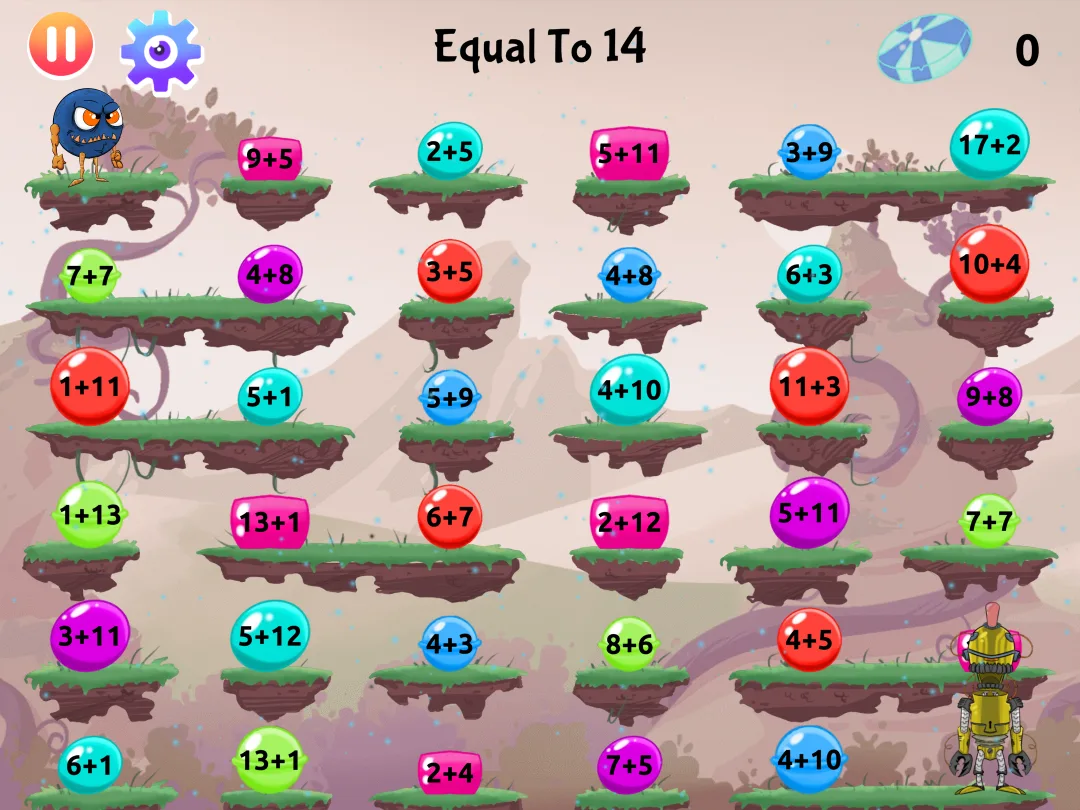
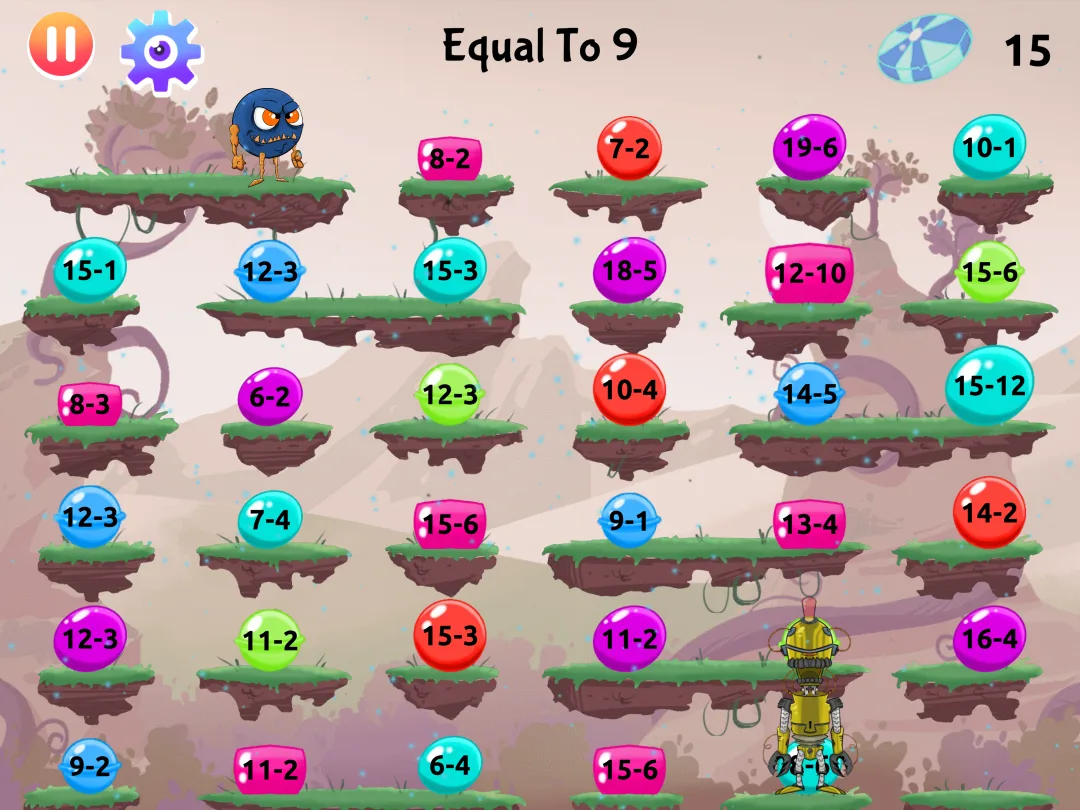
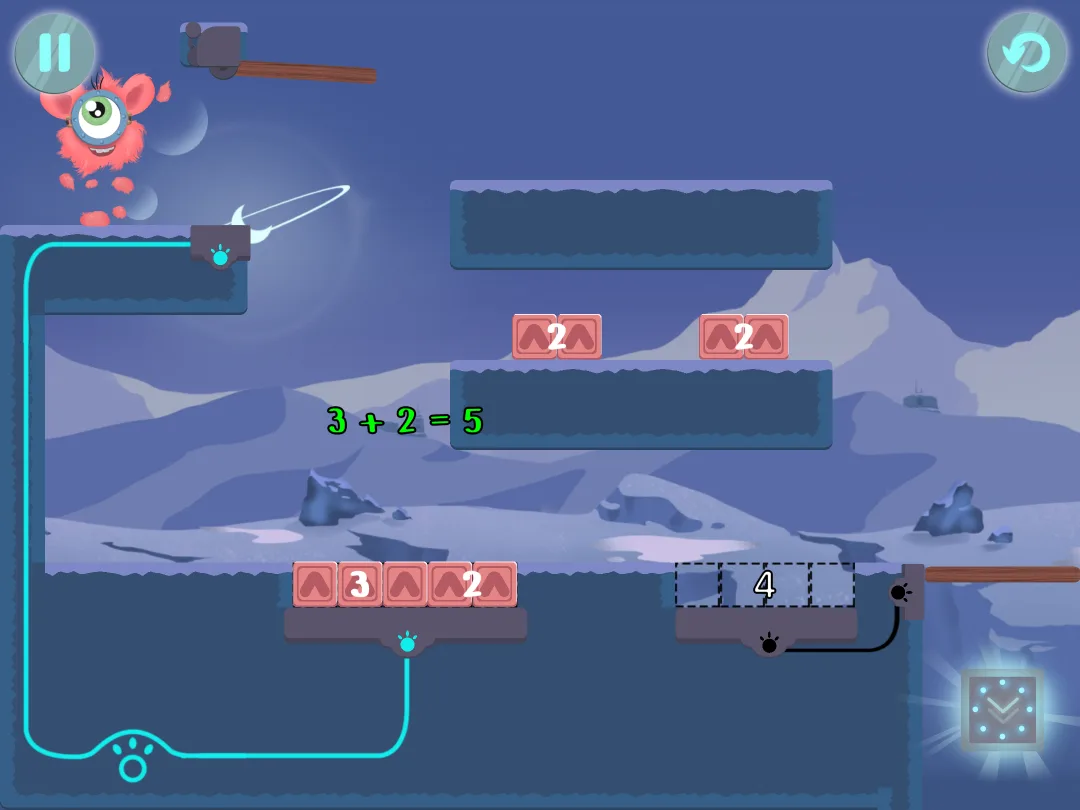
It gathers the publisher's earlier standalone games into one menu (a campaign with the hero Maxx, Math Bridges, Math Balance and others), each with its own hero and its own look.
The app offers exact topics tailored to each individual user. To try different learning styles and reduce pressure, parents can choose to turn the gameplay timer on or off. The app also works offline and there are zero ads.
Monster Math's pricing model allows for a limited amount of free play before requiring a paid subscription to unlock unlimited access.
Strengths: explicit strategy work, deep per-child topic settings, works offline.
Limitation: the modes don't connect into one game or story.
7. Mathseeds, best for a first introduction to counting and addition
Mathseeds packs about 200 self-paced lessons. Each one is a short animated explanation followed by games and activities. A placement quiz sets the start, or the child begins from lesson one.
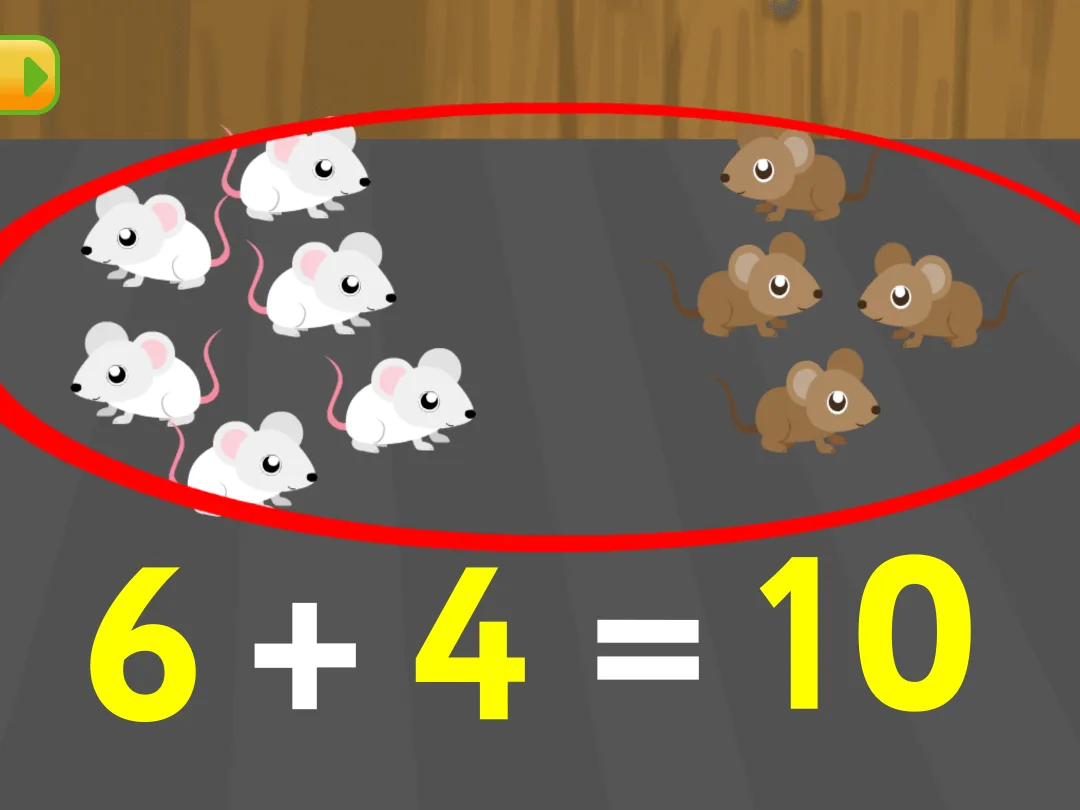
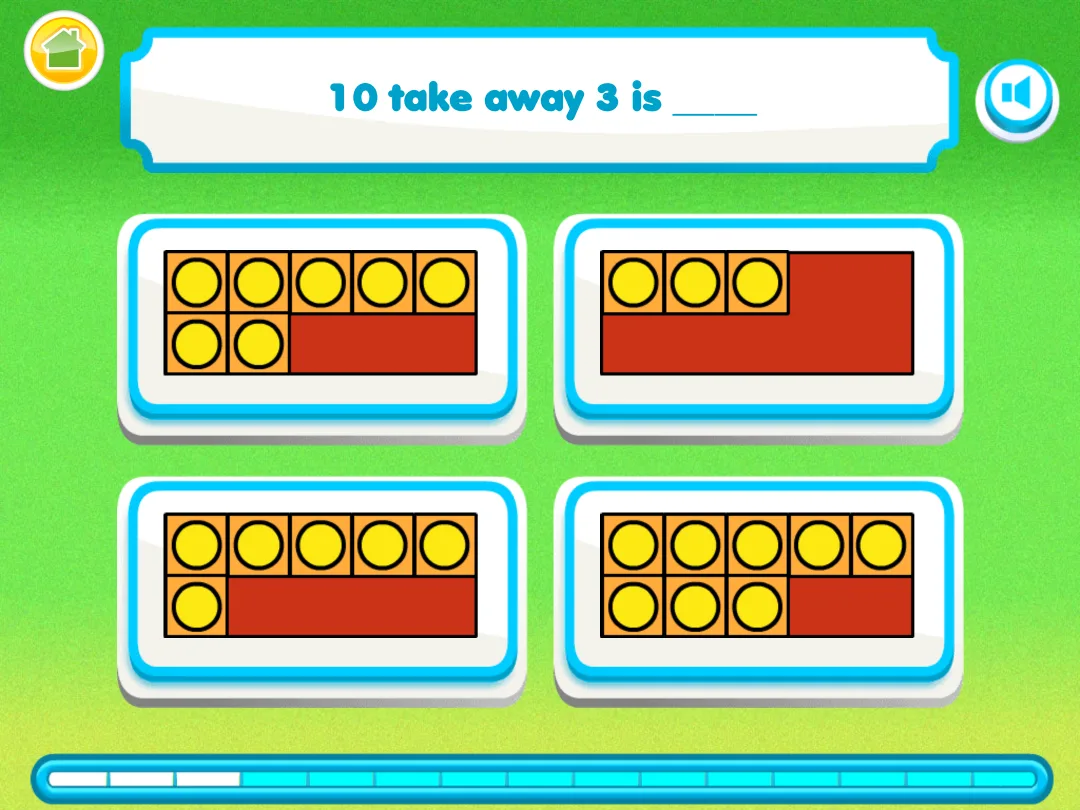
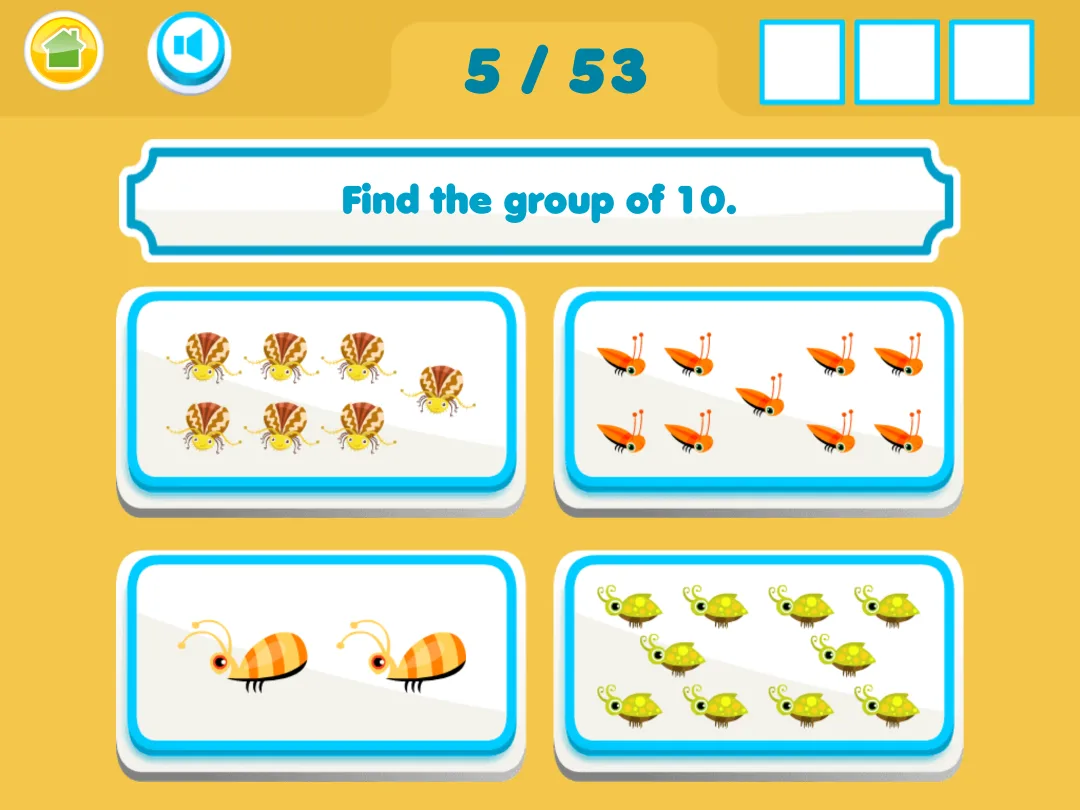
The app covers counting, numbers, shapes, time and simple problem solving, up to about a grade 3 level. The suggested routine is around 15 minutes a day. The publisher is Blake eLearning, from the Reading Eggs family, and it offers a math and reading bundle.
Why the app is worth talking about: the lessons walk a young child through what numbers and adding mean before the practice starts.
The pricing model is subscription after a 30-day free trial, with no free mode. One plan covers up to 4 children.
Strengths: guided lessons, placement quiz, shapes, time and money in the same path.
Limitation: made for the youngest: the mini-games are short and simple, and many first graders feel they have outgrown it; no story pulling the child back; needs an internet connection for every session.
8. MathTango, best for building a monster world with addition and subtraction
MathTango is a puzzle-and-world-building game from Originator, the makers of Endless Alphabet, distributed through Piknik (the Sago Mini and Toca Boca app bundle). Short puzzles of several types (number tiles in a grid, stacks of blocks, missing numbers) earn monsters and currency for building up the child's island. It starts with counting and ordering numbers, then addition and subtraction; a second world (Starbase) covers multiplication and division later.
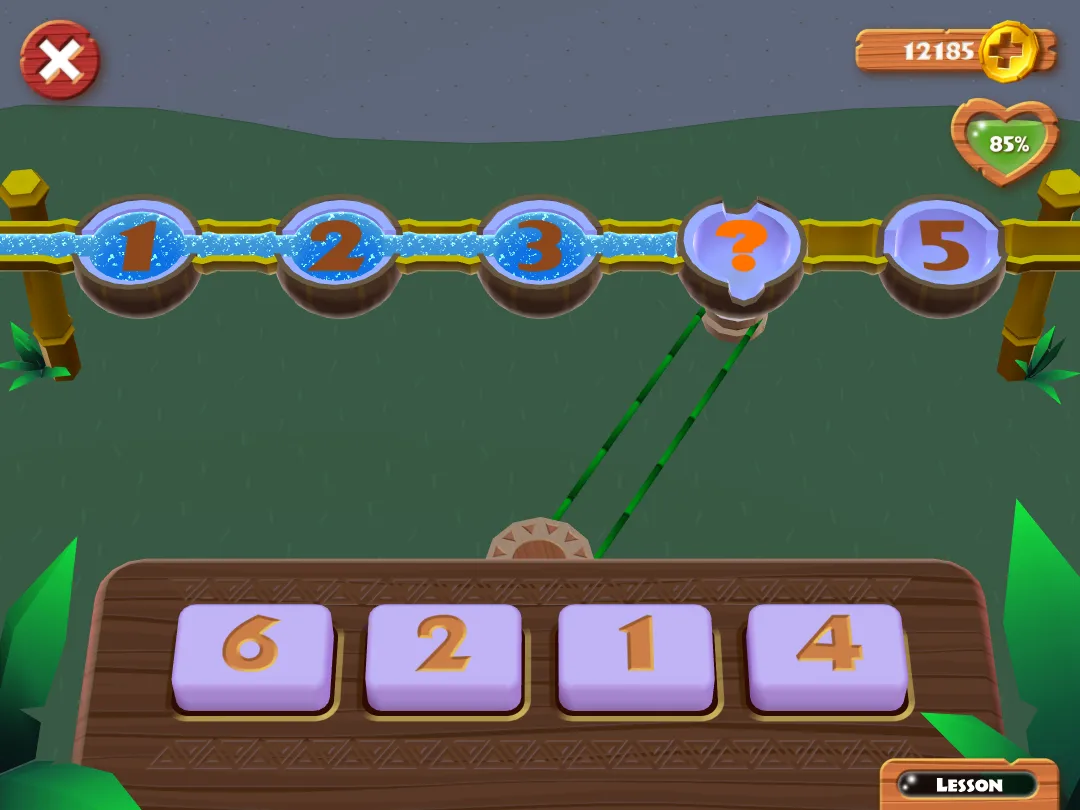
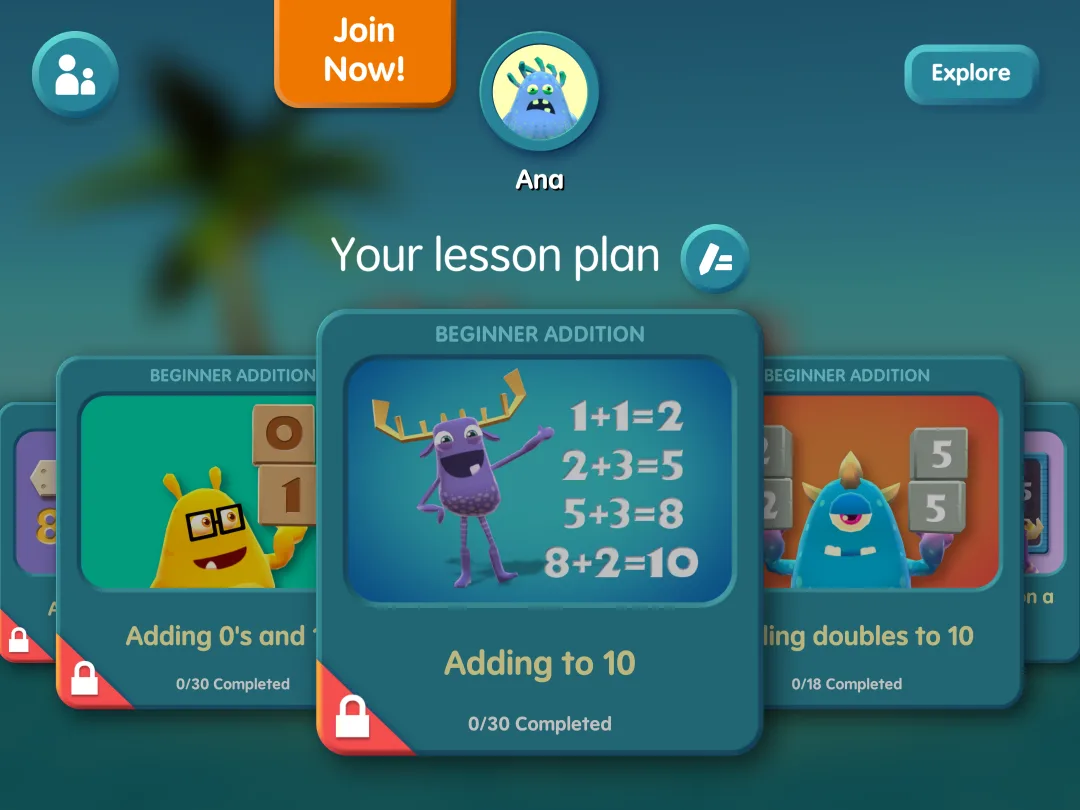
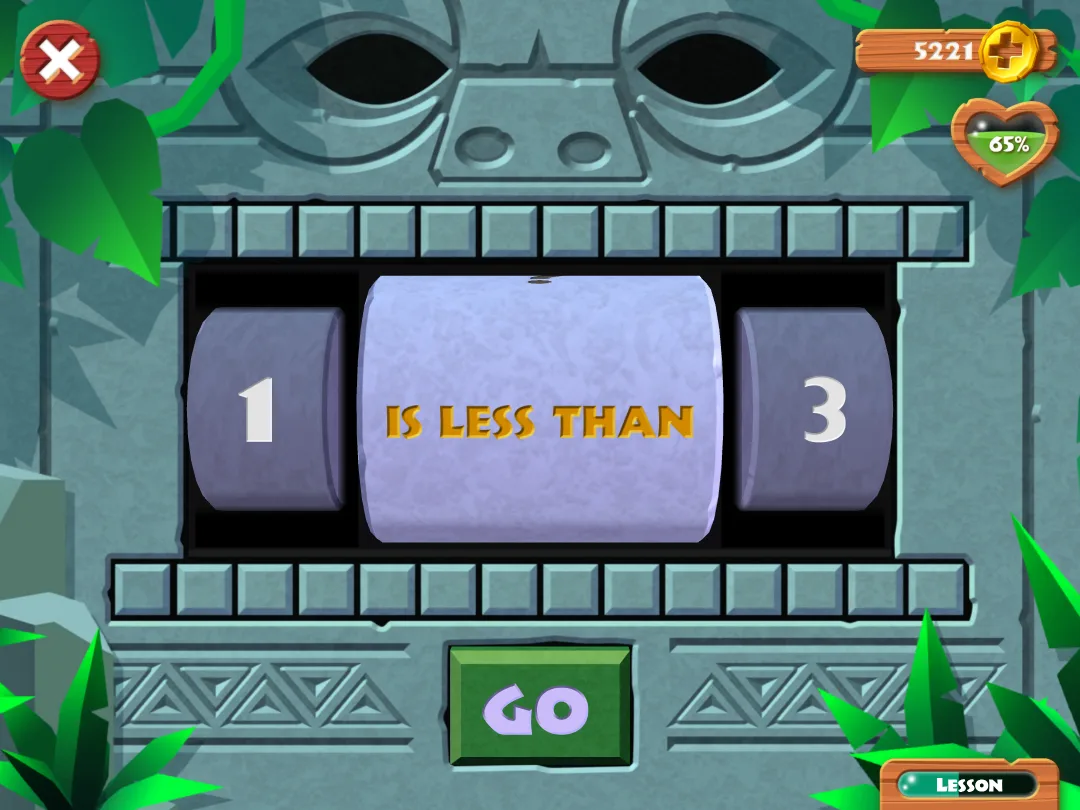
The app automatically customizes a learning path set by the child's age, and it works offline.
The pricing model has a free mode that offers 5 puzzles a day for a single profile. For full access, you can choose a subscription for MathTango alone or the whole Piknik bundle.
Strengths: a monster world kids want to keep building, several puzzle formats for the same facts, no ads.
Limitation: the math sits on separate puzzle screens that pay for the world, with no story pulling the child back; the free mode runs out quickly.
9. SplashLearn, best library of short mini-games across many topics
SplashLearn is a kids learning app for Pre-K through Grade 5 in math and reading, and it offers short activities organized by school topics. SplashLearn is aligned with Common Core and state standards, with a personalized path per child and progress tracking for parents. It runs on the same differentiated instruction principles teachers use in class: each child on their own path, at their own pace.
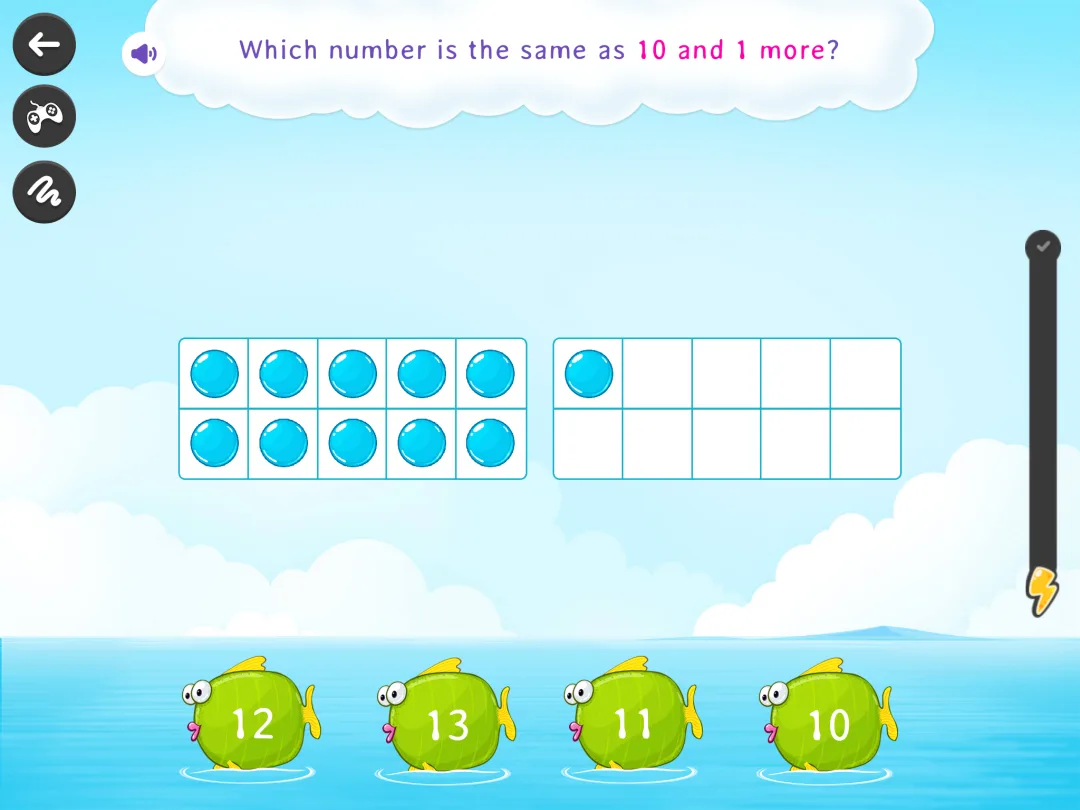
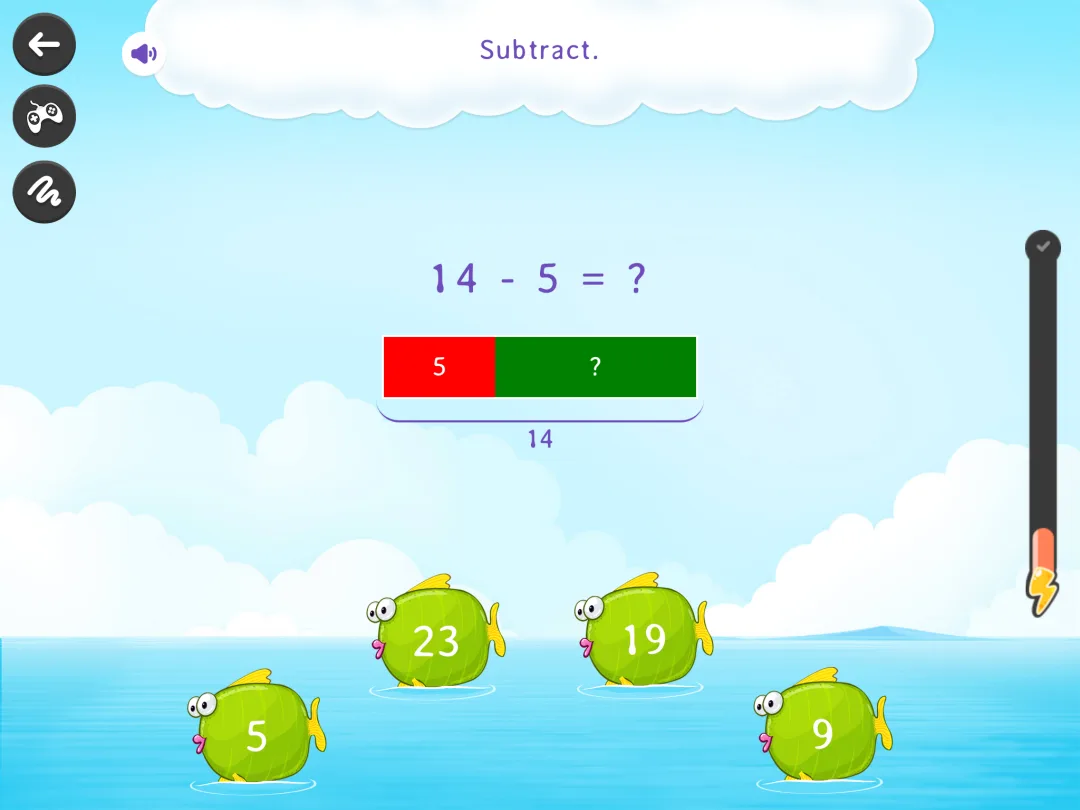
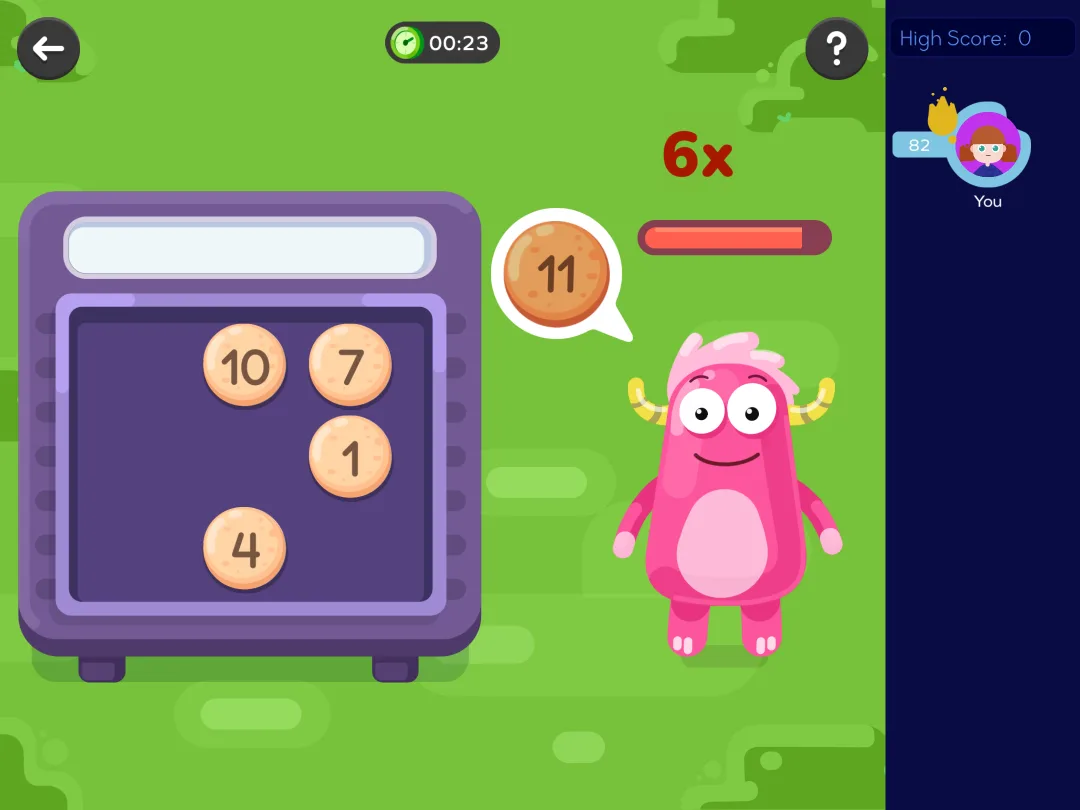
Keep your kid on the path. Free-roaming the menus of math games, a six-year-old picks whatever looks shiniest and skips whatever's hard. On the path, it adapts to their level and encourages self-paced learning without you steering each session. Pricing model: a family subscription after a 7-day free trial.
Strengths: parent reports, reading included, adaptive learning that keeps the level right.
Limitation: mostly exercises with a game skin and rewards on top; busy screens a child can wander through; most content needs a subscription.
10. Todo Math, best for accessibility
Todo Math packs, by its own count, over 2,000 activities for Pre-K through 2nd grade, aligned with Common Core, with a placement test to set the starting level. The accessibility work is why it's on this list: a dyslexic font option, a left-handed mode, and play in eight languages, built for a global classroom rather than one school system.
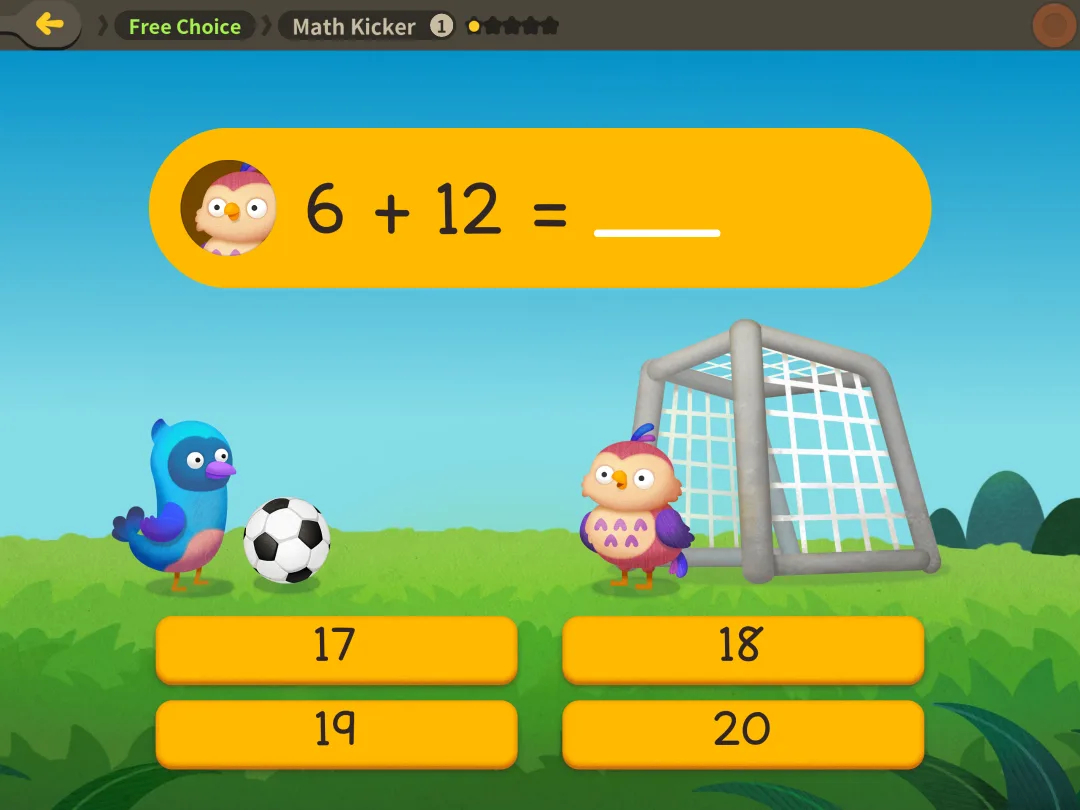
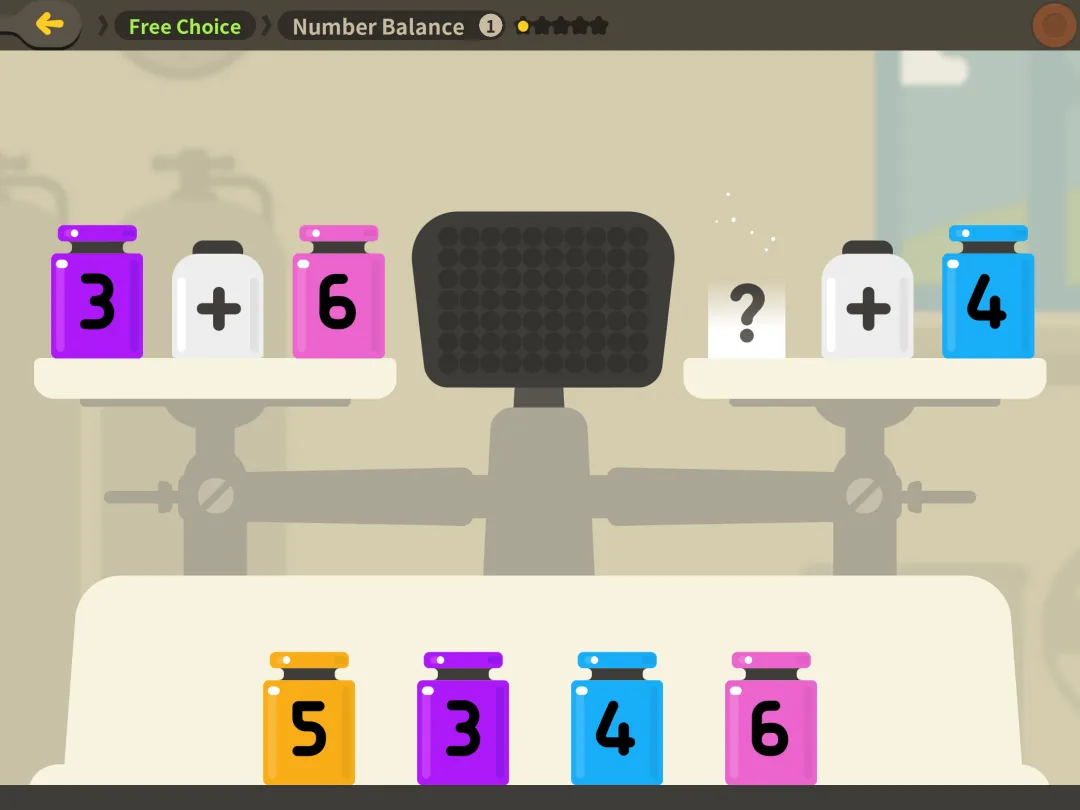
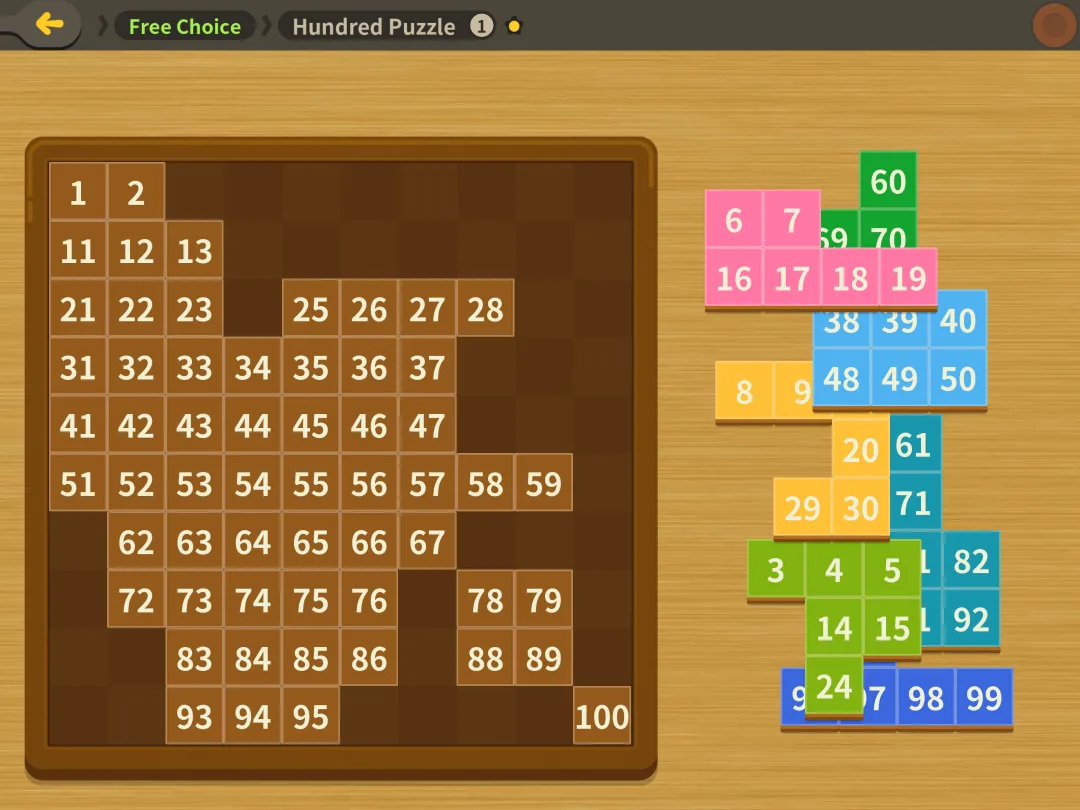
The basic version is free; the full curriculum needs a subscription. One caution from parents' reviews: the first grade level expects kids to read some instructions, so a new reader may want you nearby at first.
Strengths: broad early math coverage, real accessibility options, a placement test.
Limitation: full access costs money, and first grade content assumes some reading.
11. IXL Math, best alongside school
IXL is practice with the game stripped out: one question, one box to type in, one score that rises and falls. It covers every Common Core first grade standard and runs all the way up to high school students. That is an elementary school practice tool you can keep for years. Miss a question and it shows a worked explanation, one of the clearest on this list. Free use is 10 questions a day. Past that, it's a subscription.
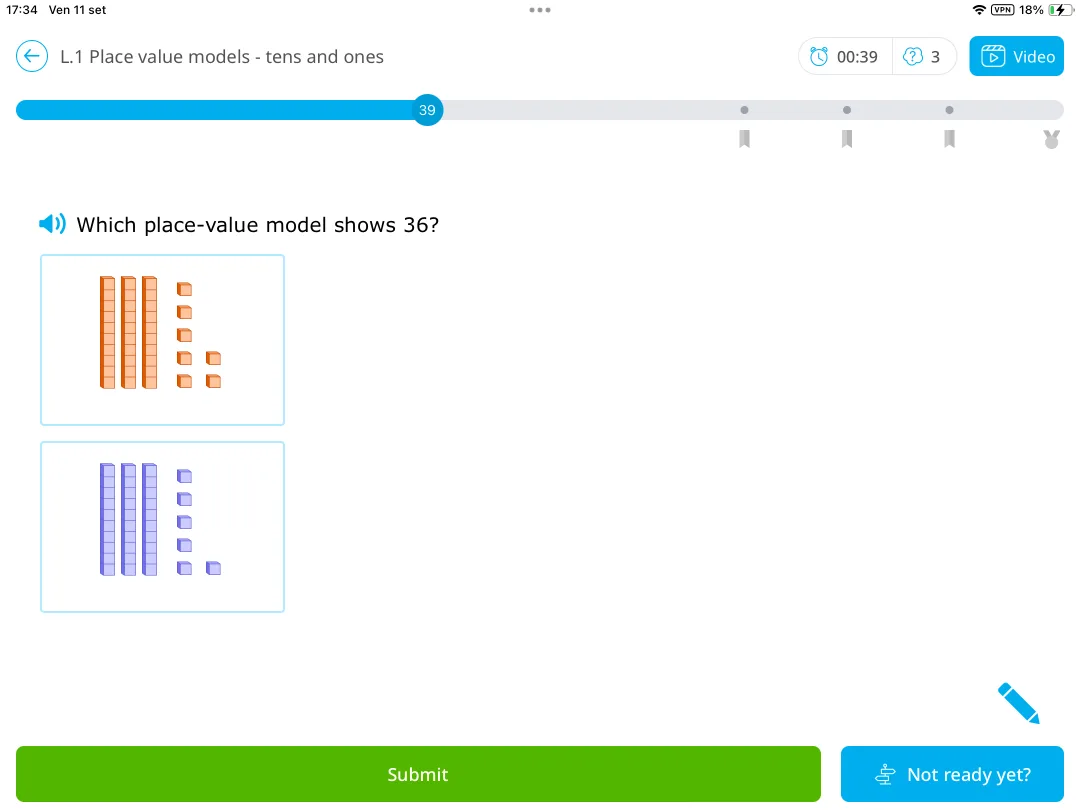
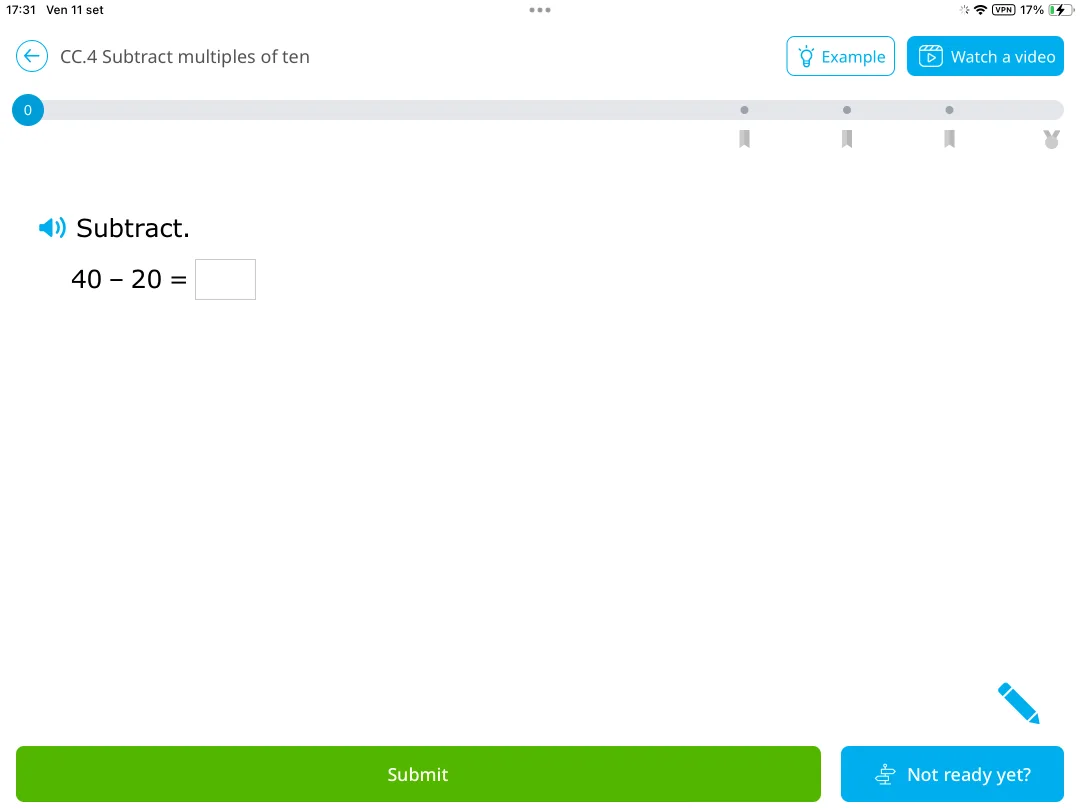
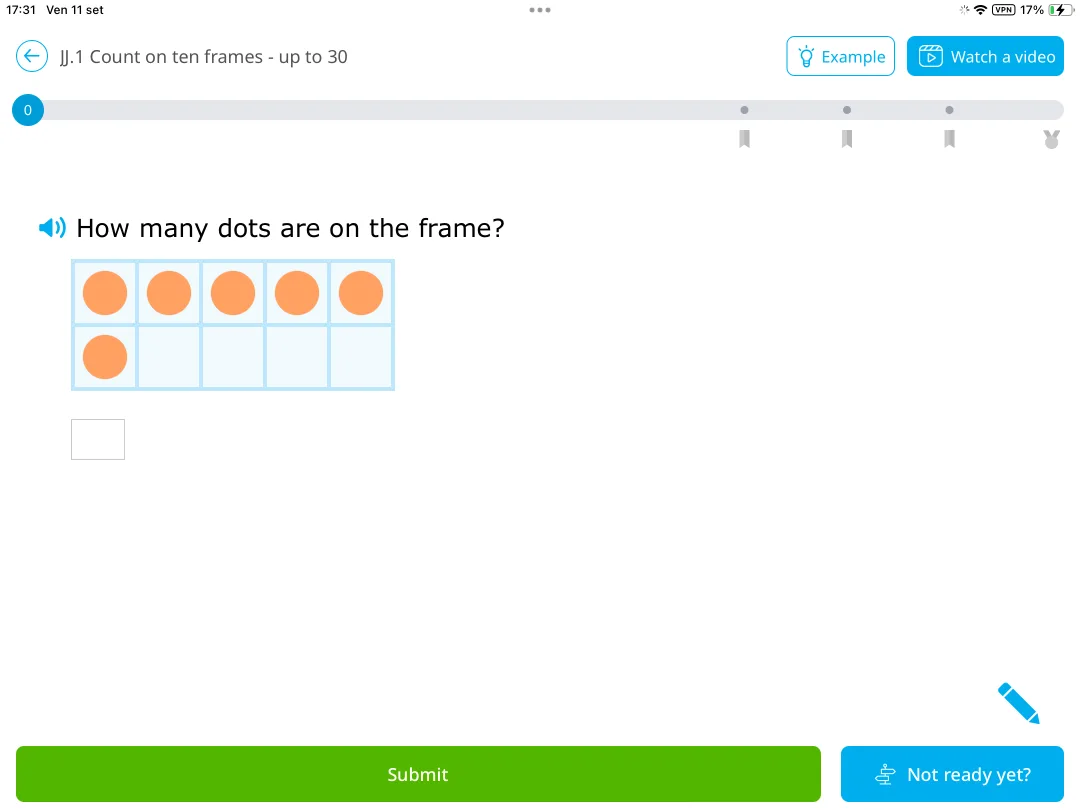
The score is the catch. It climbs quickly, slows near the top, and a late miss knocks it back. That's the place where a six-year-old tends to quit. Use it for targeted math exercises on one skill or for gifted students working above grade, next to a daily app your child actually wants to open.
Strengths: full standards coverage, real analytics, clear explanations after mistakes.
Limitation: nothing pulls a young child back tomorrow, and the scoring punishes late errors.
Also screened: why these didn't make the list
Ten more came up on other math apps lists or came close to making this one. For the next school year, see my best math apps for second graders; my list of the best math apps for kids covers preschool through middle school.
- Operation Math creates timed spy missions with selectable math operations, with no ads or in-app purchases. Agents in Operation Math earn watches and uniforms. The countdown is the problem: a six-year-old under a clock starts guessing.
- Motion Math games were folded into i-Ready after Curriculum Associates acquired Motion Math, so your kid only gets them through a school that uses i-Ready.
- The Math Learning Center apps are free virtual manipulatives from a nonprofit: number racks, number lines, number frames. Not a game, but the quickest way to show a stuck first grader what 14 looks like as a ten and four ones.
- Buzzmath is a math resource broken into grade levels that runs from grade 1 to 8, so a first grader sits at the very bottom of it.
- CK-12 offers free, customizable open educational resources with an AI tutor attached. Text-heavy, and built for kids who read fluently.
- Moose Math: a free, gentle warm-up for a child still counting; kindergarten level.
- Marble Math Junior: not updated since 2019 and no longer on Google Play.
- Elephant Learning: an adaptive program with live coaching for fast catch-up, priced like tutoring rather than an app.
- DoodleMath: short adaptive daily exercise sets with detailed progress tracking; a practice tool rather than a game.
- Zearn: free full first grade curriculum, browser only.
Which app fits your first grader?
The best math apps for your kid depend on what's stuck. Six common situations:
Still counting on fingers for 5 + 3
Start with Khan Academy Kids and add Kahoot! Numbers by DragonBox if they need to see what numbers are made of. Once adding within 10 feels easy, move the daily practice to MathHero. For an unusual, visual way into new ideas, turn to Math Makers, and for short, engaging math puzzles, to MathTango. A free, gentle warm-up can come from Moose Math.
Math time ends in tears
MathHero or Prodigy Math, the two apps here where game-based learning goes furthest: the math is the game rather than the price of it. That's what makes learning math fun for a kid who has decided they hate it. MathHero if you want short, ad-free sessions on the facts; Prodigy if they want a big world and you can live with the upsell.
You want the whole year covered
Mathseeds for lessons with explanations followed by games and activities. Add IXL if you want a report for every standard. Zearn if you want a free full first grade curriculum in a browser.
You don't want to pay anything
Khan Academy Kids covers early math at no cost. MathHero at five levels a day covers the facts, and the Math Learning Center apps cover the visuals. Zearn is a browser version of the first grade curriculum, also free of charge. That's a full free math app stack for first grade.
Two kids, two levels
MathHero gives each child their own profile, settings, and progress (free daily limit applies per profile), so a first grader on addition within 20 and an older sibling on times tables can share one tablet.
Your child needs accessibility options
Todo Math, for the dyslexic font, left-handed mode, and eight languages.
Do math apps actually help first graders?
Math apps can help, as practice alongside teaching, and the evidence says to keep expectations specific. A 2021 meta-analysis of 36 rigorous studies of apps for preschool through grade 3 found a positive average effect on math and literacy. The authors' research brief adds three details: gains were larger for skills that grow fast and then top out, like counting; larger on researchers' own tests than on standardized ones; and more time on the app didn't reliably mean bigger gains.
Two practical readings for a first grader, and they're mine, not the study's. Addition and subtraction facts within 20 are a skill with an end point, the kind apps handled best in that data. And minutes weren't the lever, so a short daily session is a reasonable plan.
Quality varies a lot. When researchers scored 124 popular "educational" apps for young children on four pillars of learning (active thinking, engagement with the task, meaningful content, social interaction), overall scores were low, and free apps scored lower on engagement because of distracting add-ons. Game-based learning works when the game is the math, not a detour from it.
Then there's an emotional side. Math anxiety is already measurable in first and second graders, and in that study it went with lower achievement among kids with stronger working memory. A related study of first and second graders found that children of math-anxious parents learned less math over the school year, but only when those parents often helped with the homework. Neither study tested apps. Still, if math makes you tense, handing the daily repetition to something low-pressure and keeping your own role to cheering is probably a sensible response.
How to choose a math app for your 1st grader
Most math apps look great in the store. Six checks, one evening.
- Start a step below where they are. Figure out which math skills your kid has solid, then start just under them. A first grader who wins early keeps going. The Google Play Store age rating, the App Store age band and the app description tell you the intended range; the screenshots tell you the entry level. If you're not sure what counts as on track, see Is my child behind in math?
- Sit in on session one. Watch whether your kid is thinking or tapping until something turns green. That's the first pillar from the research above, and you'll see it in five minutes.
- Match it to the curriculum and learning goals at school. School curriculums differ, so ask the teacher which particular curriculum the class follows. If they're on place value this month, an app that covers only core elementary math isn't the fix. Curriculum-aligned practice matters most when you're closing a school gap.
- Read the free tier like a contract. Does free limit what your child can play, or only how much per day? Is it a 7-day trial that bills automatically?
- Check ads and privacy. Apps aimed at kids under 13 fall under COPPA, which requires verifiable parental consent before collecting a child's personal information. The privacy policy should say how the app handles it.
- Be skeptical of the AI tutor pitch. When choosing math software for a six-year-old, a chat window isn't the feature that counts. Questions created by teachers or math content specialists are.
Making it stick: a ten-minute routine
Same time, same place, most days. After school snack, before screens, whatever sticks in your house. Give your kid a say in the exact minute (right after the snack, or right before bath?), since choosing it makes it theirs.
Sit in for the first few sessions, then step back to the next room. Look at progress monthly; daily peeking mostly makes you anxious. And watch the one number that matters: how often the app gets opened without you asking. If that drops to zero after three weeks, switch math apps rather than pushing harder.
Common questions
How can I help my 1st grader with math?
Keep it short, daily, and low-pressure. Pick one app, set a ten-minute slot at the same time each day, and stay nearby for the first few sessions rather than hovering for all of them. Ask the teacher which basic math skills the class is on this month, and let the app supplement class material rather than replace it. Outside the app, count and compare things in daily life: stairs, crackers, cars in a parking lot.
Is IXL or Prodigy better?
For most first graders, Prodigy, because a six-year-old will actually play it and its math content is free. IXL is the better tool for a parent who wants a report on every standard and a clear explanation after each mistake, but nothing in it pulls a young child back the next day. Using both works well: a game for the daily habit, IXL when one skill needs targeted work.
What is the best math app for elementary school kids?
The best math apps for the elementary years depend on the grade and the job. For kids starting elementary school, Khan Academy Kids is the free default for broad early learning. For practising core elementary math from kindergarten through 4th grade that a child does willingly, MathHero. For the full grade-by-grade curriculum up to 5th grade, SplashLearn, and for standards reports that run into high school, IXL.
Is a free math app enough for 1st grade?
Often, yes. Khan Academy Kids is free with no ads, IXL gives 10 free questions a day, and MathHero's whole game is playable at five levels a day. Paid plans can buy more content, like in SplashLearn, Todo Math, or Mathseeds. Pay only for the one you'd use.
How much time should a 1st grader spend on a math app?
Around ten to fifteen minutes on most days. Spreading practice across days beats cramming, which is why the first recommendation in the U.S. Institute of Education Sciences practice guide on organizing study is to space learning over time. In the app meta-analysis above, more minutes didn't reliably mean more learning either.
The bottom line
Even the best math apps are only as good as the habit around them. The right one makes practice happen while you're draining pasta, without a fight. Pick one, sit in on the first session, and then notice who asks for the second.
If it's your kid asking, you chose right.
Sources
- Common Core State Standards Initiative. Grade 1 Introduction.
- Common Core State Standards Initiative. Standard 1.OA.C.6.
- Common Core State Standards Initiative. Standard 1.NBT.C.4.
- Kim, J., Gilbert, J., Yu, Q., and Gale, C. (2021). Measures Matter: A Meta-Analysis of the Effects of Educational Apps on Preschool to Grade 3 Children's Literacy and Math Skills. AERA Open.
- Harvard READS Lab. Evidence brief on Kim et al. (2021).
- Meyer, M., Zosh, J. M., et al. (2021). How educational are "educational" apps for young children? App store content analysis using the Four Pillars of Learning framework. Journal of Children and Media (PubMed).
- Ramirez, G., Gunderson, E. A., Levine, S. C., and Beilock, S. L. (2013). Math anxiety, working memory, and math achievement in early elementary school. Journal of Cognition and Development (ERIC).
- Maloney, E. A., Ramirez, G., Gunderson, E. A., Levine, S. C., and Beilock, S. L. (2015). Intergenerational Effects of Parents' Math Anxiety on Children's Math Achievement and Anxiety. Psychological Science.
- Institute of Education Sciences. Organizing Instruction and Study to Improve Student Learning (practice guide).
- Federal Trade Commission. Complying with COPPA: Frequently Asked Questions.
- Khan Academy Kids. App Store listing.
- Prodigy Education. First Grade Math Curriculum.
- Prodigy Education. Math Memberships.
- Kahoot! Numbers by DragonBox. App Store listing.
- Kahoot! DragonBox learning apps.
- Kahoot! Big Numbers by DragonBox. App Store listing.
- Math Makers. App Store listing.
- Monster Math: Kids Fun Games. App Store listing and Google Play listing.
- Mathseeds. App Store listing and pricing.
- MathTango. App Store listing.
- SplashLearn. Features for parents.
- SplashLearn: Kids Learning App. App Store listing.
- SplashLearn support. How can parents start a free trial on SplashLearn.
- Todo Math. Google Play listing.
- IXL. Common Core first grade math standards.
- IXL. App Store listing.
- Operation Math Game. App Store listing.
- Curriculum Associates (2019). Learning games press release.
- The Math Learning Center. Math Apps.
- Buzzmath. Math curriculum.
- CK-12 Foundation. Browse.
- Duck Duck Moose. Moose Math, App Store listing and Google Play listing.
- Marble Math Junior. App Store listing.
- Elephant Learning. Homepage (coaching) and pricing page (guarantee, plans).
- DoodleLearning. DoodleMath (US).
- DoodleMath. App Store listing.
- Doodle help center. Baseline assessment.
- Zearn. Homepage.